1
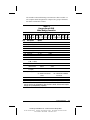
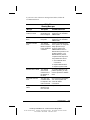
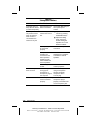
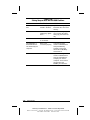
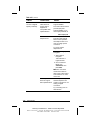
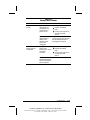
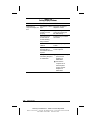
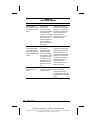
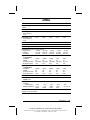
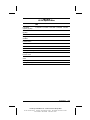
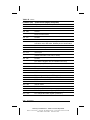
Table 2-15 continued
Problem
Possible Cause
Solution
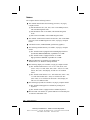
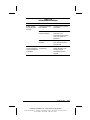
Modem does not dial
correctly.
Telephone number is ■ Make sure the
not entered correctly
telephone number you
in the modem’s
dialed is correct if you
dialing software.
are using the dialing
directory or the
terminal mode.
■ Dial 1 if using dialing
long distance.
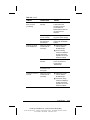
■ The other line could
be busy or not
answering. Try again
later.
■ Make sure call waiting
is disabled.
■ The modem may not
recognize an
international dial tone.
Try the ATX3DT
command and the
telephone number.
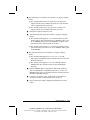
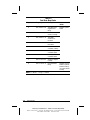
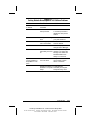
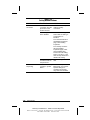
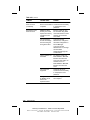
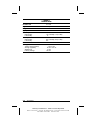
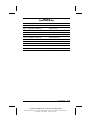
Characters are
There is noise in the
garbled/transfer rates telephone line.
are slow.
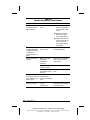
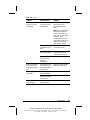
■ Check your telephone
and modem cable
connections. If they
are a little loose, they
can cause noise on
the line.
■ Check with your local
telephone company
for a phone line filter.
Continued
Troubleshooting
COMPAQ CONFIDENTIAL - NEED TO KNOW REQUIRED
Writer: David Calvert Saved by: The Integrity Group Saved date: 09/12/00 3:02 PM
Part Number: 128679-005 File name: Ch02
2-29