1
Real Thoughts
GmbH
COMPROTware:Testtool
We have observed...
We have observed...
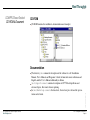
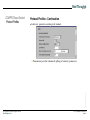
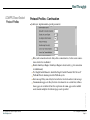
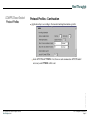
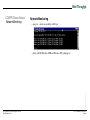
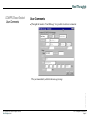
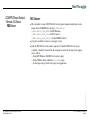
Using Edit -> Protocol Profiles ... a protocol can be choosen from a protocol family,
and its profile can be determined,
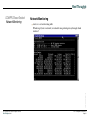
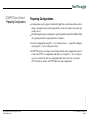
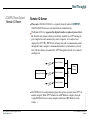
the simulation as Controlling Station/Master or as Controlled Station/Slave is started
through Operate -> as Controlling/as Master or Operate -> as Controlled/as Slave,
the simulation can be finished again through Operate -> Stop,
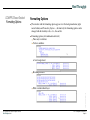
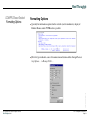
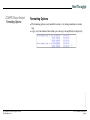
the display formatting of the protocol traffic can be changed using the background
menu (right mouse button) -> Formatting Options ...
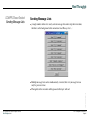
the messages can be saved on a disk (File -> Save as ...) and be opened again (File > Open from ...)
The size of the Message Storage can be controlled using Edit -> General Preference,
as well as whether all Link Layer information should be saved
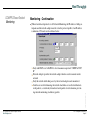
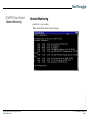
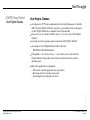
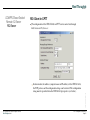
For long lasting tests, the protocol traffic can be saved directly into a file through File
-> Log to file ..., logging will be stopped through File -> Close Log file
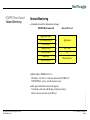
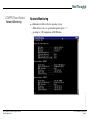
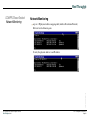
This is specially useful during monitoring (Operate -> Monitor und Operate -> Stop)
Vorlage Präsentation, 22. Mai ’98
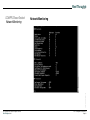
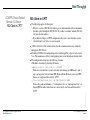
Large Message Log files can be split into smaller files using Extra -> Split Log file ...,
the content of the Message Storage, with the selected formatting options, can be saved
in a file by using Extra -> Export to file
(C) Copyright 2002-2009 - All Rights reserved
Real Thoughts GmbH
CPTTTrainingEN.fm, 2009-03-10
Page 53