1
192 z 264
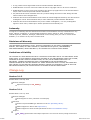
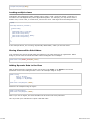
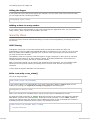
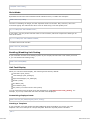
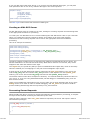
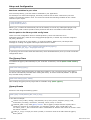
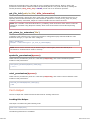
Database Configuration
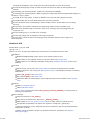
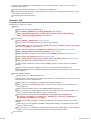
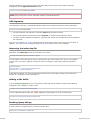
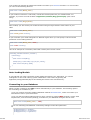
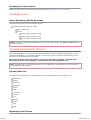
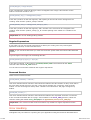
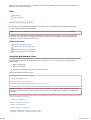
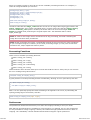
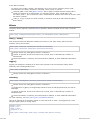
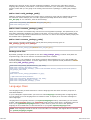
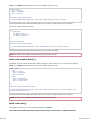
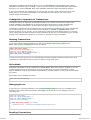
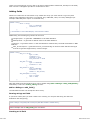
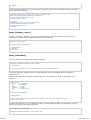
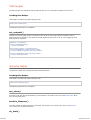
CodeIgniter has a config file that lets you store your database connection values (username,
password, database name, etc.). The config file is located at application/config/database.php.
You can also set database connection values for specific environments by placing database.php it
the respective environment config folder.
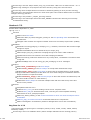
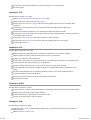
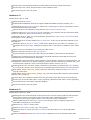
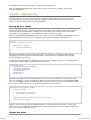
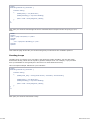
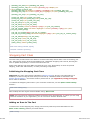
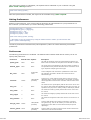
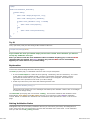
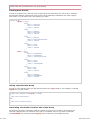
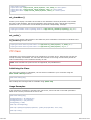
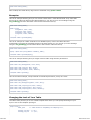
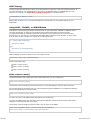
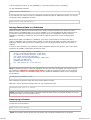
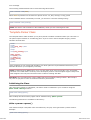
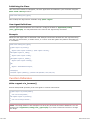
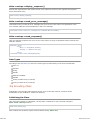
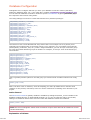
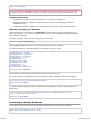
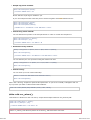
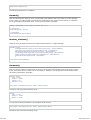
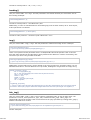
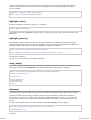
The config settings are stored in a multi-dimensional array with this prototype:
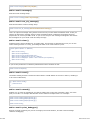
$db['default']['hostname'] = "localhost";
$db['default']['username'] = "root";
$db['default']['password'] = "";
$db['default']['database'] = "database_name";
$db['default']['dbdriver'] = "mysql";
$db['default']['dbprefix'] = "";
$db['default']['pconnect'] = TRUE;
$db['default']['db_debug'] = FALSE;
$db['default']['cache_on'] = FALSE;
$db['default']['cachedir'] = "";
$db['default']['char_set'] = "utf8";
$db['default']['dbcollat'] = "utf8_general_ci";
$db['default']['swap_pre'] = "";
$db['default']['autoinit'] = TRUE;
$db['default']['stricton'] = FALSE;
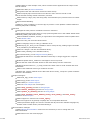
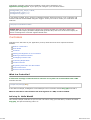
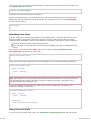
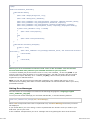
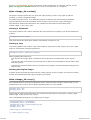
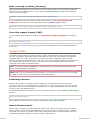
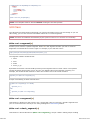
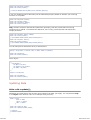
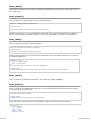
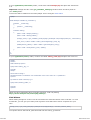
The reason we use a multi-dimensional array rather than a more simple one is to permit you to
optionally store multiple sets of connection values. If, for example, you run multiple environments
(development, production, test, etc.) under a single installation, you can set up a connection group
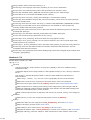
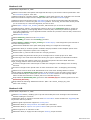
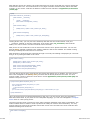
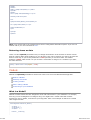
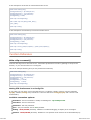
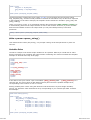
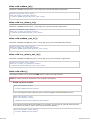
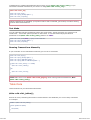
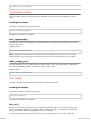
for each, then switch between groups as needed. For example, to set up a "test" environment you
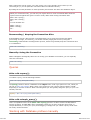
would do this:
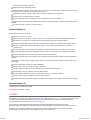
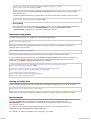
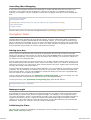
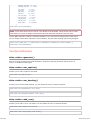
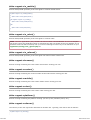
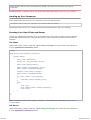
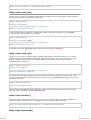
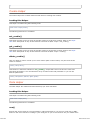
$db['test']['hostname'] = "localhost";
$db['test']['username'] = "root";
$db['test']['password'] = "";
$db['test']['database'] = "database_name";
$db['test']['dbdriver'] = "mysql";
$db['test']['dbprefix'] = "";
$db['test']['pconnect'] = TRUE;
$db['test']['db_debug'] = FALSE;
$db['test']['cache_on'] = FALSE;
$db['test']['cachedir'] = "";
$db['test']['char_set'] = "utf8";
$db['test']['dbcollat'] = "utf8_general_ci";
$db['test']['swap_pre'] = "";
$db['test']['autoinit'] = TRUE;
$db['test']['stricton'] = FALSE;
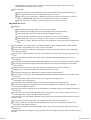
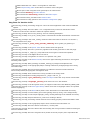
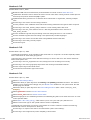
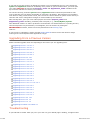
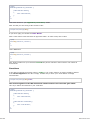
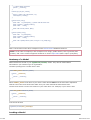
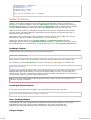
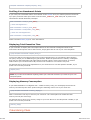
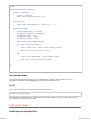
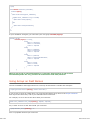
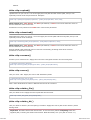
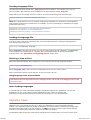
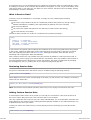
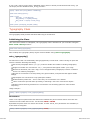
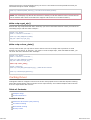
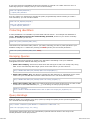
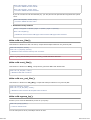
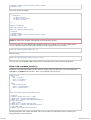
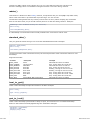
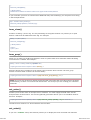
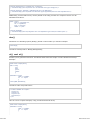
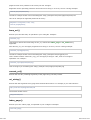
Then, to globally tell the system to use that group you would set this variable located in the config
file:
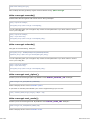
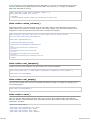
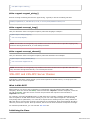
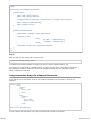
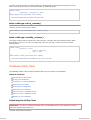
$active_group = "test";
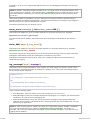
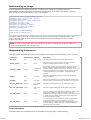
Note: The name "test" is arbitrary. It can be anything you want. By default we've used the word
"default" for the primary connection, but it too can be renamed to something more relevant to your
project.
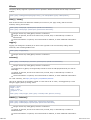
Active Record
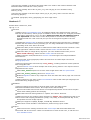
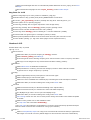
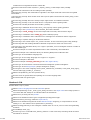
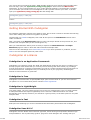
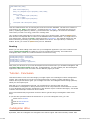
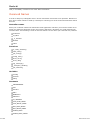
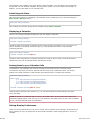
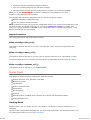
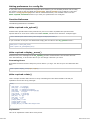
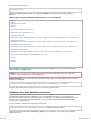
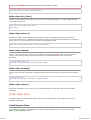
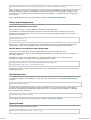
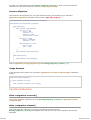
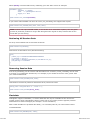
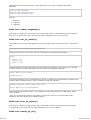
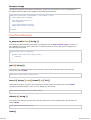
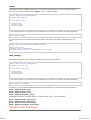
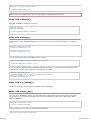
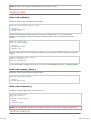
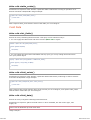
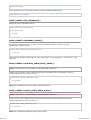
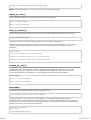
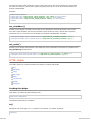
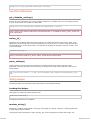
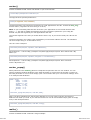
The Active Record Class is globally enabled or disabled by setting the $active_record variable in the
database configuration file to TRUE/FALSE (boolean). If you are not using the active record class,
setting it to FALSE will utilize fewer resources when the database classes are initialized.
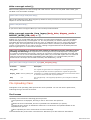
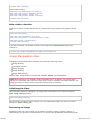
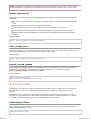
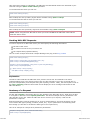
$active_record = TRUE;
Note: that some CodeIgniter classes such as Sessions require Active Records be enabled to access
certain functionality.
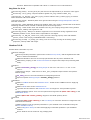
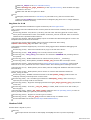
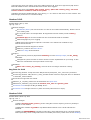
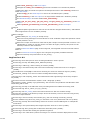
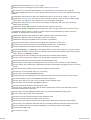
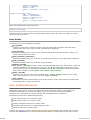
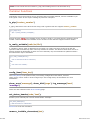
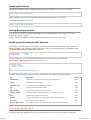
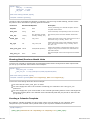
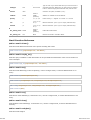
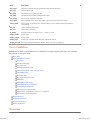
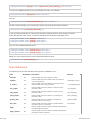
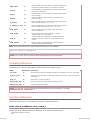
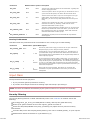
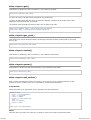
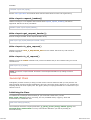
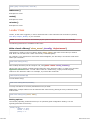
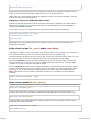
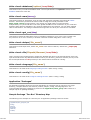
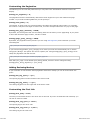
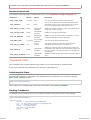
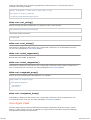
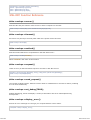
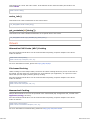
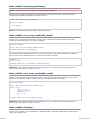
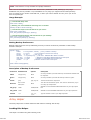
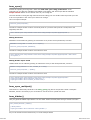
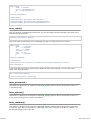
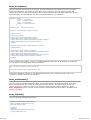
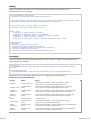
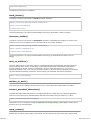
Explanation of Values:
2012-07-10 19:53