1
134 z 264
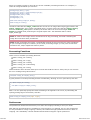
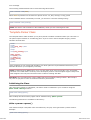
Watermarking an Image
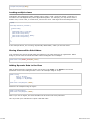
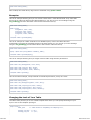
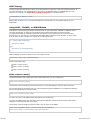
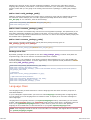
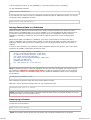
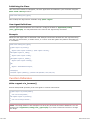
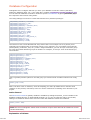
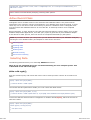
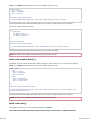
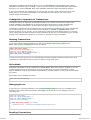
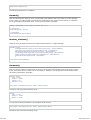
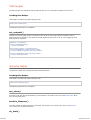
Just as with the other functions (resizing, cropping, and rotating) the general process for
watermarking involves setting the preferences corresponding to the action you intend to perform,
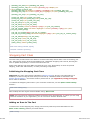
then calling the watermark function. Here is an example:
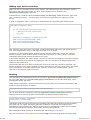
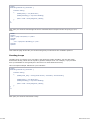
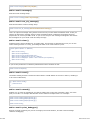
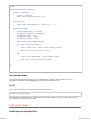
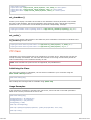
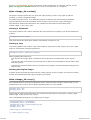
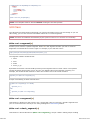
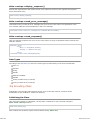
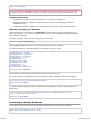
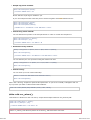
$config['source_image'] = '/path/to/image/mypic.jpg';
$config['wm_text'] = 'Copyright 2006 - John Doe';
$config['wm_type'] = 'text';
$config['wm_font_path'] = './system/fonts/texb.ttf';
$config['wm_font_size'] = '16';
$config['wm_font_color'] = 'ffffff';
$config['wm_vrt_alignment'] = 'bottom';
$config['wm_hor_alignment'] = 'center';
$config['wm_padding'] = '20';
$this->image_lib->initialize($config);
$this->image_lib->watermark();
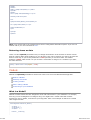
The above example will use a 16 pixel True Type font to create the text "Copyright 2006 - John
Doe". The watermark will be positioned at the bottom/center of the image, 20 pixels from the
bottom of the image.
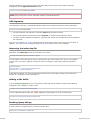
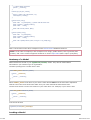
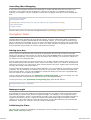
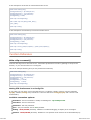
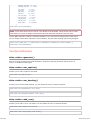
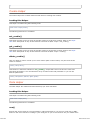
Note: In order for the image class to be allowed to do any processing, the image file must have
"write" file permissions. For example, 777.
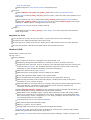
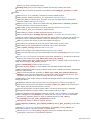
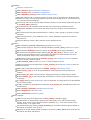
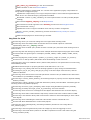
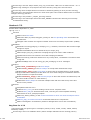
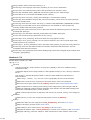
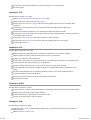
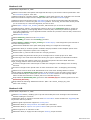
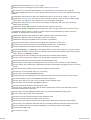
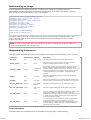
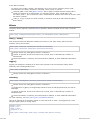
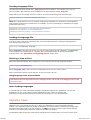
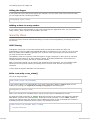
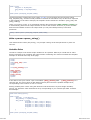
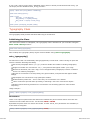
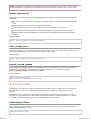
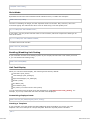
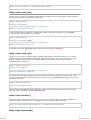
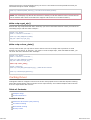
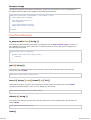
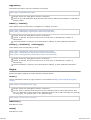
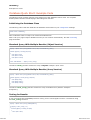
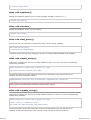
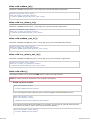
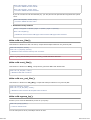
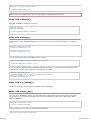
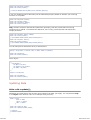
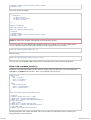
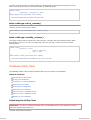
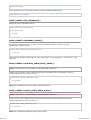
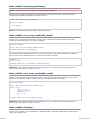
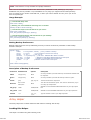
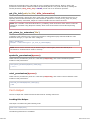
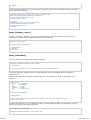
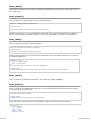
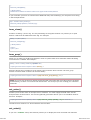
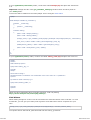
Watermarking Preferences
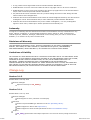
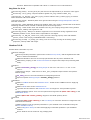
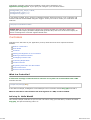
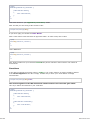
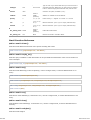
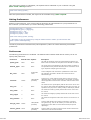
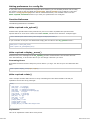
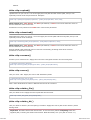
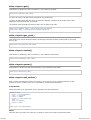
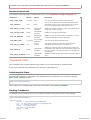
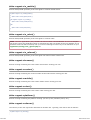
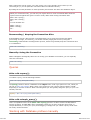
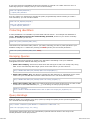
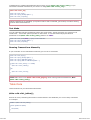
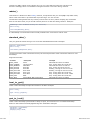
This table shown the preferences that are available for both types of watermarking (text or overlay)
Preference
Default Value Options
Description
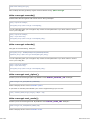
wm_type
text
text, overlay
Sets the type of watermarking that should be used.
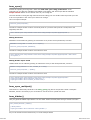
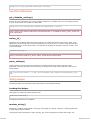
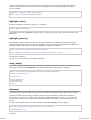
source_image
None
None
Sets the source image name/path. The path must be a
relative or absolute server path, not a URL.
dynamic_output
FALSE
TRUE/FALSE
(boolean)
Determines whether the new image file should be written to
disk or generated dynamically. Note: If you choose the
dynamic setting, only one image can be shown at a time, and
it can't be positioned on the page. It simply outputs the raw
image dynamically to your browser, along with image
headers.
quality
90%
1 - 100%
Sets the quality of the image. The higher the quality the
larger the file size.
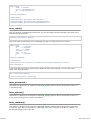
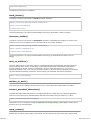
padding
None
A number
The amount of padding, set in pixels, that will be applied to
the watermark to set it away from the edge of your images.
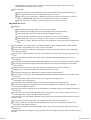
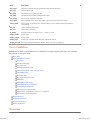
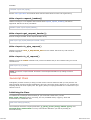
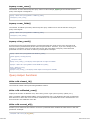
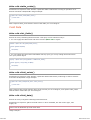
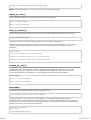
wm_vrt_alignment
bottom
top, middle,
bottom
Sets the vertical alignment for the watermark image.
wm_hor_alignment
center
left, center,
right
Sets the horizontal alignment for the watermark image.
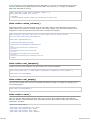
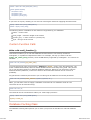
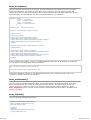
None
You may specify a horizontal offset (in pixels) to apply to the
watermark position. The offset normally moves the
watermark to the right, except if you have your alignment set
to "right" then your offset value will move the watermark
toward the left of the image.
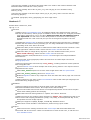
None
You may specify a vertical offset (in pixels) to apply to the
watermark position. The offset normally moves the
watermark down, except if you have your alignment set to
"bottom" then your offset value will move the watermark
toward the top of the image.
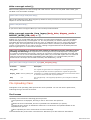
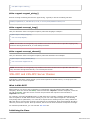
wm_hor_offset
wm_vrt_offset
None
None
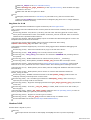
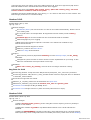
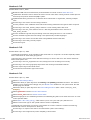
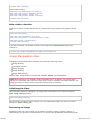
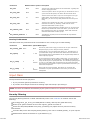
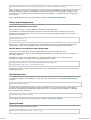
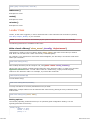
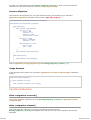
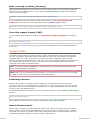
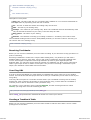
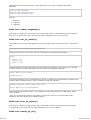
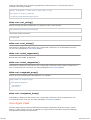
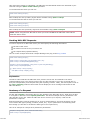
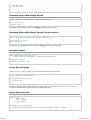
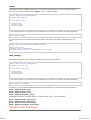
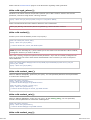
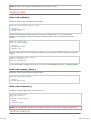
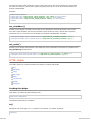
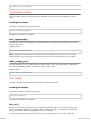
Text Preferences
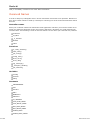
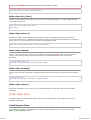
This table shown the preferences that are available for the text type of watermarking.
2012-07-10 19:53