1
261 z 264
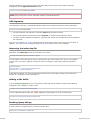
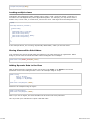
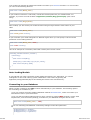
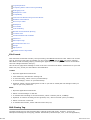
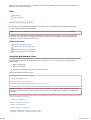
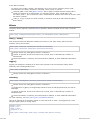
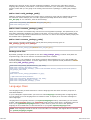
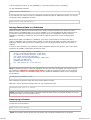
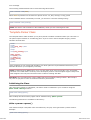
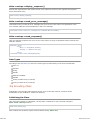
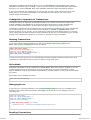
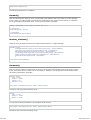
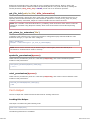
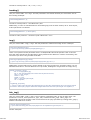
pages become more portable in the event your URL changes.
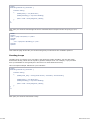
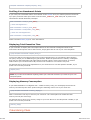
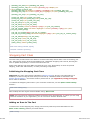
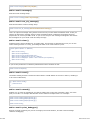
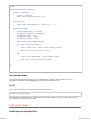
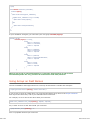
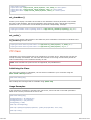
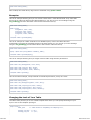
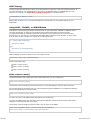
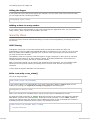
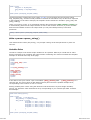
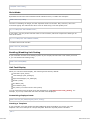
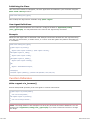
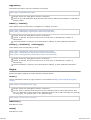
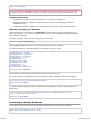
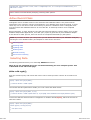
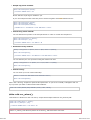
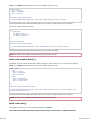
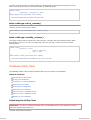
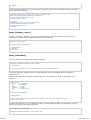
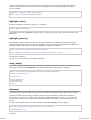
Segments can be optionally passed to the function as a string or an array. Here is a string example:
echo site_url("news/local/123");
The above example would return something like: http://example.com/index.php/news/local/123
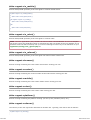
Here is an example of segments passed as an array:
$segments = array('news', 'local', '123');
echo site_url($segments);
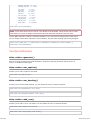
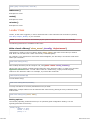
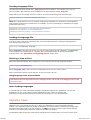
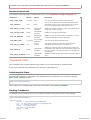
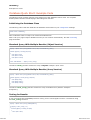
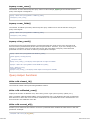
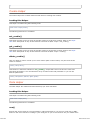
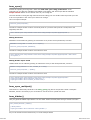
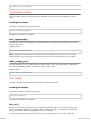
base_url()
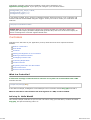
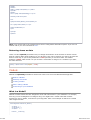
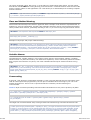
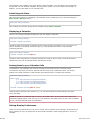
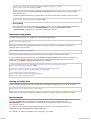
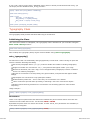
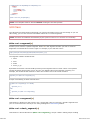
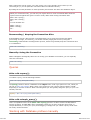
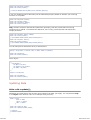
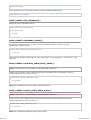
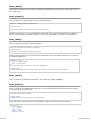
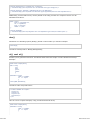
Returns your site base URL, as specified in your config file. Example:
echo base_url();
This function returns the same thing as site_url, without the index_page or url_suffix being
appended.
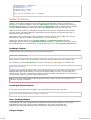
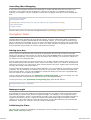
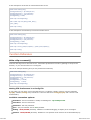
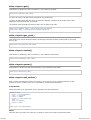
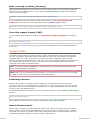
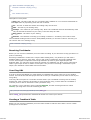
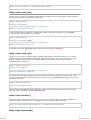
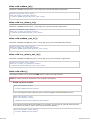
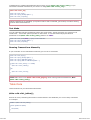
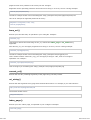
Also like site_url, you can supply segments as a string or an array. Here is a string example:
echo base_url("blog/post/123");
The above example would return something like: http://example.com/blog/post/123
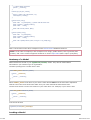
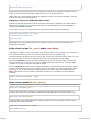
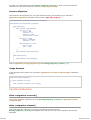
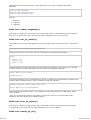
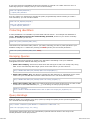
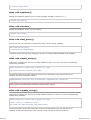
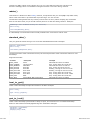
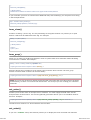
This is useful because unlike site_url(), you can supply a string to a file, such as an image or
stylesheet. For example:
echo base_url("images/icons/edit.png");
This would give you something like: http://example.com/images/icons/edit.png
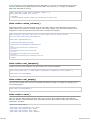
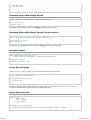
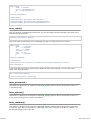
current_url()
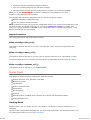
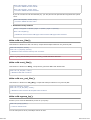
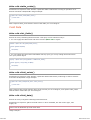
Returns the full URL (including segments) of the page being currently viewed.
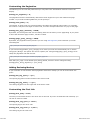
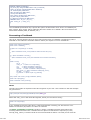
uri_string()
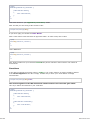
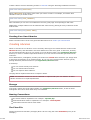
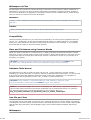
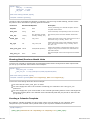
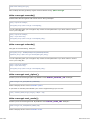
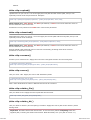
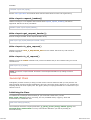
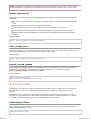
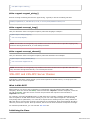
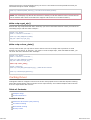
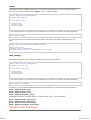
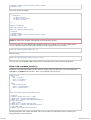
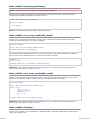
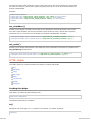
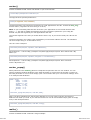
Returns the URI segments of any page that contains this function. For example, if your URL was this:
http://some-site.com/blog/comments/123
The function would return:
/blog/comments/123
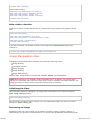
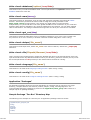
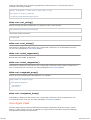
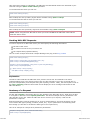
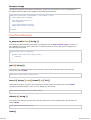
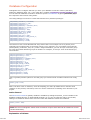
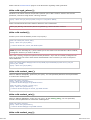
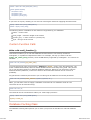
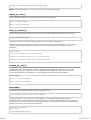
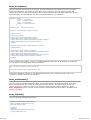
index_page()
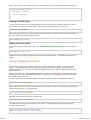
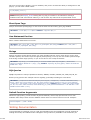
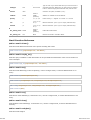
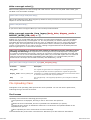
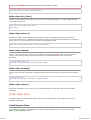
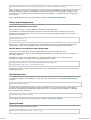
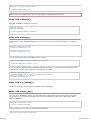
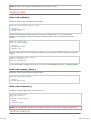
Returns your site "index" page, as specified in your config file. Example:
echo index_page();
2012-07-10 19:53