1
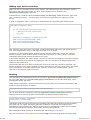
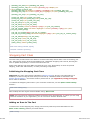
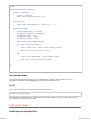
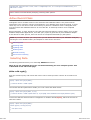
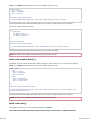
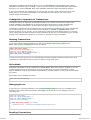
Important: This class is initialized automatically by the database driver when caching is enabled.
Do NOT load this class manually.
Also note: Not all query result functions are available when you use caching. Please read this page
carefully.
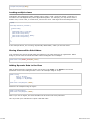
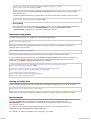
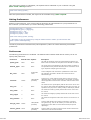
Enabling Caching
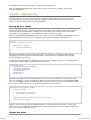
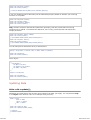
Caching is enabled in three steps:
Create a writable directory on your server where the cache files can be stored.
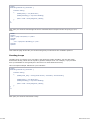
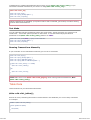
Set the path to your cache folder in your application/config/database.php file.
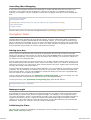
Enable the caching feature, either globally by setting the preference in your application/config
/database.php file, or manually as described below.
Once enabled, caching will happen automatically whenever a page is loaded that contains database
queries.
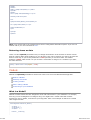
How Does Caching Work?
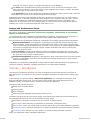
CodeIgniter's query caching system happens dynamically when your pages are viewed. When
caching is enabled, the first time a web page is loaded, the query result object will be serialized and
stored in a text file on your server. The next time the page is loaded the cache file will be used
instead of accessing your database. Your database usage can effectively be reduced to zero for any
pages that have been cached.
Only read-type (SELECT) queries can be cached, since these are the only type of queries that
produce a result. Write-type (INSERT, UPDATE, etc.) queries, since they don't generate a result,
will not be cached by the system.
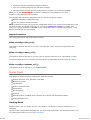
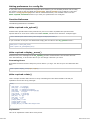
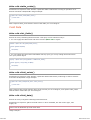
Cache files DO NOT expire. Any queries that have been cached will remain cached until you delete
them. The caching system permits you clear caches associated with individual pages, or you can
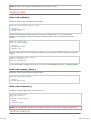
delete the entire collection of cache files. Typically you'll want to use the housekeeping functions
described below to delete cache files after certain events take place, like when you've added new
information to your database.
Will Caching Improve Your Site's Performance?
Getting a performance gain as a result of caching depends on many factors. If you have a highly
optimized database under very little load, you probably won't see a performance boost. If your
database is under heavy use you probably will see an improved response, assuming your file-system
is not overly taxed. Remember that caching simply changes how your information is retrieved,
shifting it from being a database operation to a file-system one.
In some clustered server environments, for example, caching may be detrimental since file-system
operations are so intense. On single servers in shared environments, caching will probably be
beneficial. Unfortunately there is no single answer to the question of whether you should cache your
database. It really depends on your situation.
How are Cache Files Stored?
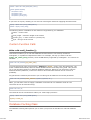
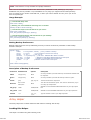
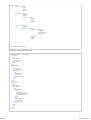
CodeIgniter places the result of EACH query into its own cache file. Sets of cache files are further
organized into sub-folders corresponding to your controller functions. To be precise, the sub-folders
are named identically to the first two segments of your URI (the controller class name and function
name).
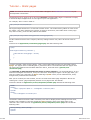
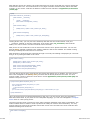
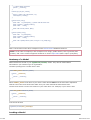
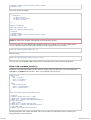
For example, let's say you have a controller called blog with a function called comments that
contains three queries. The caching system will create a cache folder called blog+comments, into
which it will write three cache files.
If you use dynamic queries that change based on information in your URI (when using pagination, for
example), each instance of the query will produce its own cache file. It's possible, therefore, to end
up with many times more cache files than you have queries.
218 z 264
2012-07-10 19:53