1
171 z 264
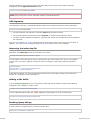
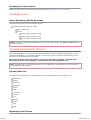
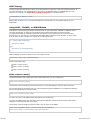
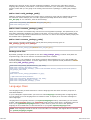
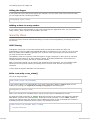
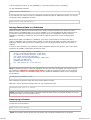
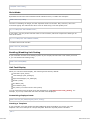
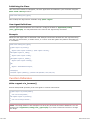
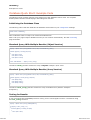
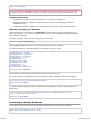
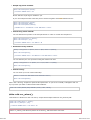
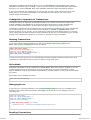
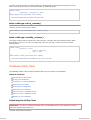
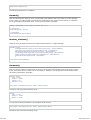
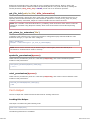
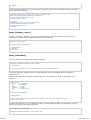
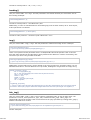
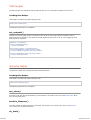
Initializing the Class
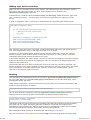
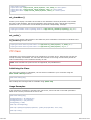
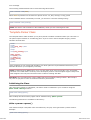
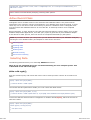
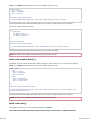
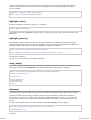
Like most other classes in CodeIgniter, the User Agent class is initialized in your controller using the
$this->load->library function:
$this->load->library('user_agent');
Once loaded, the object will be available using: $this->agent
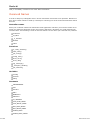
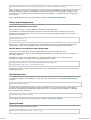
User Agent Definitions
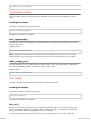
The user agent name definitions are located in a config file located at: application/config
/user_agents.php. You may add items to the various user agent arrays if needed.
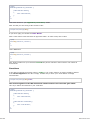
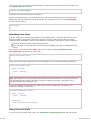
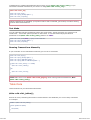
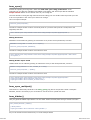
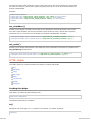
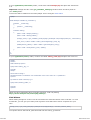
Example
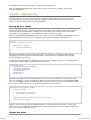
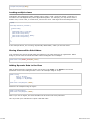
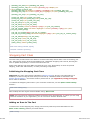
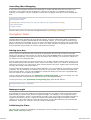
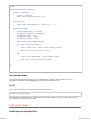
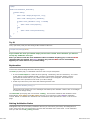
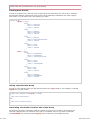
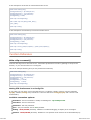
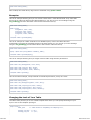
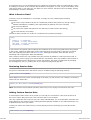
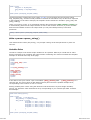
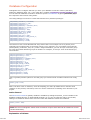
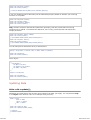
When the User Agent class is initialized it will attempt to determine whether the user agent browsing
your site is a web browser, a mobile device, or a robot. It will also gather the platform information if
it is available.
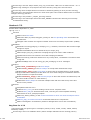
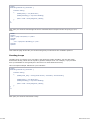
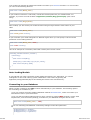
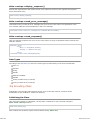
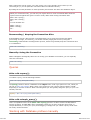
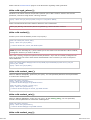
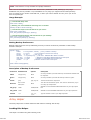
$this->load->library('user_agent');
if ($this->agent->is_browser())
{
$agent = $this->agent->browser().' '.$this->agent->version();
}
elseif ($this->agent->is_robot())
{
$agent = $this->agent->robot();
}
elseif ($this->agent->is_mobile())
{
$agent = $this->agent->mobile();
}
else
{
$agent = 'Unidentified User Agent';
}
echo $agent;
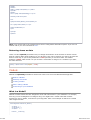
echo $this->agent->platform(); // Platform info (Windows, Linux, Mac, etc.)
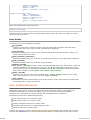
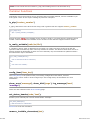
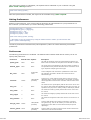
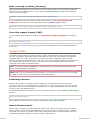
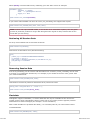
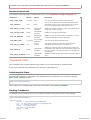
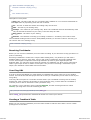
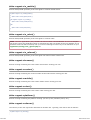
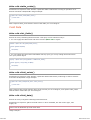
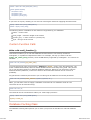
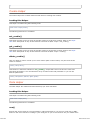
Function Reference
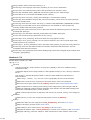
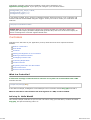
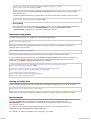
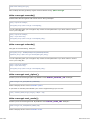
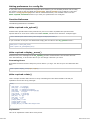
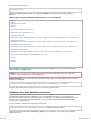
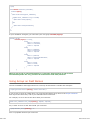
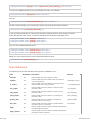
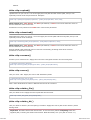
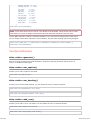
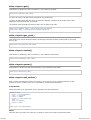
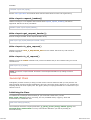
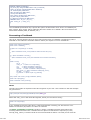
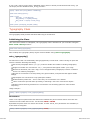
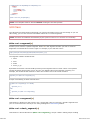
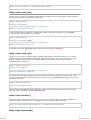
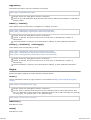
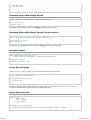
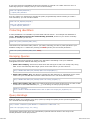
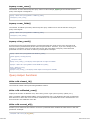
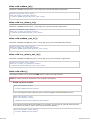
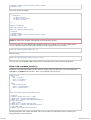
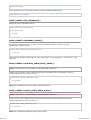
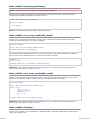
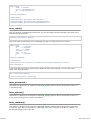
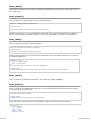
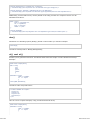
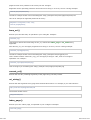
$this->agent->is_browser()
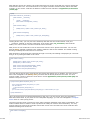
Returns TRUE/FALSE (boolean) if the user agent is a known web browser.
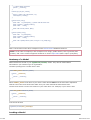
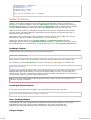
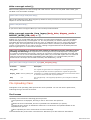
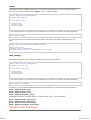
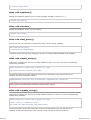
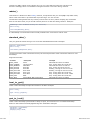
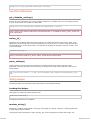
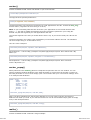
if ($this->agent->is_browser('Safari'))
{
echo 'You are using Safari.';
}
else if ($this->agent->is_browser())
{
echo 'You are using a browser.';
}
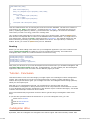
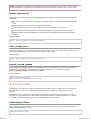
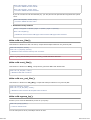
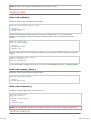
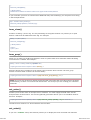
Note: The string "Safari" in this example is an array key in the list of browser definitions. You can
find this list in application/config/user_agents.php if you want to add new browsers or change
the stings.
2012-07-10 19:53