1
6.10.2
1
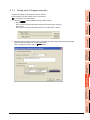
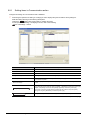
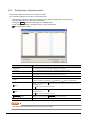
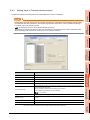
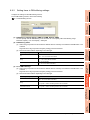
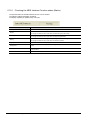
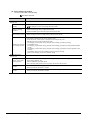
Manipulating the MES Interface Function status (Operation)
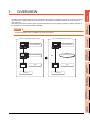
OVERVIEW
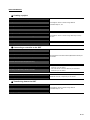
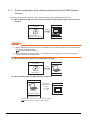
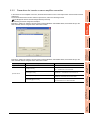
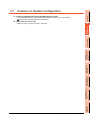
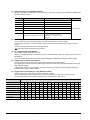
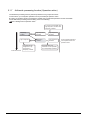
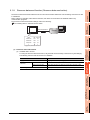
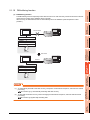
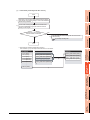
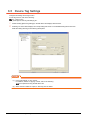
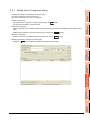
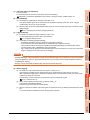
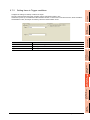
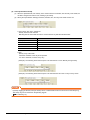
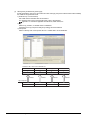
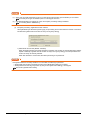
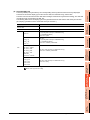
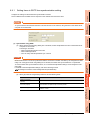
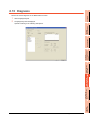
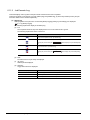
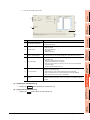
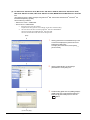
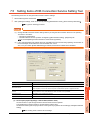
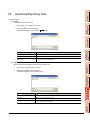
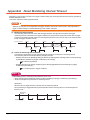
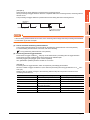
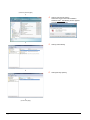
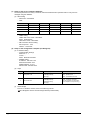
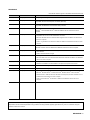
The operation status of the MES interface function can be manipulated.
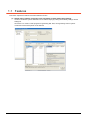
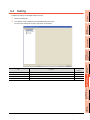
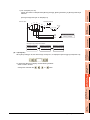
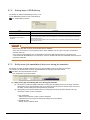
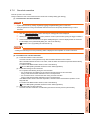
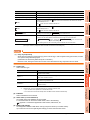
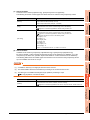
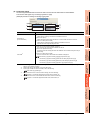
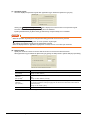
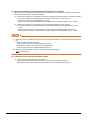
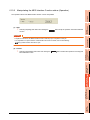
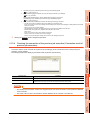
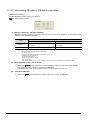
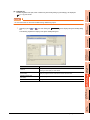
(1) Stop
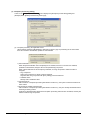
Selecting the [Stop] radio button and clicking the Execute button stops the operation of the MES interface
function.
3
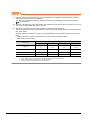
POINT
SPECIFICATIONS
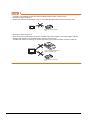
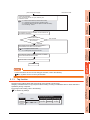
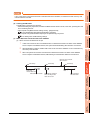
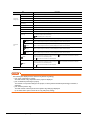
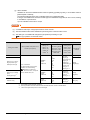
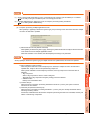
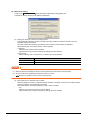
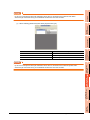
If a job is in execution, the MES interface function will stop upon completion of the job.
For completion of a job in which a communication error has occurred, refer to the following:
5.3 (c) When actions are set for a job
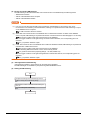
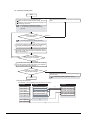
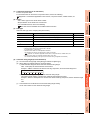
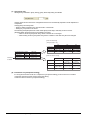
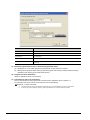
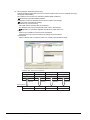
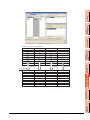
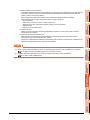
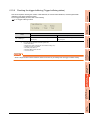
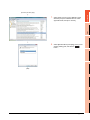
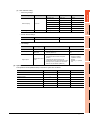
(2) Restart
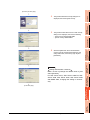
Selecting the [Restart] radio button and clicking the Execute button restarts the operation of the stopped
MES interface function.
MES INTERFACE
FUNCTION
5
MES INTERFACE
FUNCTION SETTING
6
DB CONNECTION
SERVICE AND SETTING
TOOL
7
8
TROUBLE
SHOOTING
1.
4
SETTINGS AND
PROCEDURES BEFORE USE
OF THE MES INTERFACE
FUNCTION
1.
SYSTEM
CONFIGURATION
2
6.10 Diagnosis
6 - 87