1
6.5.2
1
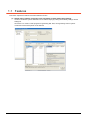
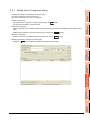
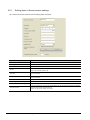
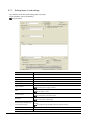
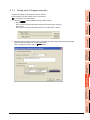
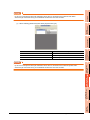
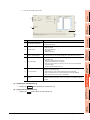
Setting items in Array setting
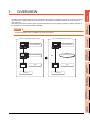
OVERVIEW
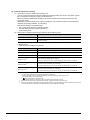
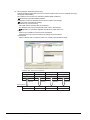
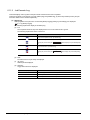
An array is a data format, in which the specified number of data of the same data type are arranged sequentially.
The Array setting is set when writing multiple records extracted from a database to the same tag component.
Either of the following can be selected for device assignment to each tag component.
• Assigning consecutive devices to each tag component (series)
• Handling all tag components as a block and assigning the same kind of devices in a series of blocks (block)
Tags with array settings are used for [MultiSelect].
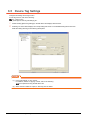
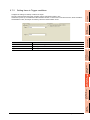
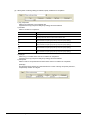
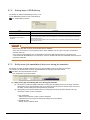
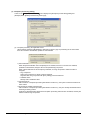
6.8.1 Setting items in Communication action
SYSTEM
CONFIGURATION
2
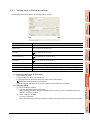
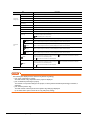
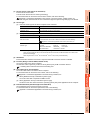
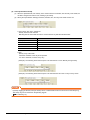
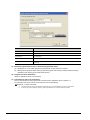
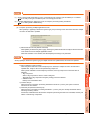
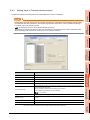
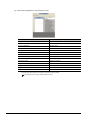
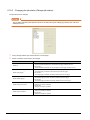
(1) Use array
3
SPECIFICATIONS
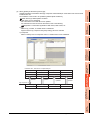
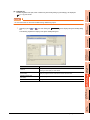
When the [Use array] checkbox is checked, the tag is arranged as arrays.
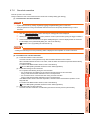
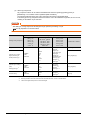
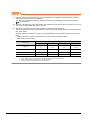
POINT
(1) When the array setting is set, device data are not collected.
(2) The array setting is unavailable for the tags set for the actions in [Job settings].
SETTINGS AND
PROCEDURES BEFORE USE
OF THE MES INTERFACE
FUNCTION
4
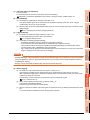
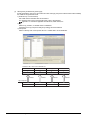
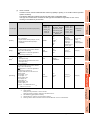
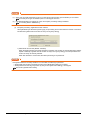
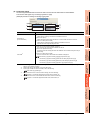
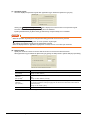
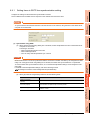
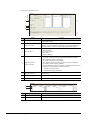
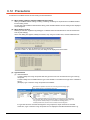
(2) Length of array (Range: 2 to 40000, Default: 2)
Set the number of arrays for the tag.
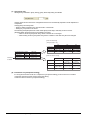
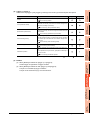
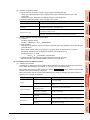
(3) Series/Block (Default: Series)
Select a method for the array setting.
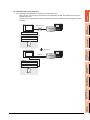
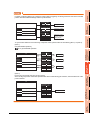
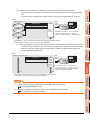
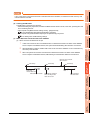
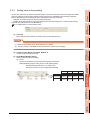
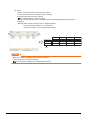
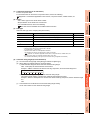
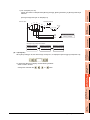
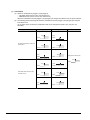
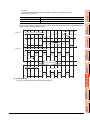
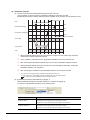
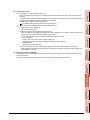
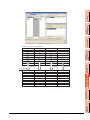
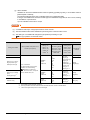
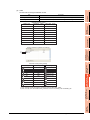
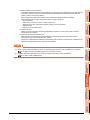
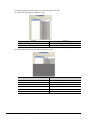
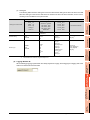
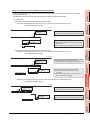
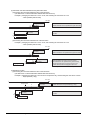
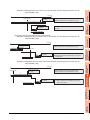
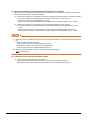
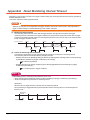
(a) Series
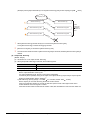
Devices of respective tag components are arranged consecutively.
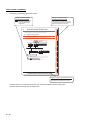
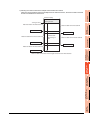
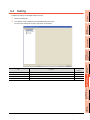
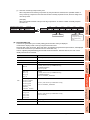
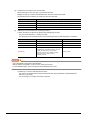
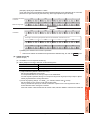
(Example)When [Length of array] is set to 4 with [series] setting
Devices in and after n=2 are configured automatically.
Component A
Component B
Component C
n=1
n=2
GB0
GB1
GD100
GD102
to GD101 to GD103
GD1000
GD1004
to GD1003 to GD1007
n=3
n=4
GB2
GB3
GD106
GD104
to GD105 to GD107
GD1008 GD1012
to GD1011 to GD1015
6
MES INTERFACE
FUNCTION SETTING
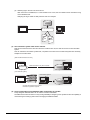
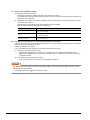
Only the start device (device in n=1) need be set.
MES INTERFACE
FUNCTION
5
DB CONNECTION
SERVICE AND SETTING
TOOL
7
TROUBLE
SHOOTING
8
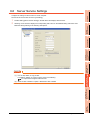
6.5 Device Tag Settings
6-9