1
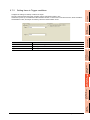
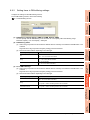
6.10.5
Manipulating DB buffering (DB buffering operation)
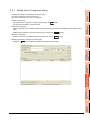
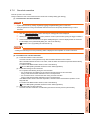
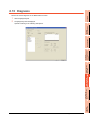
Operate the DB buffering.
For the DB buffering function, refer to the following:
5.1.10 DB buffering function
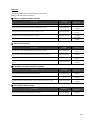
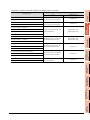
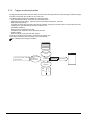
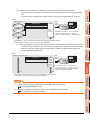
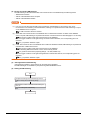
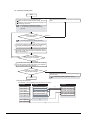
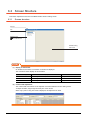
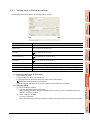
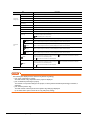
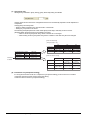
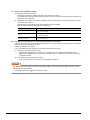
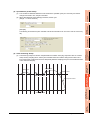
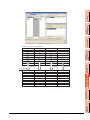
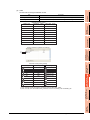
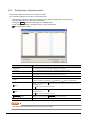
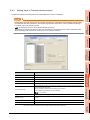
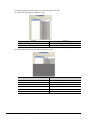
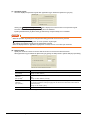
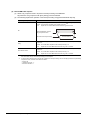
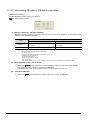
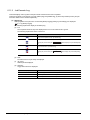
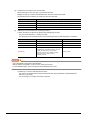
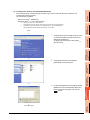
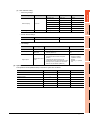
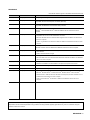
(1) Number of bufferings and Buffer utilization
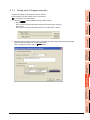
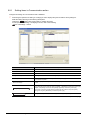
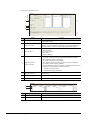
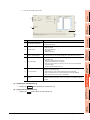
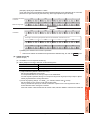
This section explains checking the number of data buffered, the current buffer utilizations, and the highest buffer
utilizations of the DB buffering function.
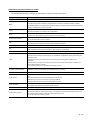
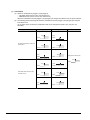
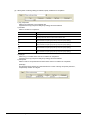
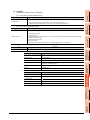
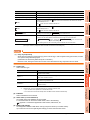
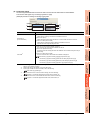
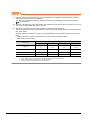
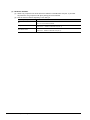
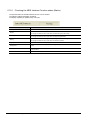
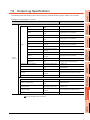
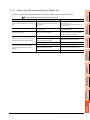
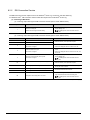
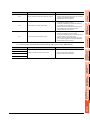
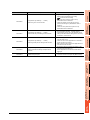
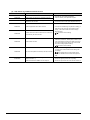
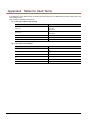
Description
Display
Current value
Highest value*2
No. of bufferings *1
Shows the current number of bufferings (number of
buffered jobs).
Shows the number of bufferings (number of buffered
jobs) in the past.
Buffer utilization *1
Shows the current buffer utilization.
Shows the highest buffer utilization in the past.
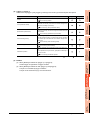
*1
*2
A value is not displayed when the value is being obtained or could not be obtained.
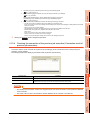
Any of the following operation clears the highest value.
• Power off the GOT.
• Reset the GOT (when changing the communication settings, etc.)
• Install the OS from GT Designer3
• Download project data, etc.
• Restart the MES interface function
• One-shot execution
Note that the highest value is not cleared if the MES interface function was stopped by the diagnostics function.
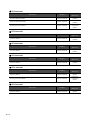
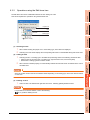
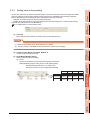
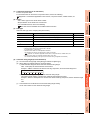
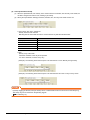
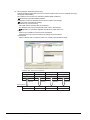
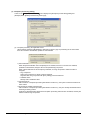
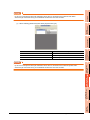
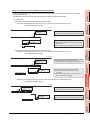
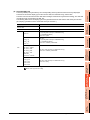
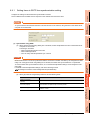
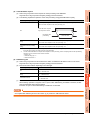
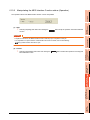
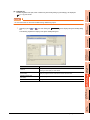
(2) Resending data stored in the DB buffer
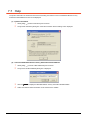
1.
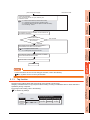
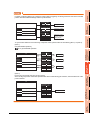
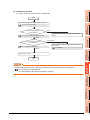
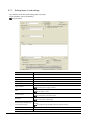
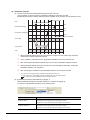
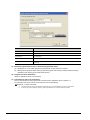
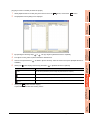
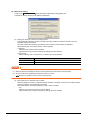
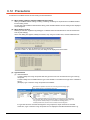
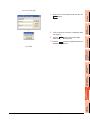
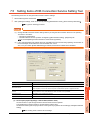
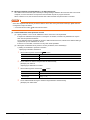
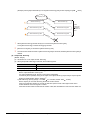
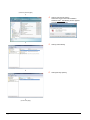
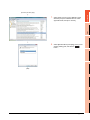
Clicking the Resend button executes the resend processing of the SQL texts stored in the DB buffer,
when manual resend is selected for the jobs of the SQL texts.
If resend processing fails, an error will be output to the MES interface Execute Log.
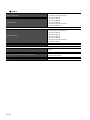
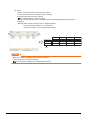
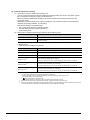
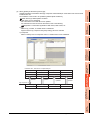
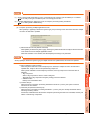
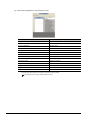
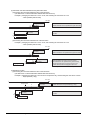
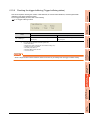
(3) Clearing the DB buffer
1.
6 - 90
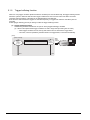
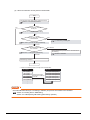
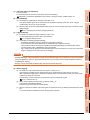
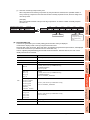
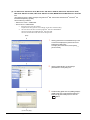
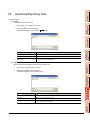
Clicking the Clear button clears all of the SQL texts that are stored in the DB buffer.
6.10 Diagnosis