1
Chapter 2. Installation
27
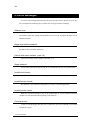
2.2 Installation
This section describes the procedures for running the installation program under
Windows V3.1 or Windows 95.
The files for C Source Code Debugger/Win are stored on the floppy disks in a
compressed format, so installing them involves more than simply copying them to the
hard disk. Always use the C Source Code Debugger/Win installation program supplied
on the first floppy disk.
2.2.1 Read README.WRI
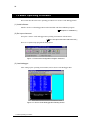
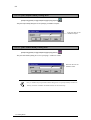
The floppy disk may contain a README.WRI file containing additions to the manual,
cautionary notes, and other late-breaking material. Be sure to read this file with Write,
WordPad, or similar program before running the C Source Code Debugger/Win
installation program.
2.2.2 Run Installation Program
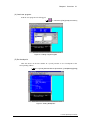
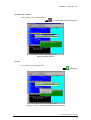
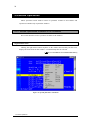
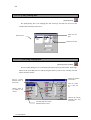
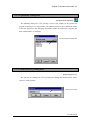
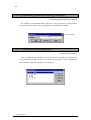
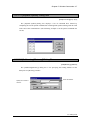
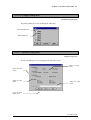
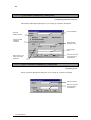
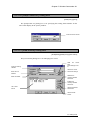
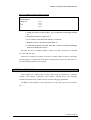
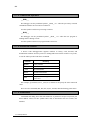
The proper procedure for installing C Source Code Debugger/Win is to insert the floppy
disk labeled "Setup Disk" and run the included installation program SETUP.EXE from
Windows. If you are running Windows V3.1, proceed to Section 2.2.3. If you are running
Windows 95, skip to Section 2.2.4.
2.2 Installation