1
Chapter 5. Window Commands 89
5.10 [Local] Window
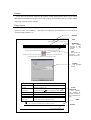
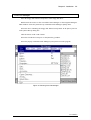
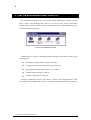
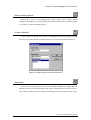
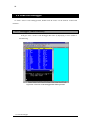
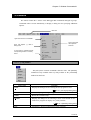
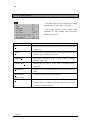
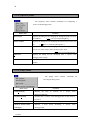
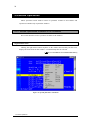
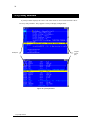
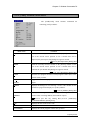
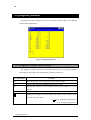
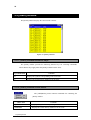
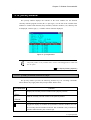
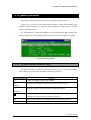
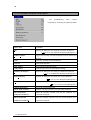
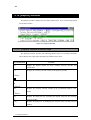
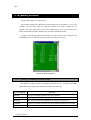
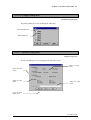
The [Local] window displays the contents of the local variables for the function
currently with the program counter (PC). A plus sign (+) to the left of the variable name
indicates a variable with elements (array members, structure members, etc.) that may also
be displayed; a minus sign (-), a variable with its elements displayed.
Figure 41. [Local] Window
The [Local] window is only available when C Source Code Debugger/Win is loaded with
the -XC option.
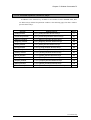
[
"3.4 Specify Starting Options"]
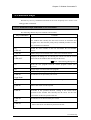
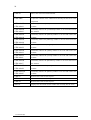
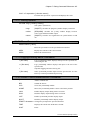
5.10.1 [Local] Window Shortcut Keys
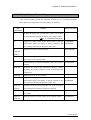
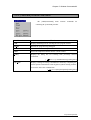
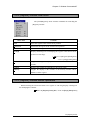
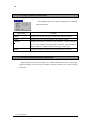
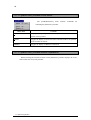
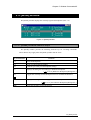
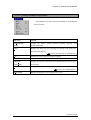
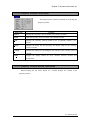
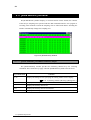
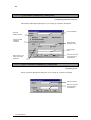
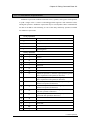
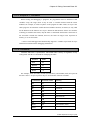
The [Local] window provides the following shortcut keys for executing commands.
These shortcut keys apply when the [Local] window has the focus.
Key Combination
F6
Function
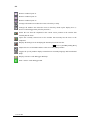
Displays the currently selected variable in the [Inspect] window.
CTRL+I
F7
Adds the currently selected variable to the [Watch] window.
CTRL+W
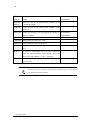
F9
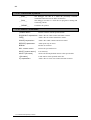
Toggles the display of offsets for the local variables on and off.
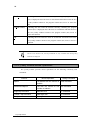
Toggles the display of elements (array members, structure members, etc.) for
the currently selected variable on and off. This command is only available for
variables marked with a plus or minus sign.
5.10 [Local] Window