1
IDR Series User’s Manual
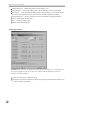
SmartBackup Setup
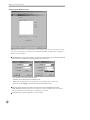
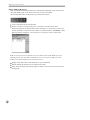
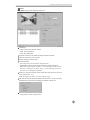
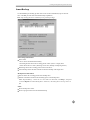
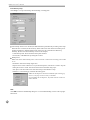
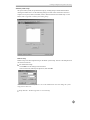
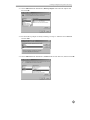
Click Setup... to set up auto-backup, manual backup, or backup path.
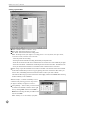
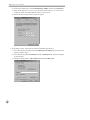
Auto-backup: If this box is checked, the IDR will back up automatically according to the setup.
When this box is checked, all the necessary menus will be activated. If the Auto-backup is not
checked, the IDR is in manual backup mode. In this case, the system must be backed up
manually. (Refer to the Manual Backup section in this chapter.)
- Latest Backup Time: Shows the latest backup date and time.
- Period (time): The IDR backs up during this set time.
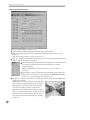
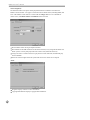
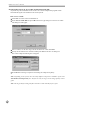
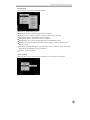
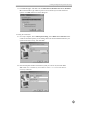
Backup Drive
Note: Some menus under Backup Drive will be activated or inactivated according to the media
to use.
- Destination: Selects the backup target drive.
- Repeat: Place a check in this box to recycle the backup drive, and remove a check to stop the
backup drive when it is full. This menu will be inactivated when using a tape.
- Auto Eject: This menu will be activated when using a DVD-RAM or a tape.
- Initialize: To start backing up, initialize the backup space.
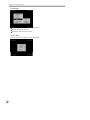
Note: The backup drive should be initialized before backing up,
however, only tape is not necessary to initialize.
If you initialize the backup drive, any bank contents stored on it
will be deleted.
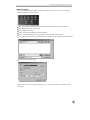
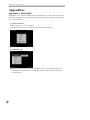
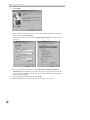
Hide
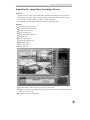
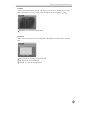
Click Hide to hide the SmartBackup dialog box. To close SmartBackup, Click X in the top righthand corner.
36