1
Intelligent Digital Integrated Security
Dial-Up Networking Troubleshooting
Problem: Dial-up networking disconnects in SmartGuard or SmartSearch.
Solution: Sometimes dial-up networking disconnects due to the condition of installed modem
and telephone line. Close the System and follow instructions to test dial-up networking.
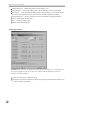
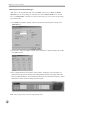
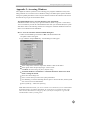
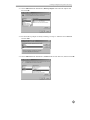
1. Go to My Network under Windows Explorer/Dial-Up Networking. Click the right button
on the mouse and select the Properties.
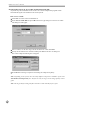
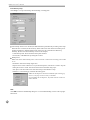
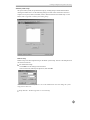
2. Under the General tab, make sure the correct modem is selected under Connect using.
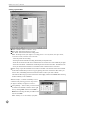
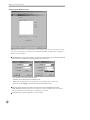
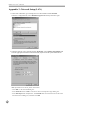
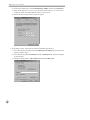
3. Under the Server Types tab, make sure that PPP: Internet, Windows NT Server,
Windows 98 is selected under Type of Dial-Up server box, and the box next to TCP/IP is
checked under Allowed network protocols. And then click OK if everything is correct.
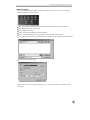
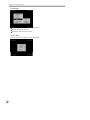
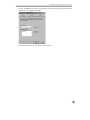
4. Double click on My Network to open the dialog box. Enter the telephone for the POST
system and check if it is connected.
5. The POST system is connected properly, try to access to the remote site using SmartGuard
or SmartSearch.
Note: Check the instructions again in Appendix 3: Dial-up Networking Setup if the POST
system is not connected.
Problem: The error message “The line is busy” has appeared even though the POST
system is not using the telephone.
Solution: Sometimes Windows refuses the remote connection even when the telephone line is not
busy. Try to connect again.
Problem: I cannot hear dial tone.
Solution: Sometimes the modem cannot access a dial tone if your telephone is an extension.
Follow the instructions below and then try to connect again.
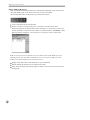
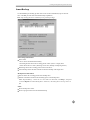
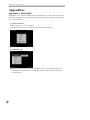
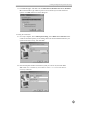
1. Go to My Network under Windows Explorer/Dial-Up Networking, click the right mouse
button and select Properties.
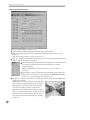
2. Click General/Configure/Connection tab.
3. Uncheck the box next to Wait for dial tone before dialing.
Problem: The POST system does not answer a telephone call.
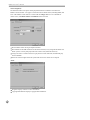
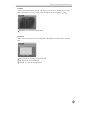
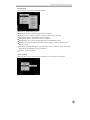
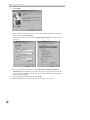
Solution: Under Windows Explorer/Dial-Up Networking, go to the pull-down menu Connection
and then to Dial-Up Server. Check Allow caller access.
Problem: After the POST system receives calls, the network disconnects.
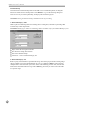
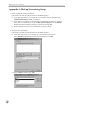
Solution: Under Windows Explorer/Dial-Up Networking, go to the pull-down menu Connection
and then to Dial-Up Server. Click Server Types... and check if PPP: Internet, Windows NT
Server, Windows 98 is selected under Type of dial-Up Sever.
55