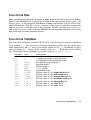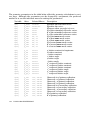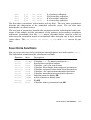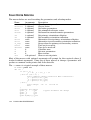
1
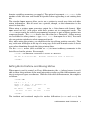
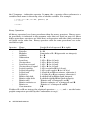
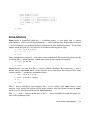
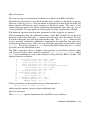
with dlog or ends with .dlog . Debugging messages (generated when a value is
assigned to the built-in variable DEBUG ) are only written to such a file, not to the
screen or any other file or device.
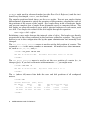
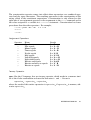
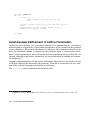
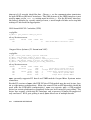
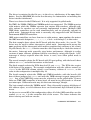
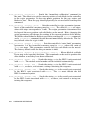
Another kind of log file is available (as of release 4.05.01) that records typed commands, error messages and optional time stamps. The file is intended to be useful to
administrators trying to diagnose user problems. A file opened for output named
elog or that ends in .elog is such a file. Commands entered at the spec prompt are
logged prefixed by a #C . Error messages produced by the built-in C code, or generated by the eprint or eprintf() built-in keywords, are logged prefixed by a #E . If
time stamps are enabled (via the spec_par() "elog_timestamp" option), the UNIX
epoch and the corresponding date string are logged (at the time-stamp interval) prefixed by a #T .
Reading From Files
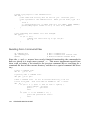
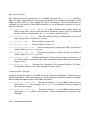
The first function below is for reading strings from a file one line at a time. The second and third functions cause spec to switch its source of command input from the
keyboard to the specified files.
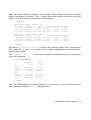
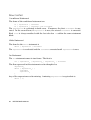
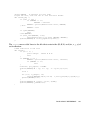
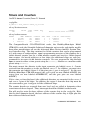
getline(file [, arg ])
— This function reads successive lines from the ASCII file
file each time it is called and returns the string so obtained, including the
trailing newline. If arg is the string "open" , the function returns zero if the
file can opened for reading. Otherwise −1 is returned. If arg is "close" , the
file is closed and zero is returned. If arg is zero, the first line of the file is
returned. If only the first argument is present, the next line of the file is read
and returned. At the end of the file, a −1 is returned.
The previous file, if any, is closed and the new file is opened automatically
when the filename argument changes (at least in this preliminary implementation).
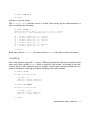
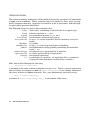
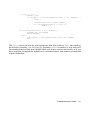
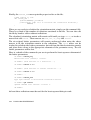
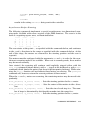
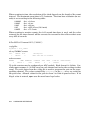
— Queues the file file for reading commands. file must be a string constant or expression. Returns nonzero if the
file doesn’t exist or permit read access. As of release 4.05.01, an optional second argument can specify a line number or a text pattern that will be used to
locate the point in the file to begin reading. If the argument is an integer, the
number specifies at which line to start reading the file. (Currently, only positive integers are allowed.) If the argument is anything else, it is considered a
search string, and text is read from the file starting at the first line containing
that search string. The metacharacters * , which matches any string, and ? ,
which matches any single character, are allowed in the search string. Initial
and trailing white space is ignored in the file.
dofile(file [, line_num|search_pattern ])
REFERENCE MANUAL
83