1
IBS PCI SC/RI-LK and IBS PCI SC/RI/I-T Hardware Installation
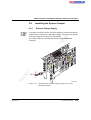
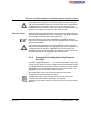
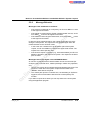
1. Ensure that you are grounded before installing the system coupler in
the PC casing.
2. Power down and disconnect the mains plug.
3. Open the PC.
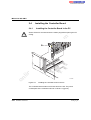
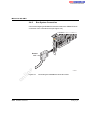
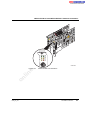
4. Insert the system coupler in the slots. Ensure that the system
connector is well-contacted and the system coupler is securely placed.
m
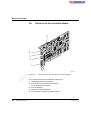
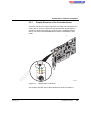
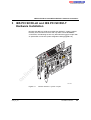
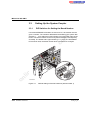
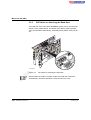
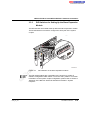
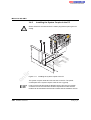
5. Secure the system coupler using the mounting screws (see
Figure 3-11).
co
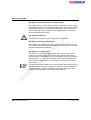
To ensure error-free operation, the mounting plate of the system coupler
must be fastened to the PC casing. The PC casing must be grounded in
compliance with the regulations.
s.
6. Close the PC.
7. Plug in the PC and switch it on again.
on
l
in
ec
om
po
ne
nt
Now the system coupler is completely installed in your PC.
6190_en_03
PHOENIX CONTACT
3-21