1
ADOBE FRAMEMAKER 74
MIF Reference
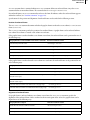
TblFormat statement
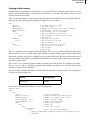
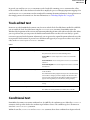
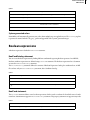
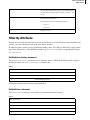
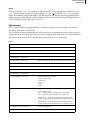
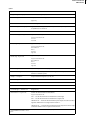
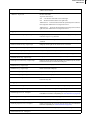
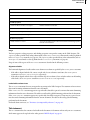
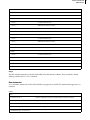
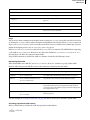
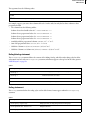
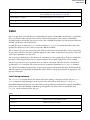
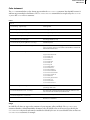
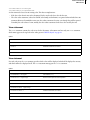
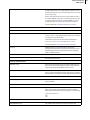
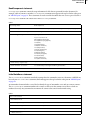
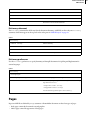
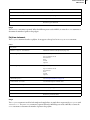
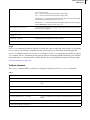
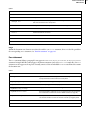
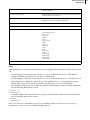
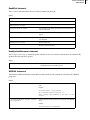
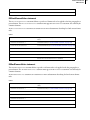
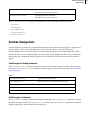
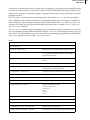
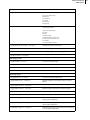
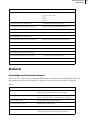
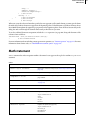
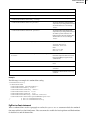
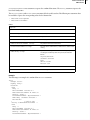
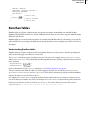
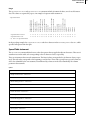
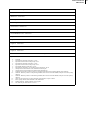
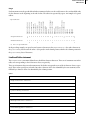
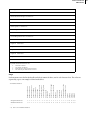
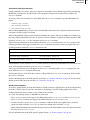
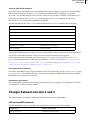
The TblFormat statement defines the format of a table. A TblFormat statement must appear in a TblCatalog or in
a Tbl statement. A TblFormat statement contains property substatements that define a table’s properties. Table
property statements can appear in any order.
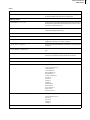
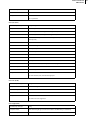
Syntax
Basic properties
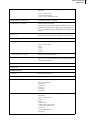
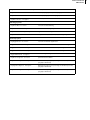
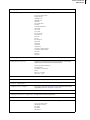
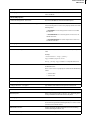
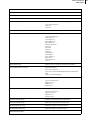
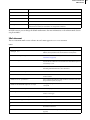
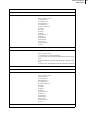
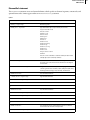
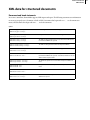
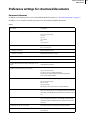
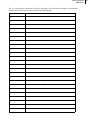
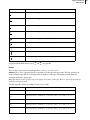
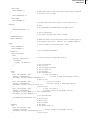
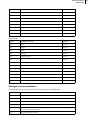
<TblFormat
<TblTag tagstring>
Table format tag name
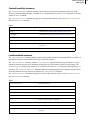
<TblLIndent dimension>
Left indent for the table relative to the table’s containing text column; has no
effect on right-aligned tables
<TblRIndent dimension>
Right indent for the table relative to the table’s containing text column; has no
effect on left-aligned tables
<TblSpBefore dimension>
Space above table
<TblSpAfter dimension>
Space below table
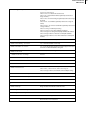
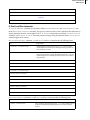
<TblAlignment keyword>
Horizontal alignment within text column or text frame
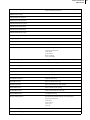
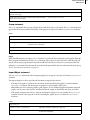
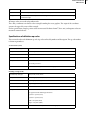
keyword can be one of:
Left
Center
Right
Inside
Outside
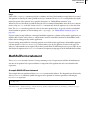
See page 77
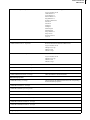
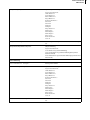
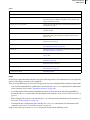
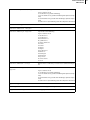
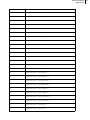
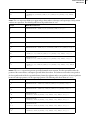
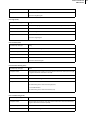
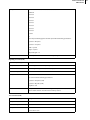
<TblPlacement keyword>
Vertical placement of table within text column
keyword can be one of:
Anywhere
Float
ColumnTop
PageTop
LPageTop
RPageTop
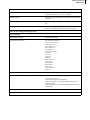
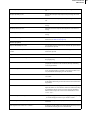
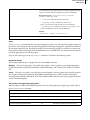
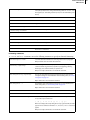
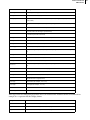
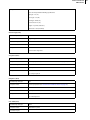
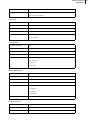
<TblBlockSize integer>
Widow/orphan rows for body rows
<TblCellMargins L T R B>
Left, top, right, bottom default cell margins
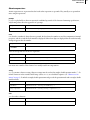
<TblTitlePlacement keyword>
Table title placement
keyword can be one of:
InHeader
InFooter
None
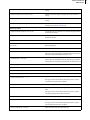
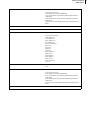
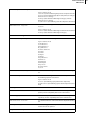
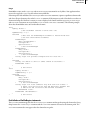
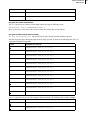
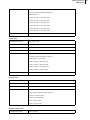
<TblTitlePgf1
Paragraph format of title for a new table created with the table format
<PgfTag tagstring>
Applies format from Paragraph Catalog
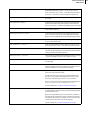
<Pgf…>
Overrides Paragraph Catalog format as needed (see page 61)
>
End of TblTitlePgf1 statement
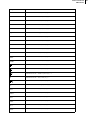
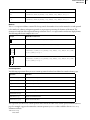
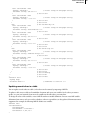
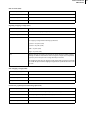
<TblTitleGap dimension>
Gap between title and top or bottom row











































































































![CPU32 Reference Manual [330 pages!]](http://vs1.manualzilla.com/store/data/005686632_1-79fc9549061344d5fca8ab86e2038cb9-150x150.png)