1
ADOBE FRAMEMAKER 62
MIF Reference
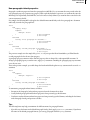
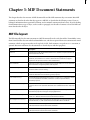
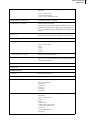
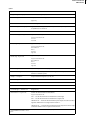
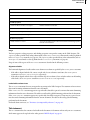
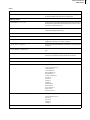
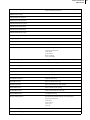
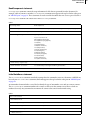
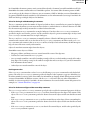
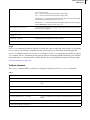
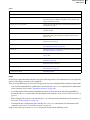
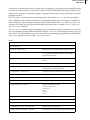
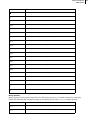
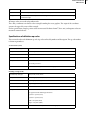
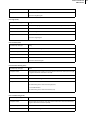
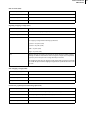
<PgfLineSpacing keyword>
Amount of space between lines in paragraph measured from baseline
to baseline
keyword can be one of:
Fixed (default font size)
Proportional (largest font in line)
<PgfLeading dimension>
Space below each line in a paragraph
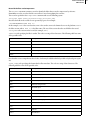
<PgfNumTabs integer>
Number of tabs in a paragraph
The statement is not required for input files; the MIF interpreter calculates the number of tabs. If it does appear, it must appear before any
TabStop statements; otherwise, the MIF interpreter ignores the tab
settings.
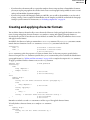
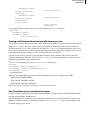
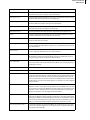
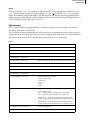
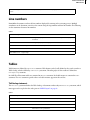
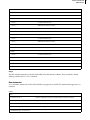
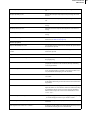
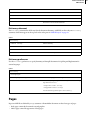
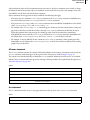
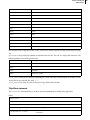
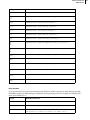
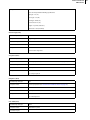
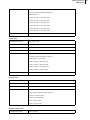
<TabStop
Begin definition of tab stop; the following property statements can
appear in any order, but must appear within a TabStop statement
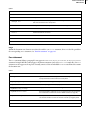
<TSX dimension>
Horizontal position of tab stop
<TSType keyword>
Tab stop alignment
keyword can be one of:
Left
Center
Right
Decimal
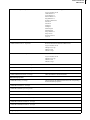
<TSLeaderStr string>
Tab stop leader string (for example, ` . ')
<TSDecimalChar integer>
Align decimal tab around a character by ASCII value; in UNIX versions,
type man ascii in a UNIX window for a list of characters and their
corresponding ASCII values
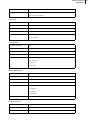
>
End of TabStop statement
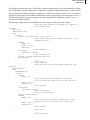
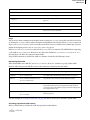
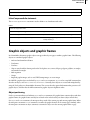
<TabStop…>
Additional statements as needed
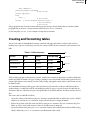
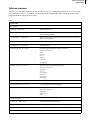
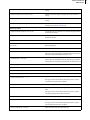
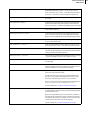
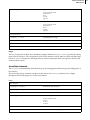
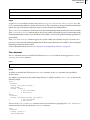
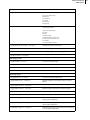
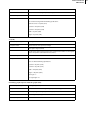
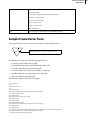
Default font properties
<PgfFont…>
Default font (see page 66)
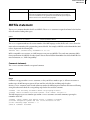
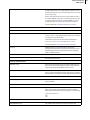
Pagination properties
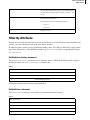
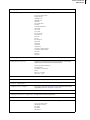
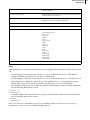
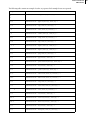
<PgfPlacement keyword>
Vertical placement of paragraph in text column
keyword can be one of:
Anywhere
ColumnTop
PageTop
LPageTop
RPageTop
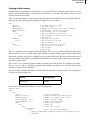
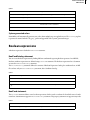
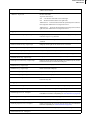
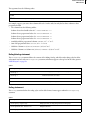
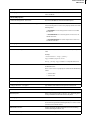
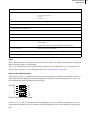
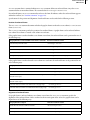
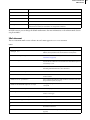
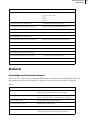
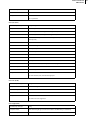
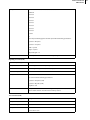
<PgfPlacementStyle keyword>
Placement of side heads, run-in heads, and paragraphs that straddle
text columns
keyword can be one of:
Normal
RunIn
SideheadTop
SideheadFirstBaseline
SideheadLastBaseline
Straddle
StraddleNormalOnly
See page 65












































































































![CPU32 Reference Manual [330 pages!]](http://vs1.manualzilla.com/store/data/005686632_1-79fc9549061344d5fca8ab86e2038cb9-150x150.png)