1
277
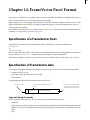
Chapter 13: FrameImage Facet Format
FrameImage is a format for bitmap graphics that is recognized by Adobe® FrameMaker® on all platforms. The specification of the FrameImage format is documented in this appendix.
Imported graphics can contain graphic data in FrameImage format. This data is called the FrameImage facet of the
graphic. FrameMaker can use this facet to display and print the graphic. For more information about facets, see
, “Facet Formats for Graphics.”
In a MIF file, the FrameImage facet is contained in the ImportObject statement. For more information about the
statement, see “ImportObject statement” on page 119.
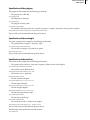
Specification of a FrameImage facet
A FrameImage facet begins with the following facet name and data type lines:
=FrameImage
&%v
When importing a graphic with a FrameImage display and print facet, FrameMaker prompts the user to specify the
graphic inset’s print resolution in the Imported Graphic Scaling dialog box. The print resolution determines the size
of the imported graphic.
Specification of FrameImage data
A description of a graphic in FrameImage format consists of three parts:
•
•
•
A header, which describes the dimensions and other characteristics of the graphic
An optional color map, included only if the graphic uses colors
Data describing the bitmap of the imported graphic
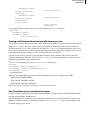
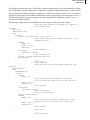
The description is written as integer values in hexadecimal format. Each line is preceded by an ampersand (&). The
data section begins with the %v characters, which indicate that the FrameImage data is represented as unsigned bytes.
The beginning and end of the data are bracketed by the symbol \x, which indicates that the data is in hexadecimal
format.
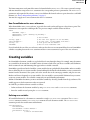
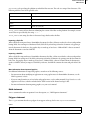
Header
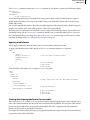
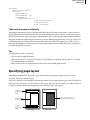
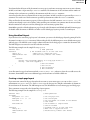
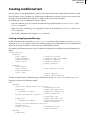
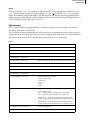
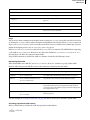
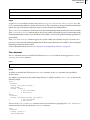
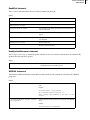
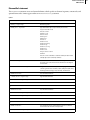
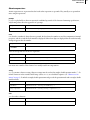
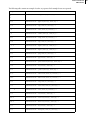
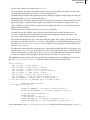
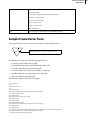
The header describes properties of the imported graphic. These properties are described by eight 32-bit integer
values, such as the values shown in the following example:
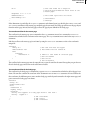
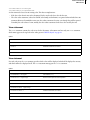
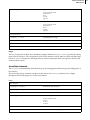
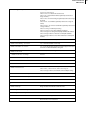
&59a66a95
&00000040
&00000040
&00000001
&00000000
&00000001
&00000000
&00000000
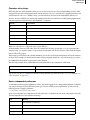
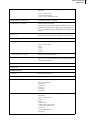
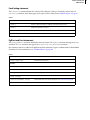
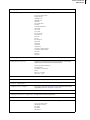
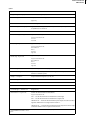
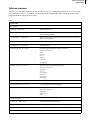
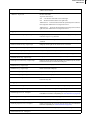
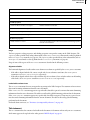
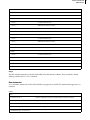
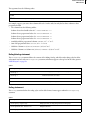
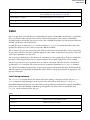
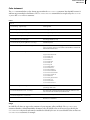
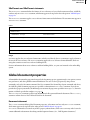
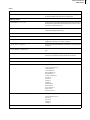
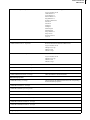
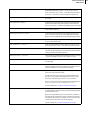
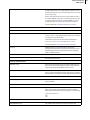
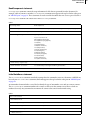
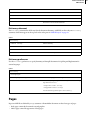
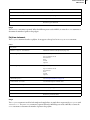
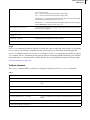
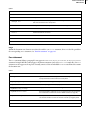
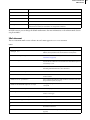
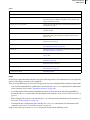
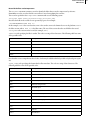
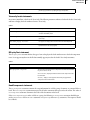
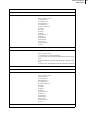
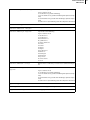
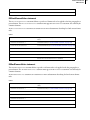
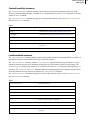
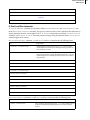
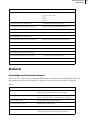
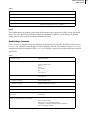
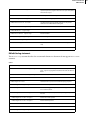
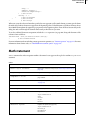
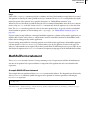
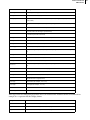
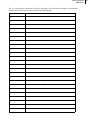
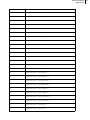
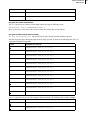
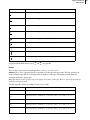
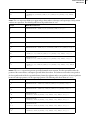
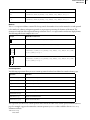
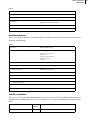
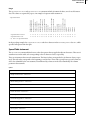
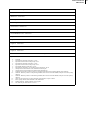
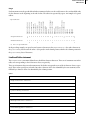
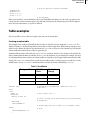
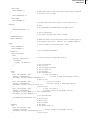
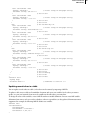
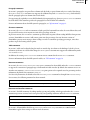
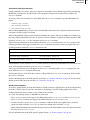
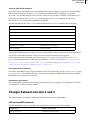
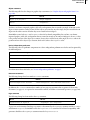
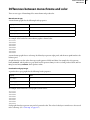
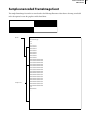
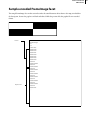
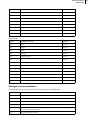
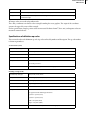
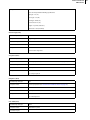
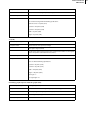
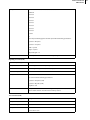
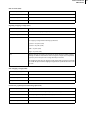
Each value identifies a property of the imported graphic:









































































































![CPU32 Reference Manual [330 pages!]](http://vs1.manualzilla.com/store/data/005686632_1-79fc9549061344d5fca8ab86e2038cb9-150x150.png)