1
Creating Compilation Targets
5.
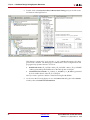
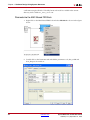
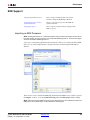
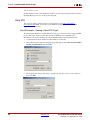
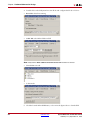
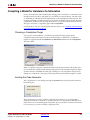
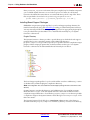
Create a new directory (e.g., Bitstream) under the plugins/compilation directory
of your System Generator software install tree. Copy the xltarget.m,
xltools_postgeneration.m, and xltools_target.m files into this directory.
Note: The System Generator Compilation submenus mirror the directory structure under the
plugins/compilation directory. When you create a new directory, or directory hierarchy, for the
compilation target files, the names of the directories define the taxonomy of the compilation target
submenus.
6.
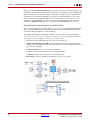
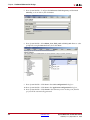
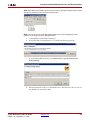
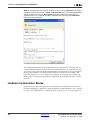
Copy the xlBitstreamPostGeneration.m, xlToolsMakebit.pl,
balanced_xltools.opt and bitgen_xltools.opt files from the
examples/comp_targets directory into a directory that is in your MATLAB path.
These files must be in a common directory.
7.
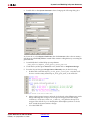
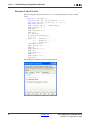
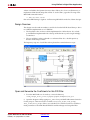
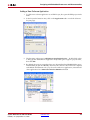
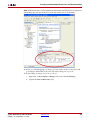
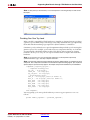
In the MATLAB command window, type the following:
>> rehash toolboxcache
>> xlrehash_xltarget_cache
8.
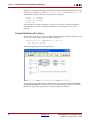
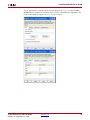
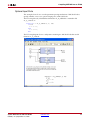
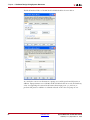
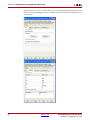
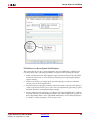
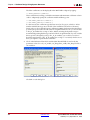
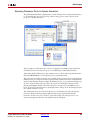
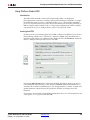
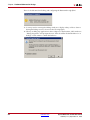
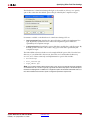
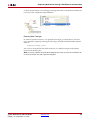
You can now access the newly installed compilation target from the System Generator
graphical interface.
Using XFLOW
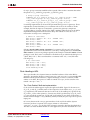
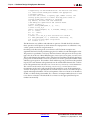
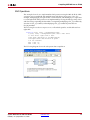
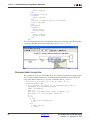
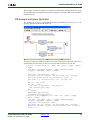
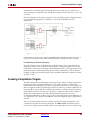
The post-generation scripting included with this example uses XFLOW to produce a
configuration file for your FPGA. XFLOW allows you to automate the process of design
synthesis, implementation, and simulation using a command line interface. XFLOW uses
command files to tell it which tools to run, and how they should be run.
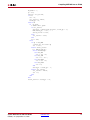
This example contains two XFLOW options files, balanced_xltools.opt and
bitgen_xltools.opt. These files are associated with the implementation and
configuration flows of XFLOW, respectively. The balanced_xltools.opt options files
runs the Xilinx NGDBUILD, MAP, and PAR tools. The settings for each tool are specified in
the options files . The bitgen_xltools.opt file runs BITGEN to produce a
configuration file for your FPGA. You may modify these files as desired (e.g., to run the
timing analyzer after PAR).
System Generator for DSP User Guide
UG640 (v 12.3) September 21, 2010
www.xilinx.com
409