1
INTREPID User Manual
Library | Help | Top
Specifying map attribute values (T45e)
4
| Back |
>> To specify a fixed colour interactively
1
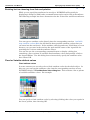
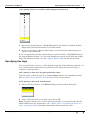
Choose the Colour button. INTREPID displays the Fixed Colour dialog box.
2
Select (click) the colour you require, then choose OK.
Fixed colour or assignment using Z data
In some contexts (e.g., choosing the colour for a point dataset display), you can specify
a fixed colour for the object or nominate a Z field which will determine the colours via
a legend file. You can specify fixed or variable colours in the following ways.
>> To specify fixed or variable colours by typing the colour name or legend
path
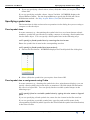
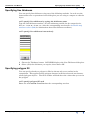
If you are specifying a fixed colour, type its name (e.g., red) in the Colour text box.
(See Available map attribute values (R22) for a list of colour names.)
If you are specifying a variable colour, type the path and file name of the
corresponding legend file (which specifies the Z field and the colour distribution) in
the Colour text box.
>> To specify fixed or variable colours interactively
1
Library | Help | Top
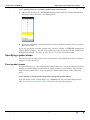
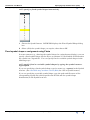
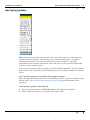
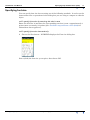
Choose the Colour button. INTREPID displays the Fixed or Variable Colour
dialog box which includes a Variable button.
© 2012 Intrepid Geophysics
| Back |