1
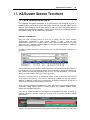
K2/Summit Server TechNote
201
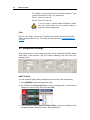
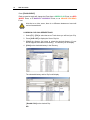
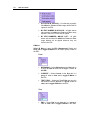
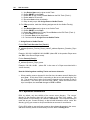
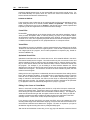
… then the topmost Event is the Event that will be inserted into the Program.
Fit & Fill can be utilized to force a specified clip to automatically “Fit” within a specified
time frame or fill gaps in the Timeline.
The DiVA K2-H can be fully controlled locally or remotely, and comes with unlimited
PEGS© to frame accurately trigger external devices and events. PEGS include the
ability to program and send any user-defined protocol “strings” out through any
designated serial port.
Controlling the Summit Internal M/E
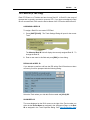
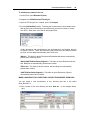
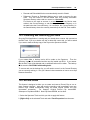
DiVA can control the internal A/V M/E of the GV Summit Server. No specific DiVA
settings changes
are required for this control, and an external switcher and mixer can still be controlled
simultaneously.
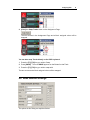
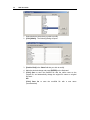
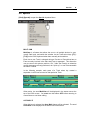
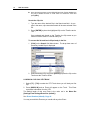
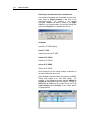
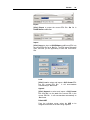
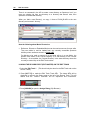
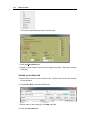
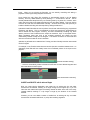
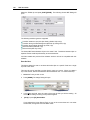
Assign back to back clips on a Summit Track with appropriate heads and tails. The
head and tail handles are required because the Summit M/E performs CENTER-CUT
DISSOLVES. This means that you need handles on the end of the FROM clip and
the head of the TO clip, or freeze frames equal to half the transitionrate will be visible
on either side of the transition.
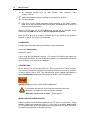
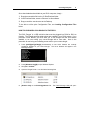
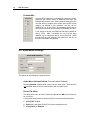
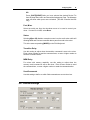
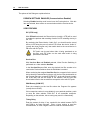
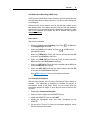
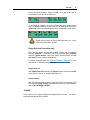
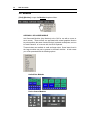
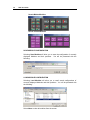
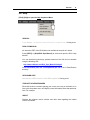
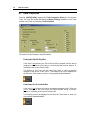
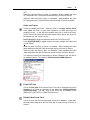
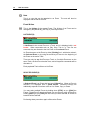
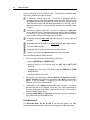
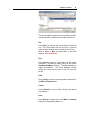
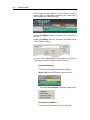
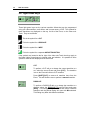
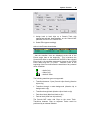
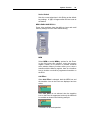
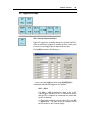
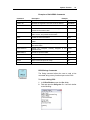
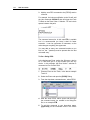
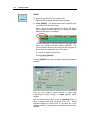
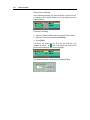
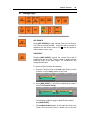
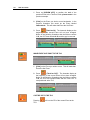
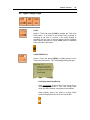
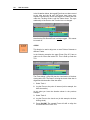
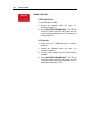
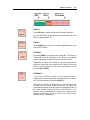
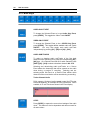
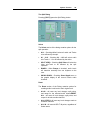
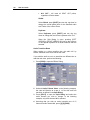
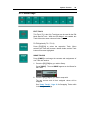
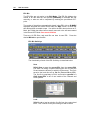
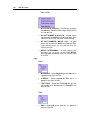
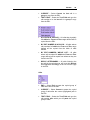
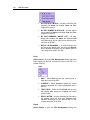
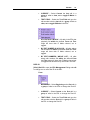
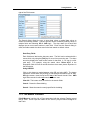
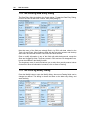
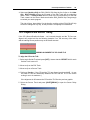
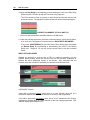
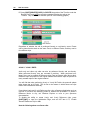
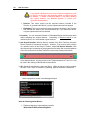
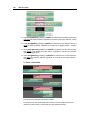
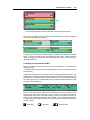
Notice in the Events shown above that the transition icons are at the end of the
Events rather than at the beginning. This is because the Summit M/E effect is
associated with the END of the selected Event; that is, the transition command is
placed on the FROM Event rather than the TO Event. This is a Summit requirement.
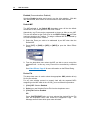
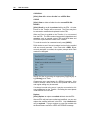
Transition icons at the beginning of the Event still reflect the transitions of any external
mixer & switcher.
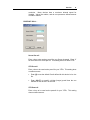
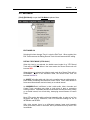
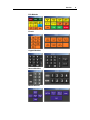
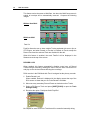
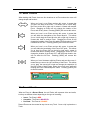
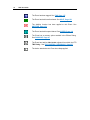
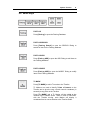
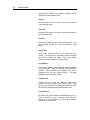
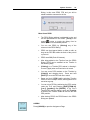
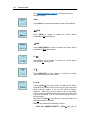
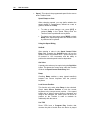
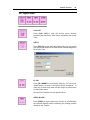
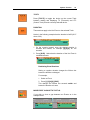
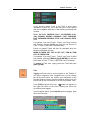
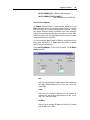
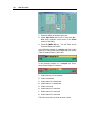
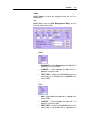
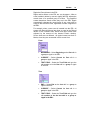
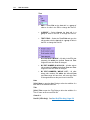
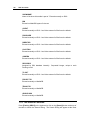
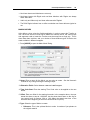
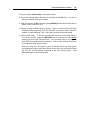
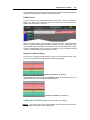
= Audio Only
= Video Only
= Audio & Video