1
202
DiVA User's Guide
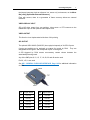
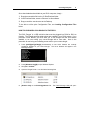
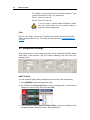
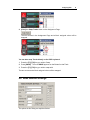
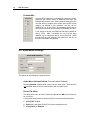
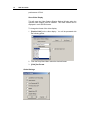
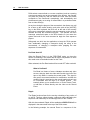
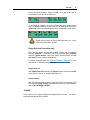
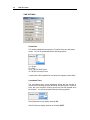
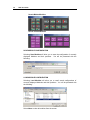
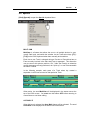
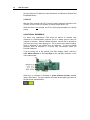
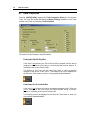
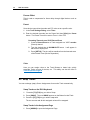
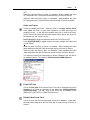
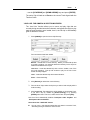
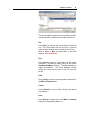
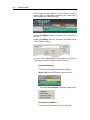
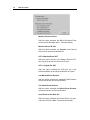
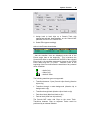
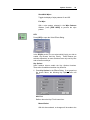
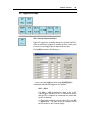
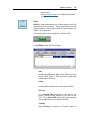
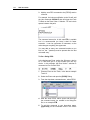
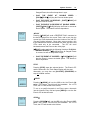
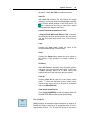
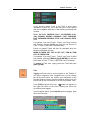
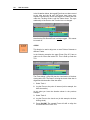
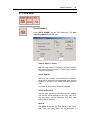
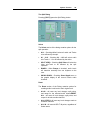
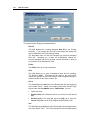
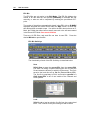
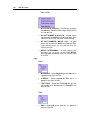
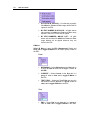
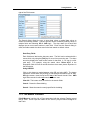
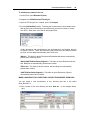
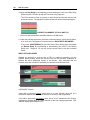
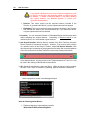
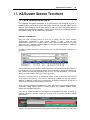
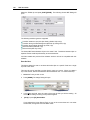
Select the FROM clip and press [SHIFT][SRVR]. The following Summit M/E Dialog will
open.
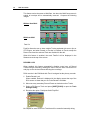
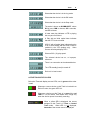
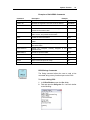
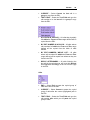
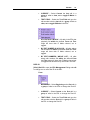
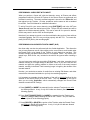
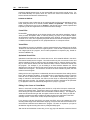
The following transition types are supported:
Transition between 2 (two) K2 clips directly (dissolve clip-to-clip)
Transition through a matte background (dissolve clip, background, clip)
Transition through black (dissolve clip, black, clip)
Fade from black (fade black, clip)
Fade to black (fade clip, black)
The Summit M/E works between Clips on the same Track. Transitions between Clips on
separate Tracks would be performed by an external switcher.
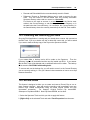
L2D files created with previous DiVA software versions will not be compatible with this
software.
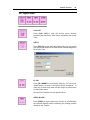
Save As New
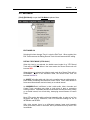
This feature allows the user to condense all the K2 clips on a specific Track into a single
clip with a new name.
This new clip can be used like any other K2 clip, even as a source. When you create a
clip in this manner, effects and transitions will be treated as cuts. To create a New Clip:
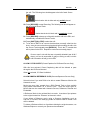
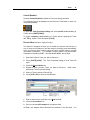
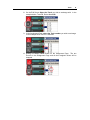
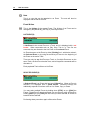
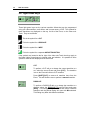
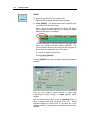
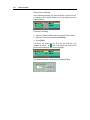
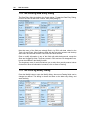
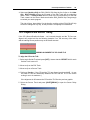
1. Select the Track you wish to use.
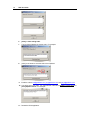
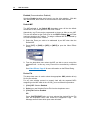
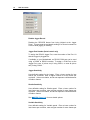
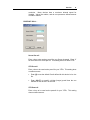
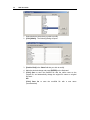
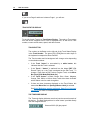
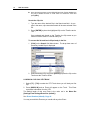
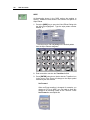
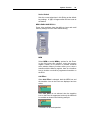
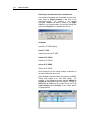
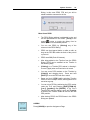
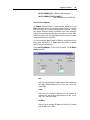
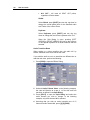
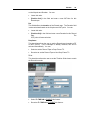
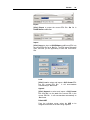
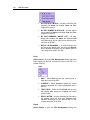
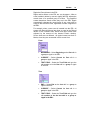
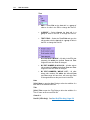
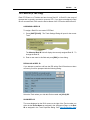
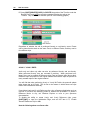
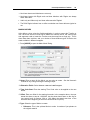
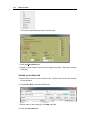
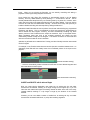
2. Press [ASGN]. The Assign Dialog will open.
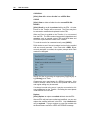
3. In the New: text field, enter the name of the new clip that you will be creating. All
conventions relating to naming K2 clips will be applied.
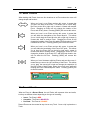
4.
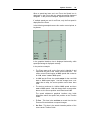
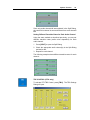
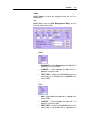
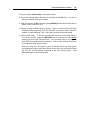
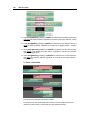
[Click] or press [F5] SaveAsNew .
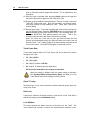
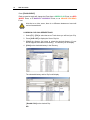
If you selected the Linear Record Track, a copy of the current show as it now exists
will be made, through the end of the Black Track.