1
Simulator Reference Manual
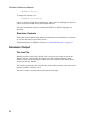
Reading Data
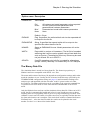
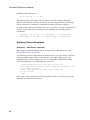
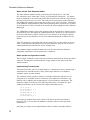
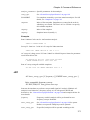
A data file will be created for the simulation results as normal (see “The Binary Data
File” on page 23). You can read this file with the waveform viewer using the Load
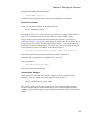
Data menu. However, it is strongly recommended that the simulation is paused first by
pressing cntrl-C.
Important: if you read the data file before the simulation is complete or aborted, the file
entries that provide the size of each vector will not have been filled. This means that
the waveform viewer will have to scan the whole file in order to establish the size of
the vectors. This could take a considerable time if the data file is large.
Configuration Settings
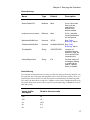
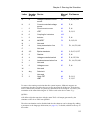
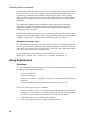
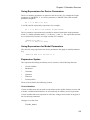
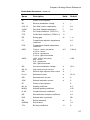
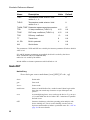
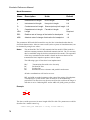
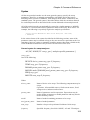
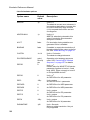
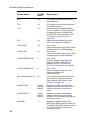
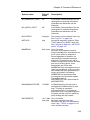
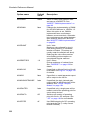
Configuration settings consist of a number of persistent global options as well as the
locations for installed model libraries.
When the simulator is run in GUI mode, its configuration settings are controlled by the
front end and stored wherever the front ends settings are stored. See the User's Manual
for more details.
When the simulator is run in non-GUI mode, these settings are stored in a .INI file
which is, by default, SIM.INI in the same directory as the executable file. This can be
changed with the /config switch detailed above (page 14)
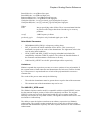
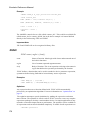
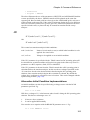
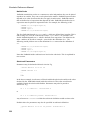
The format of the configuration file is:
[Options]
option_settings
[Models]
model_libraries
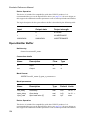
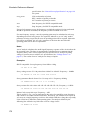
Where:
16
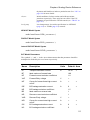
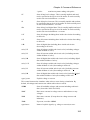
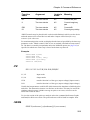
option_settings
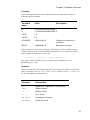
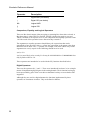
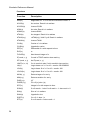
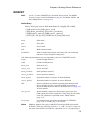
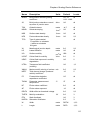
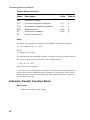
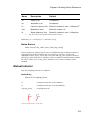
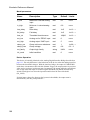
These are of the form name=value and specify
a number of global settings. Boolean values are
of the form name= without a value. If the entry
is present it is TRUE if absent it is FALSE.
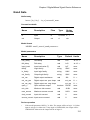
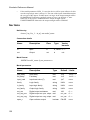
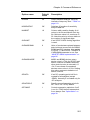
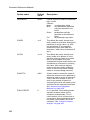
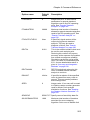
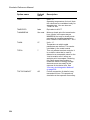
Available global settings are detailed below.
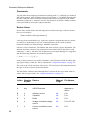
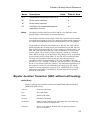
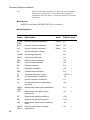
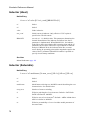
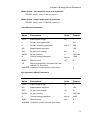
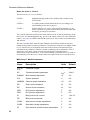
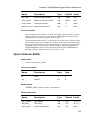
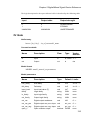
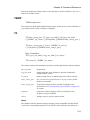
model_libraries
A list of entries specifying search locations for
model libraries. These are of the form
name=value where name is a string and value
is a search location. The string used for name
is arbitrary but must be unique. Entries are
sorted alphabetically according to the name
and used to determine the search order. value is
a path name and may contain wildcards (i.e. '*'
and '?')