1
Implementing a Basic Application
Entering the
Contacts in the
First Line
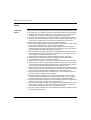
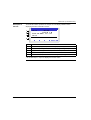
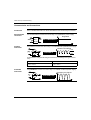
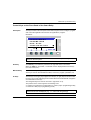
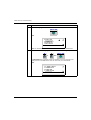
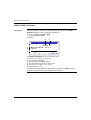
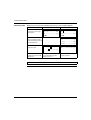
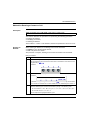
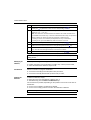
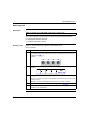
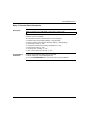
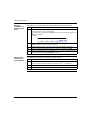
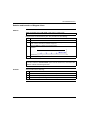
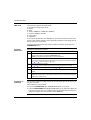
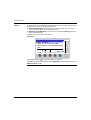
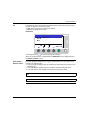
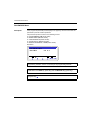
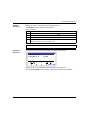
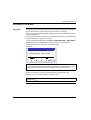
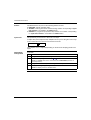
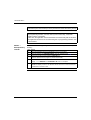
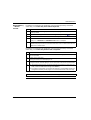
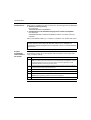
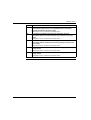
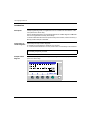
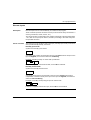
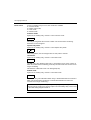
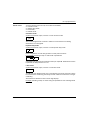
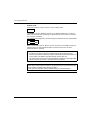
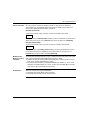
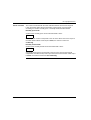
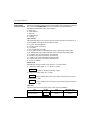
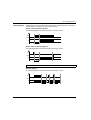
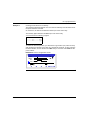
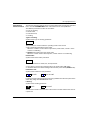
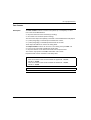
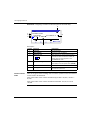
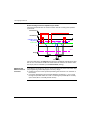
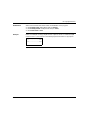
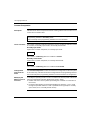
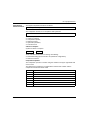
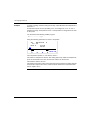
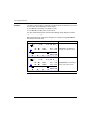
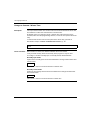
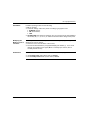
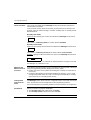
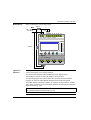
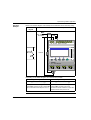
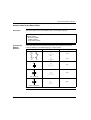
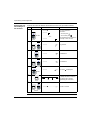
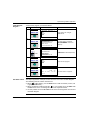
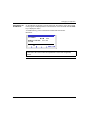
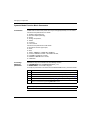
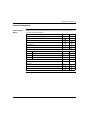
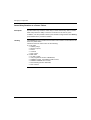
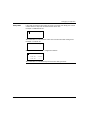
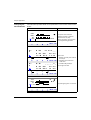
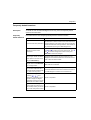
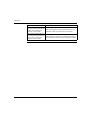
To enter the contacts in the first line, proceed as follows:
Step Action
Screen
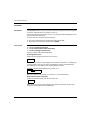
1
+
Comment
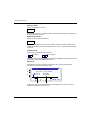
I1
The flashing cursor is
positioned on the I. The smart
relay prompts you to select the
type of contact.
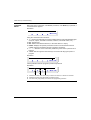
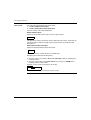
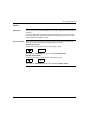
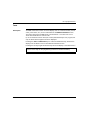
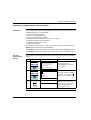
I1
The 1 flashes.
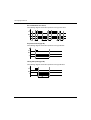
The user has implicitly selected a
contact assigned to an input (I),
the smart relay now prompts the
user to select the input number.
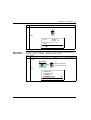
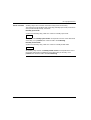
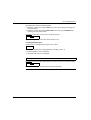
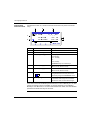
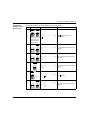
I1
The flashes, indicating a link
point for linking connections.
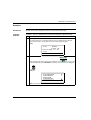
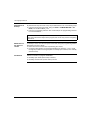
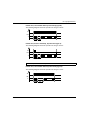
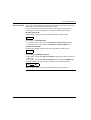
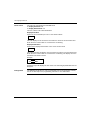
I1
The flashes.
You just confirmed entry of the
contact associated with the input
I1. The is positioned for
entering the second contact.
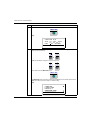
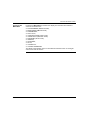
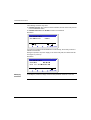
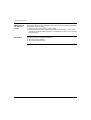
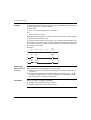
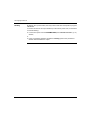
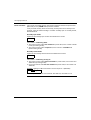
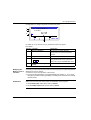
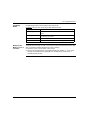
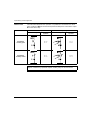
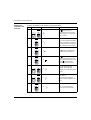
I1-I1
The right side I will begin
flashing. The smart relay
prompts you to select the type of
contact.
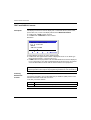
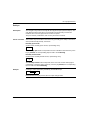
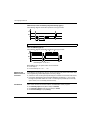
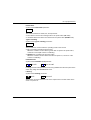
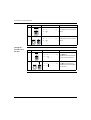
I1-i1
The i flashes.
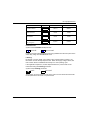
You have just selected the
reverse contact assigned to an
input.
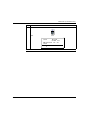
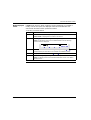
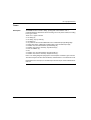
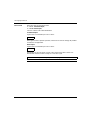
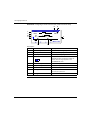
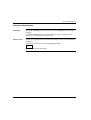
I1-i1
The 1 on the right flashes.
Now enter the input number.
+
2
3
4
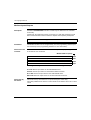
5
+
+
6
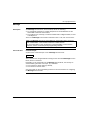
+
+
7
162
SR2MAN01EN 11/2005