1
LANGUAGE Menu
12
LANGUAGE Menu
Description
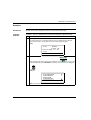
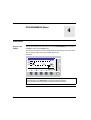
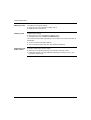
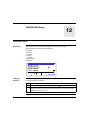
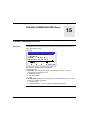
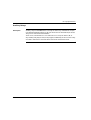
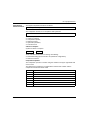
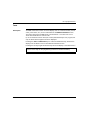
This function is used to select the language used by the smart relay.
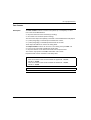
All messages may be viewed in 6 languages:
z
z
z
z
z
z
English,
French,
German,
Italian,
Spanish,
Portuguese.
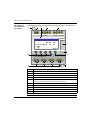
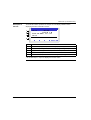
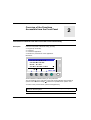
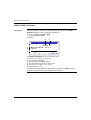
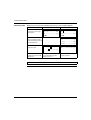
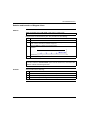
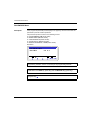
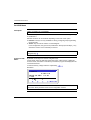
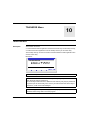
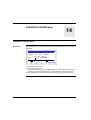
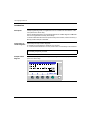
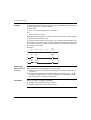
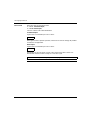
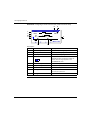
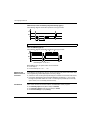
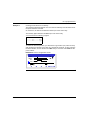
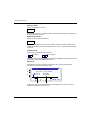
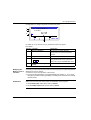
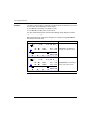
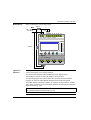
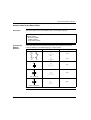
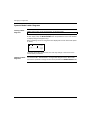
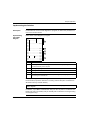
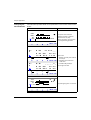
Illustration:
2
ENGLISH
FRANCAIS
DEUTSCH
ITALIANO
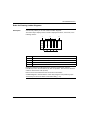
Menu / OK
Language
Selection
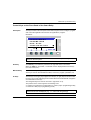
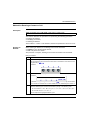
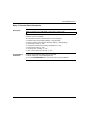
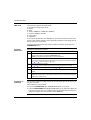
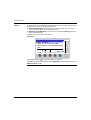
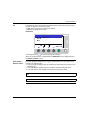
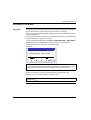
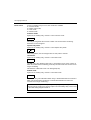
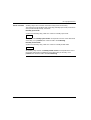
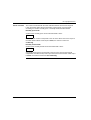
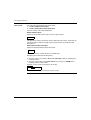
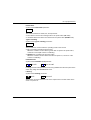
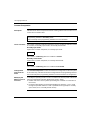
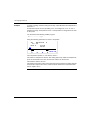
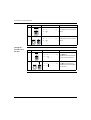
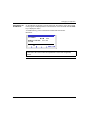
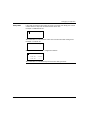
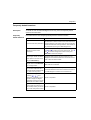
The current language is indicated by the selection symbol (black diamond).
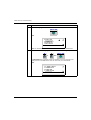
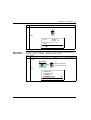
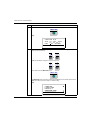
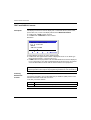
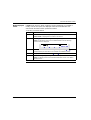
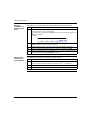
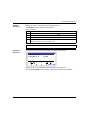
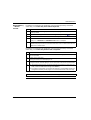
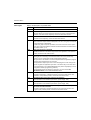
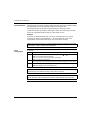
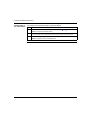
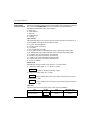
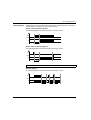
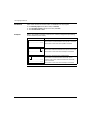
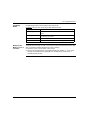
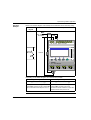
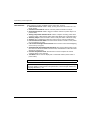
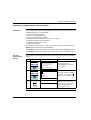
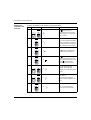
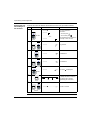
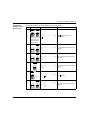
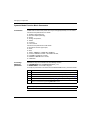
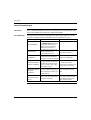
Language selection procedure:
Step Action
SR2MAN01EN 11/2005
1
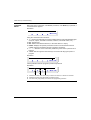
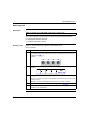
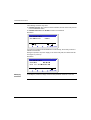
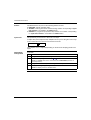
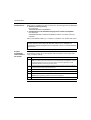
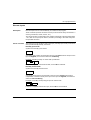
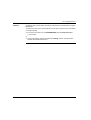
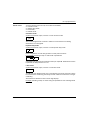
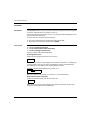
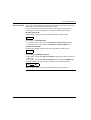
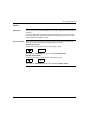
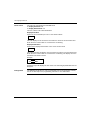
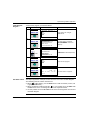
Select the language using the navigation keys:
2
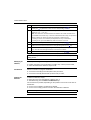
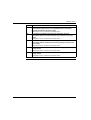
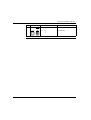
Confirm with the Menu/OK key.
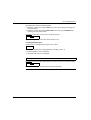
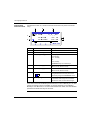
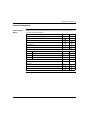
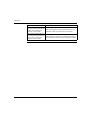
Result: The display returns to the INPUTS-OUTPUTS screen in RUN mode and to
the MAIN menu in STOP mode.
and
(the selection flashes).
75