
1
How to Load Documents (For iX500/S1500/S1500M/S510)
B
a
c
k
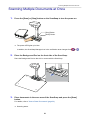
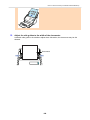
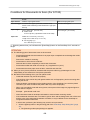
At an Angle
Feed Direction
ATTENTION
Paper jams or damage to documents may occur if you scan the documents without aligning the
edges first.
4.
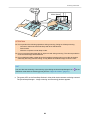
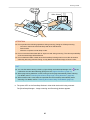
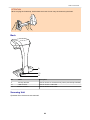
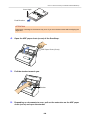
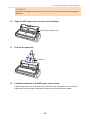
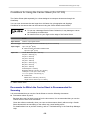
Open the ADF paper chute (cover) of the ScanSnap.
ADF Paper Chute (Cover)
5.
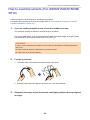
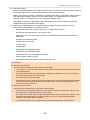
Pull the stacker towards you.
Stacker
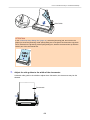
6.
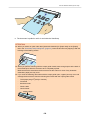
Depending on documents to scan, pull out the extension on the ADF paper
chute (cover) and open the stacker.
164









































































![3. Clique no botão [OK]](http://vs1.manualzilla.com/store/data/006085780_1-1e963248ed17cdf0be3b5a5218e98297-150x150.png)
![3. Clique no botão [Aplicar]](http://vs1.manualzilla.com/store/data/006085959_1-abc442ce88b6545b36fcdec1f957320c-150x150.png)
![3. Cliccare il tasto [OK]](http://vs1.manualzilla.com/store/data/006155166_1-66b7bb98c98d41f6181cd20c0b775e39-150x150.png)