
1
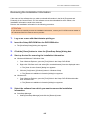
If You Have Installed the Software Before
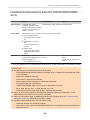
Installing One Software at a Time
Install the software one by one in the following procedure.
1.
Restart the computer.
2.
Log on as a user with Administrator privileges.
3.
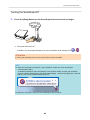
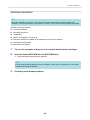
If anti-virus software is running, disable the software temporarily.
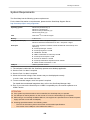
ATTENTION
If you cannot disable the anti-virus software, check if the software is set to lock the application.
4.
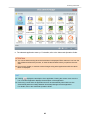
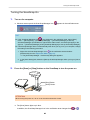
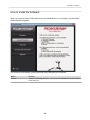
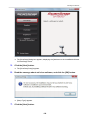
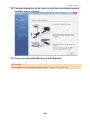
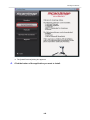
Insert the Setup DVD-ROM into the DVD-ROM drive.
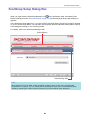
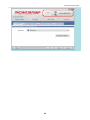
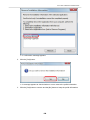
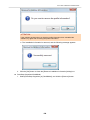
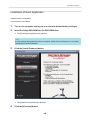
a The [ScanSnap Setup] dialog box appears.
5.
Click the [Close] button to close the [ScanSnap Setup] dialog box.
6.
Install the software.
Open the Setup DVD-ROM from Windows Explorer, and run the "setup.exe" of each software.
l ScanSnap Manager
DVD-ROM drive:\Software\ScanSnap\setup.exe
l ScanSnap Organizer
DVD-ROM drive:\Software\Organizer\setup.exe
l CardMinder
DVD-ROM drive:\Software\Card\setup.exe
Install one of the software above, and then install the following application.
l ScanSnap Online Update
DVD-ROM drive:\Software\Online Update\Setup.exe
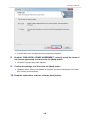
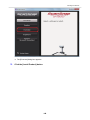
a The setup dialog box appears.
Follow the instructions on the screen to continue with the installation.
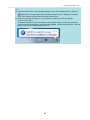
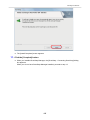
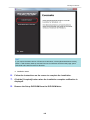
If you cannot proceed further because a message appears to indicate that the software is
already installed, start over again from the procedure in "Uninstalling the Software" (page
106).
7.
Restart the computer.
113








































































![3. Clique no botão [OK]](http://vs1.manualzilla.com/store/data/006085780_1-1e963248ed17cdf0be3b5a5218e98297-150x150.png)
![3. Clique no botão [Aplicar]](http://vs1.manualzilla.com/store/data/006085959_1-abc442ce88b6545b36fcdec1f957320c-150x150.png)
![3. Cliccare il tasto [OK]](http://vs1.manualzilla.com/store/data/006155166_1-66b7bb98c98d41f6181cd20c0b775e39-150x150.png)