1
SYSML PLUGIN FOR MAGICDRAW
SysML Diagrams
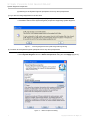
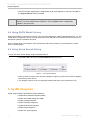
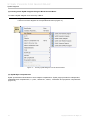
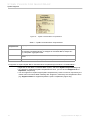
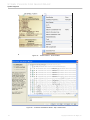
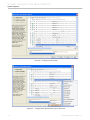
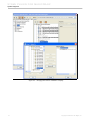
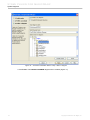
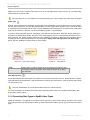
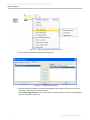
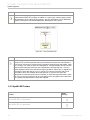
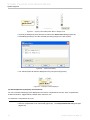
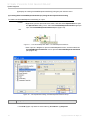
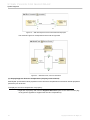
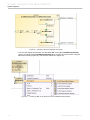
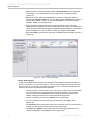
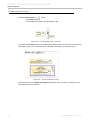
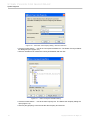
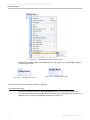
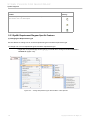
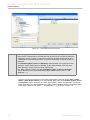
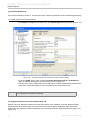
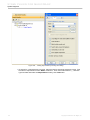
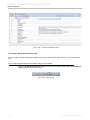
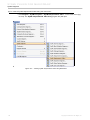
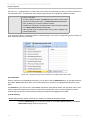
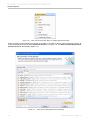
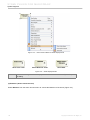
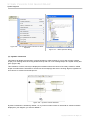
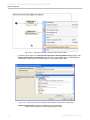
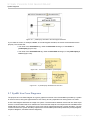
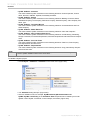
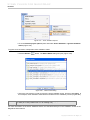
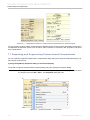
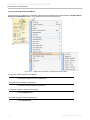
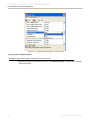
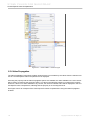
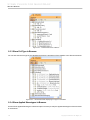
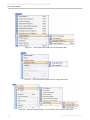
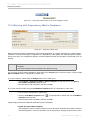
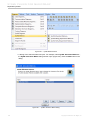
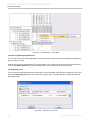
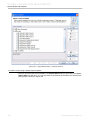
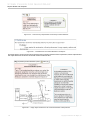
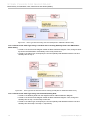
Figure 149 -- Finding requirement by name in Containment Tree
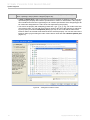
NOTE
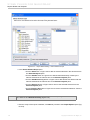
This type of search cannot find an element if the element is not shown in browser when
searching.
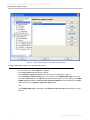
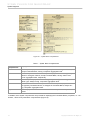
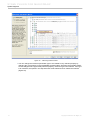
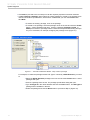
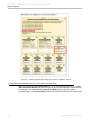
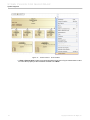
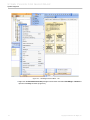
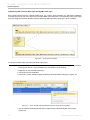
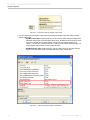
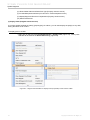
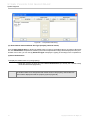
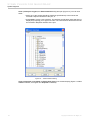
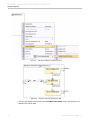
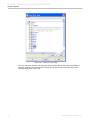
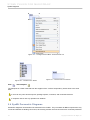
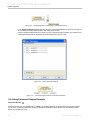
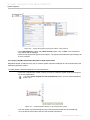
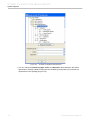
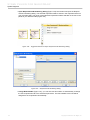
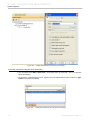
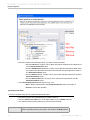
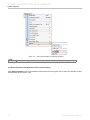
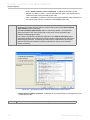
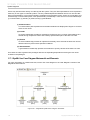
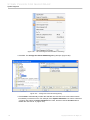
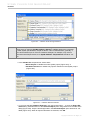
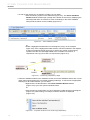
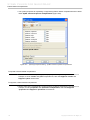
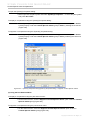
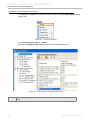
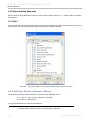
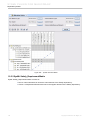
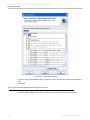
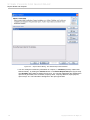
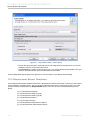
To find the requirement using the Find dialog:
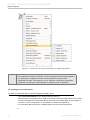
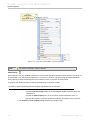
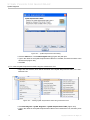
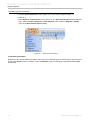
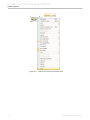
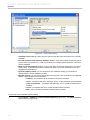
• You can either select Edit > Find... in the main menu, or press Ctrl + F to open the Find dialog.
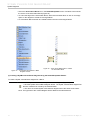
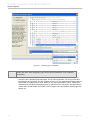
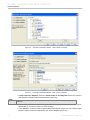
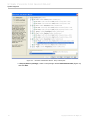
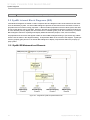
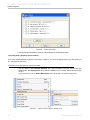
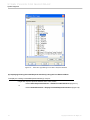
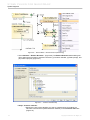
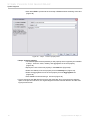
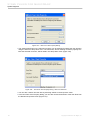
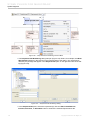
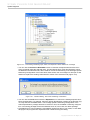
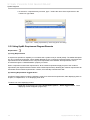
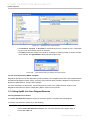
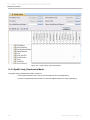
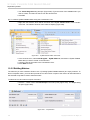
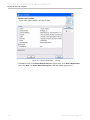
• To search for a requirement by its ID, select the tab for searching element by tag value in the
Find dialog. In Name combo box, type “Id” and then type the ID of the requirement into the
Value combo box. Click Find button.
115
Copyright © 2006-2011 No Magic, Inc..