1
SYSML PLUGIN FOR
MAGICDRAW
1. Introduction
Systems Modeling Language (SysML) is designed to unify the diverse modeling languages currently used by
system engineers, the same way Unified Modeling Language (UML) is used in the software industry to unify
the modeling languages used by software engineers.
SysML supports the specifications, analysis, designs, verifications, and validations of a broad range of complex
systems.
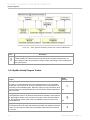
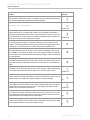
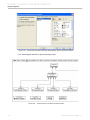
In addition to supporting all SysML diagrams (Block Definition, Internal Block, Package, Parametric, Requirement, Activity, and Use Case diagrams), SysML Plugin also makes it possible for MagicDraw to support additional specifications, analysis, designs, and validations on a broader range of systems and system integrations.
SysML sample projects are available in the <md.install.dir>/samples/SysML directory.
2. Installation
To install SysML Plugin, either (i) follow the manual installation instructions if you have already downloaded the
plugin, or (ii) use Resource/Plugin Manager in MagicDraw to download and install the plugin.
(i) To install SysML Plugin following the manual installation instructions on all platforms:
1. Download the SysML_Plugin_<version number>.zip file.
2. Exit the MagicDraw application currently running.
3. Extract the content of SysML_Plugin_<version number>.zip file to the directory where your
MagicDraw is installed, i.e. <md.install.dir>.
4. Restart the MagicDraw application.
(ii) To install SysML Plugin using Resource/Plugin Manager:
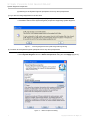
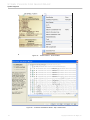
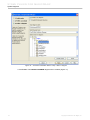
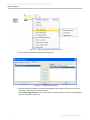
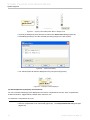
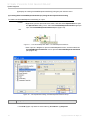
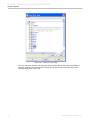
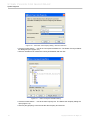
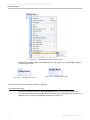
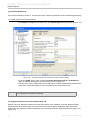
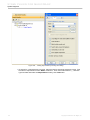
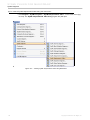
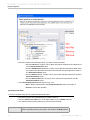
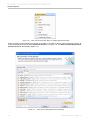
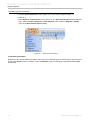
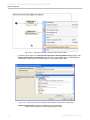
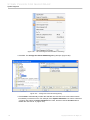
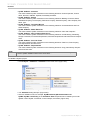
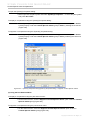
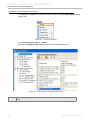
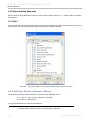
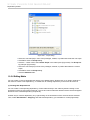
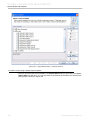
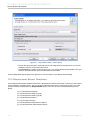
1. Click Help > Resource/Plugin Manager on the MagicDraw main menu. The Resource/
Plugin Manager will appear and prompt you to check for available updates and new resources.
Click Check for Updates > Check.
NOTE
Specify HTTP Proxy Settings for connection to start MagicDraw updates and resources.
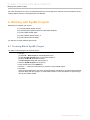
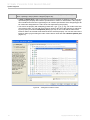
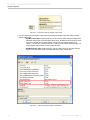
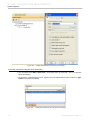
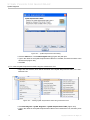
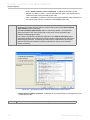
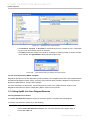
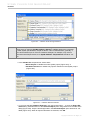
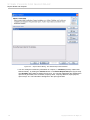
2. Select the SysML Plugin check box and click Download/Install.
3. Restart the MagicDraw application.
3. System Engineer Perspective
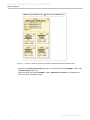
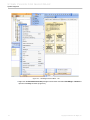
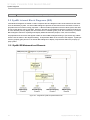
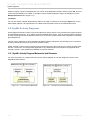
In keeping with SysML unifying purpose, the System Engineer perspective was created to unify the diverse
modeling languages currently used by system engineers. All the features dedicated to SysML are accessible.
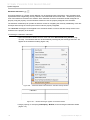
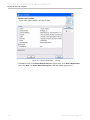
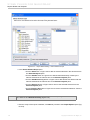
What you will have to do to access the System Engineer perspective depends on whether you are:
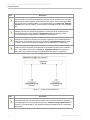
(i) launching MagicDraw for the first time after SysML Plugin has been installed or,
6
Copyright © 2006-2011 No Magic, Inc.