1
SYSML PLUGIN FOR MAGICDRAW
Report Wizard and Template
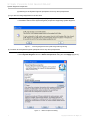
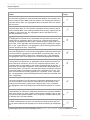
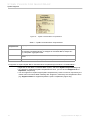
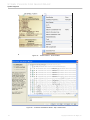
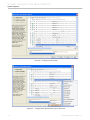
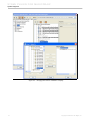
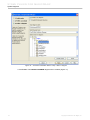
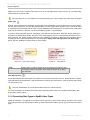
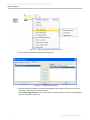
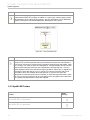
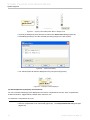
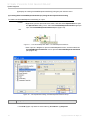
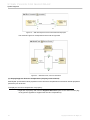
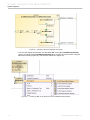
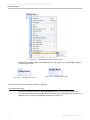
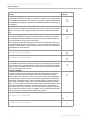
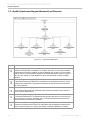
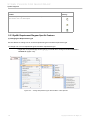
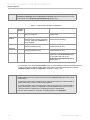
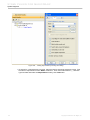
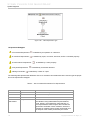
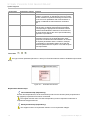
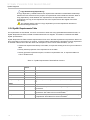
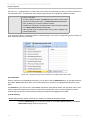
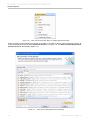
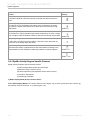
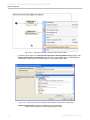
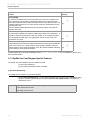
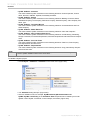
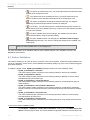
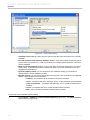
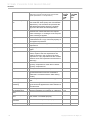
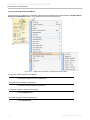
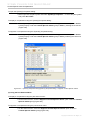
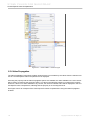
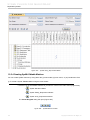
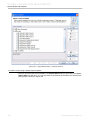
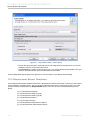
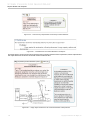
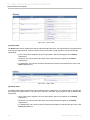
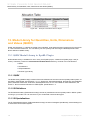
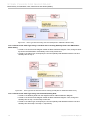
Figure 287 -- Satisfy Table
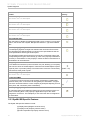
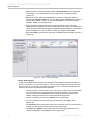
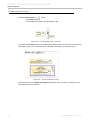
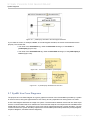
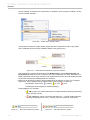
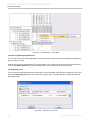
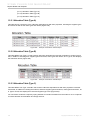
(e) Trace Table
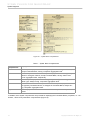
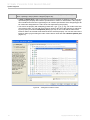
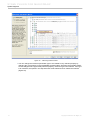
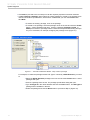
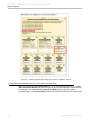
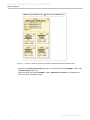
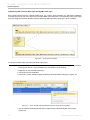
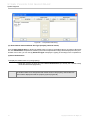
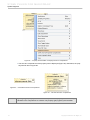
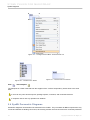
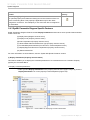
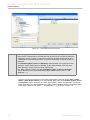
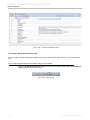
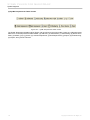
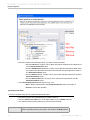
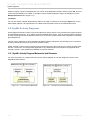
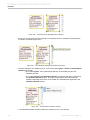
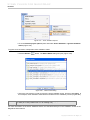
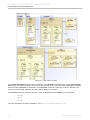
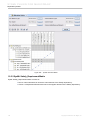
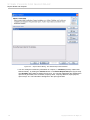
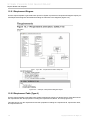
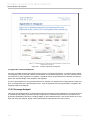
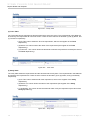
The Trace table shows requirements and the elements to which they trace. The requirements in this table will
be sorted by the requirement ID in the first column. There are three columns in this table: (a) ID, (b) Name, and
(c) Traced To respectively.
• (a) ID: This column shows the ID of the requirement, which is the supplier of the Trace
dependency.
• (b) Name: This column shows the name of the requirement (the supplier of the Trace
dependency).
• (c) Traced To: This column shows the elements to which the requirement is traced (the client of
the Trace dependency).
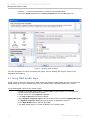
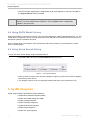
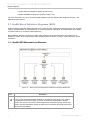
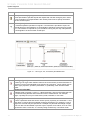
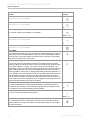
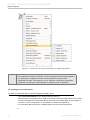
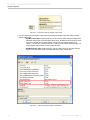
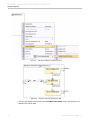
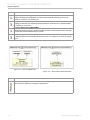
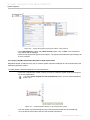
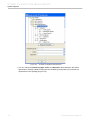
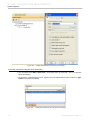
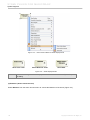
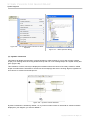
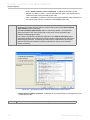
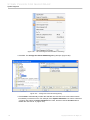
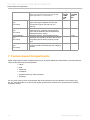
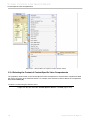
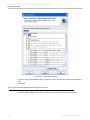
Figure 288 -- Trace Table
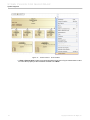
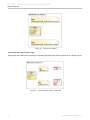
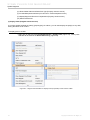
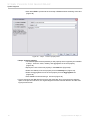
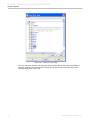
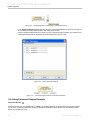
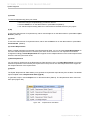
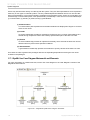
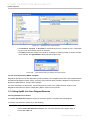
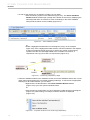
(f) Verify Table
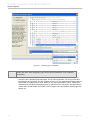
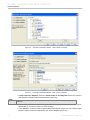
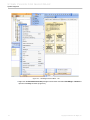
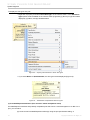
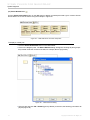
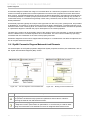
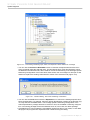
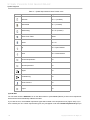
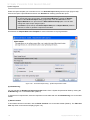
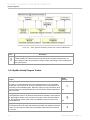
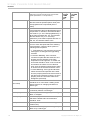
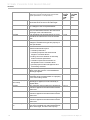
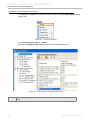
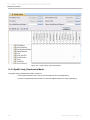
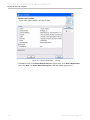
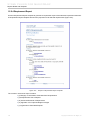
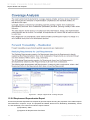
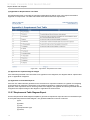
The verify table shows the requirements and the elements which verify them. The requirements in this table will
be sorted by the requirement ID. There are three columns in this table: (a) ID, (b) Name, and (c) Verified By
respectively.
• (a) ID: This column shows theID of the requirement, which is the supplier of the Verify
dependency.
• (b) Name: The column shows the name of the requirement (the supplier of the Verify
dependency).
• (c) Verified By: The column shows the elements which verify the requirement (the client of the
Verify dependency).
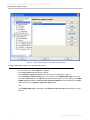
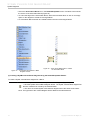
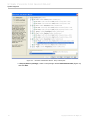
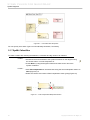
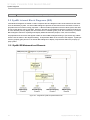
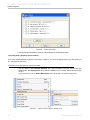
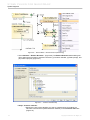
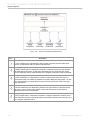
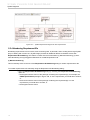
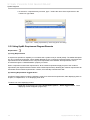
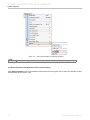
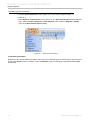
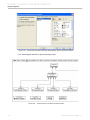
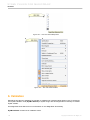
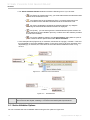
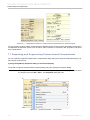
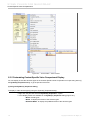
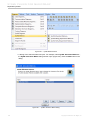
Figure 289 -- Verify Table
224
Copyright © 2006-2011 No Magic, Inc..