1
SYSML PLUGIN FOR MAGICDRAW
Validation
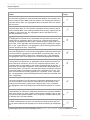
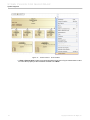
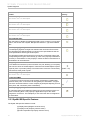
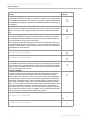
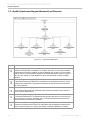
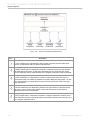
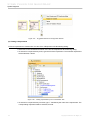
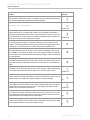
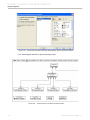
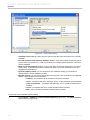
1. SysML ValSuite - Activities
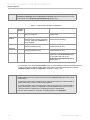
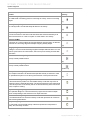
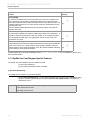
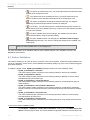
This suite contains SysML constraints on the following elements: Control Operator, Control
Value, Discrete, noBuffer, Optional, Probability and Rate.
2. SysML ValSuite - Blocks
This suite contains SysML constraints on the following elements: Binding Connector, Block,
Distributed Property, Part Property, Reference Property, Shared Property, Value Property and
Value Type.
3. SysML ValSuite - Constraint Blocks
This suite contains SysML constraints on the following elements: Constraint Block and Constraint Property.
4. SysML ValSuite - Model Elements
This suite contains SysML constraints on the following elements: View and Viewpoint.
5. SysML ValSuite - Non-normative Extensions
This suite contains SysML constraints on the following elements: nonStreaming, Streaming,
Design Constraint, Functional Requirement, Interface Requirement and Performance Requirement.
6. SysML ValSuite - Port and Flows
This suite contains SysML constraints on the following elements: Flow Port, Flow Property,
Flow Specification and Item Flow.
7. SysML ValSuite - Requirements
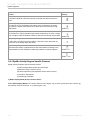
This suite contains SysML constraints on the following elements: Copy, DeriveReqt, Requirement and Test Case.
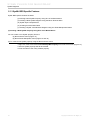
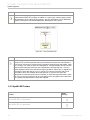
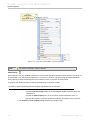
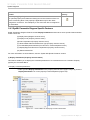
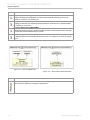
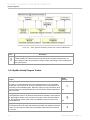
NOTE
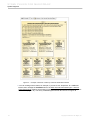
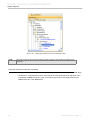
If you use SysML ValSuite as the validation criteria, your model will be validated against
all seven SysML validation suites at the same time.
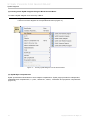
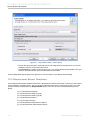
To validate a SysML project:
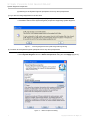
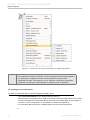
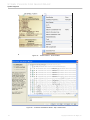
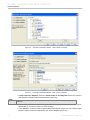
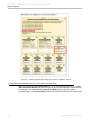
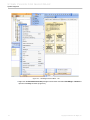
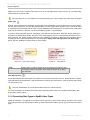
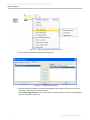
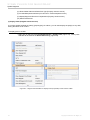
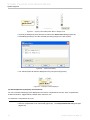
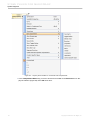
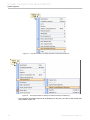
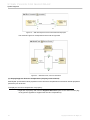
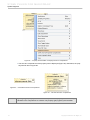
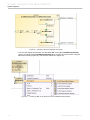
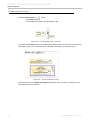
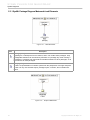
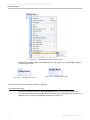
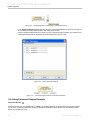
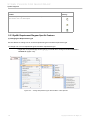
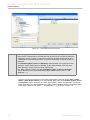
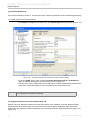
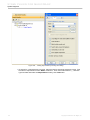
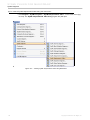
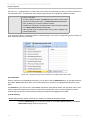
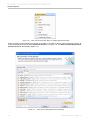
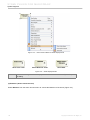
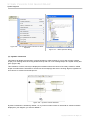
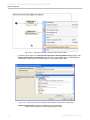
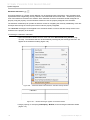
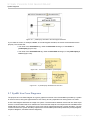
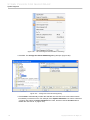
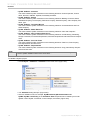
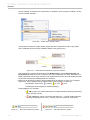
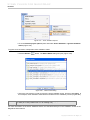
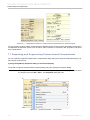
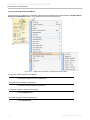
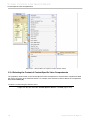
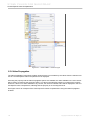
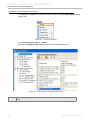
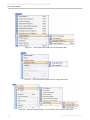
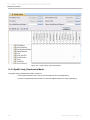
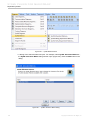
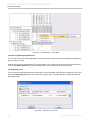
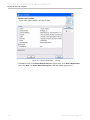
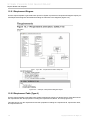
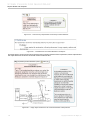
1. Click Analyze > Validation > Validation on the main menu (Figure 201).
Figure 201 -- Validation Menu
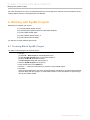
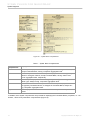
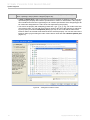
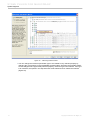
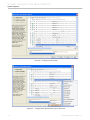
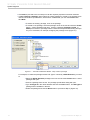
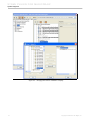
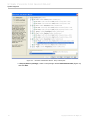
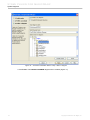
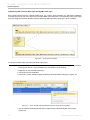
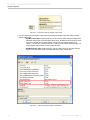
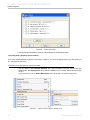
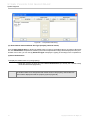
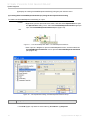
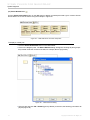
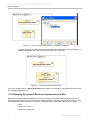
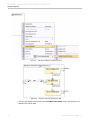
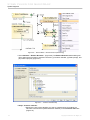
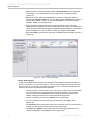
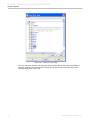
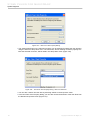
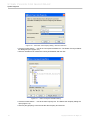
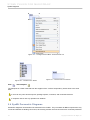
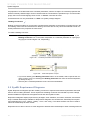
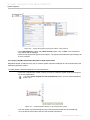
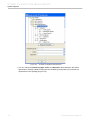
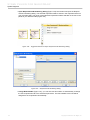
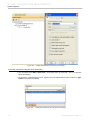
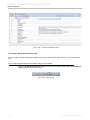
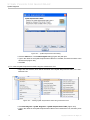
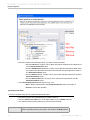
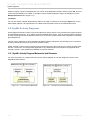
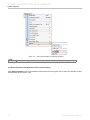
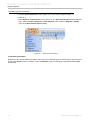
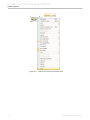
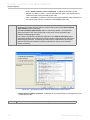
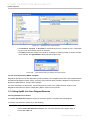
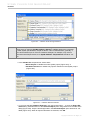
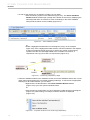
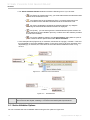
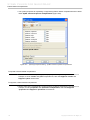
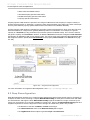
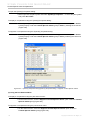
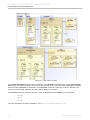
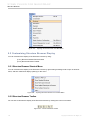
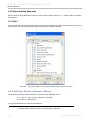
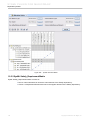
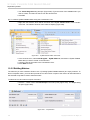
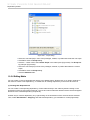
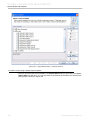
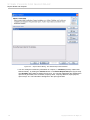
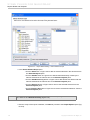
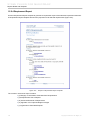
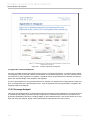
2. The Validation dialog will open (Figure 202).
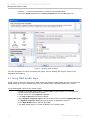
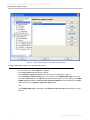
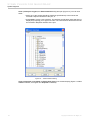
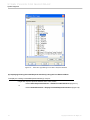
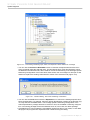
3. Select a validation suite, for example, SysML ValSuite [MD Customization for
SysML::SysML constraints], in the Validation Suite drop-down list to validate your model
against a set of SysML constraints, in this example, all of them (Figure 202).
157
Copyright © 2006-2011 No Magic, Inc..