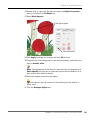
1
Chapter 13 : Multi-Hooping Tutorial
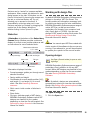
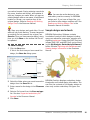
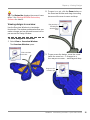
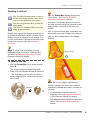
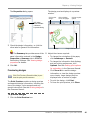
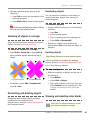
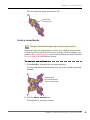
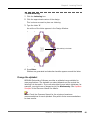
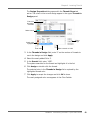
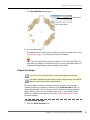
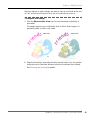
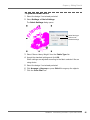
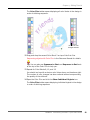
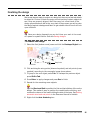
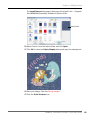
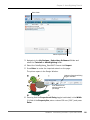
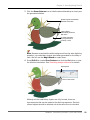
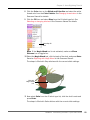
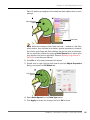
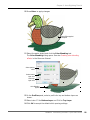
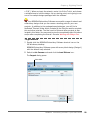
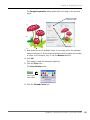
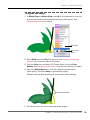
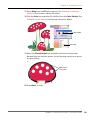
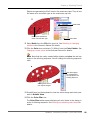
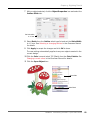
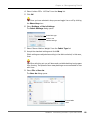
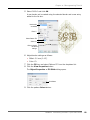
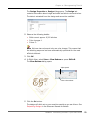
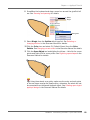
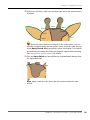
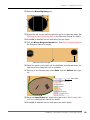
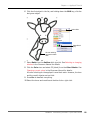
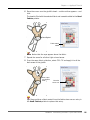
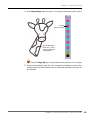
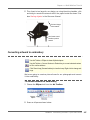
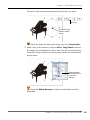
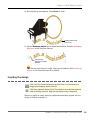
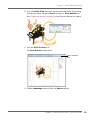
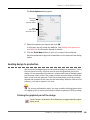
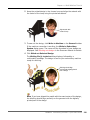
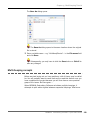
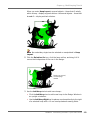
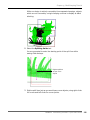
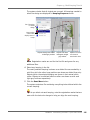
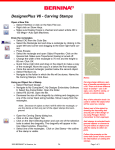
Similarly, use the Add Hoop Up tool to place a new hoop directly
above a selected hoop.
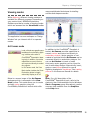
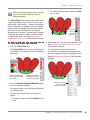
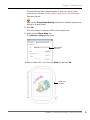
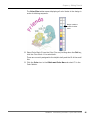
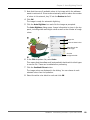
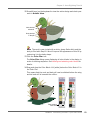
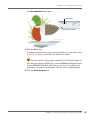
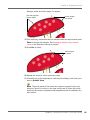
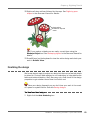
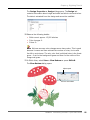
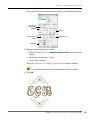
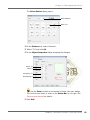
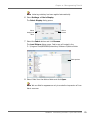
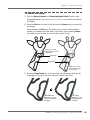
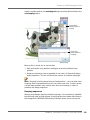
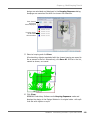
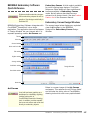
Re-position
center point
Drag rotation
handle
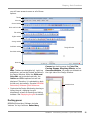
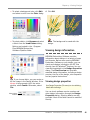
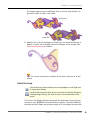
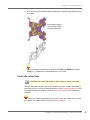
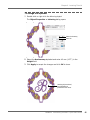
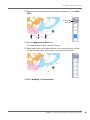
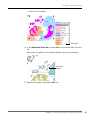
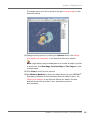
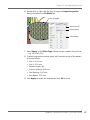
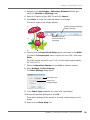
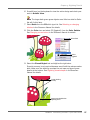
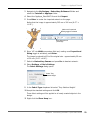
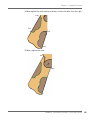
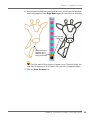
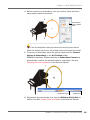
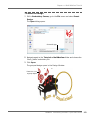
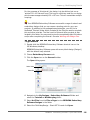
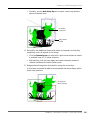
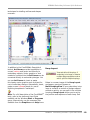
4 Re-position the additional hoops and rotate as necessary so that they
completely cover all objects in the design.
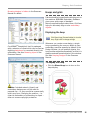
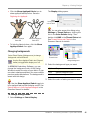
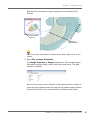
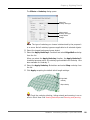
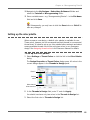
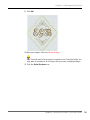
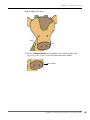
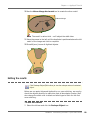
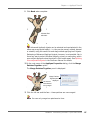
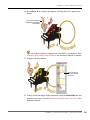
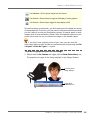
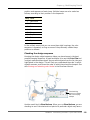
Click the Rotate Hoop icon with left or right mouse buttons to rotate
a selected hoop 45° in either direction.
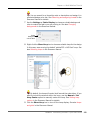
Alternatively, click the hoop again and rotate hoops by means of
rotation handles and rotation center-point.
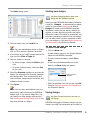
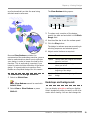
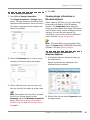
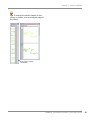
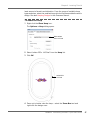
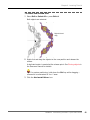
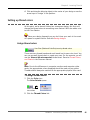
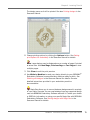
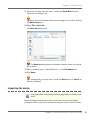
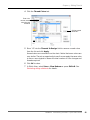
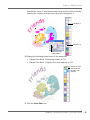
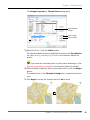
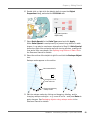
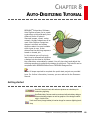
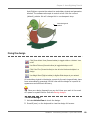
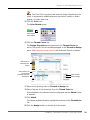
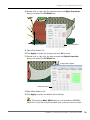
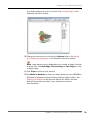
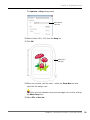
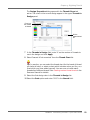
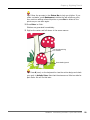
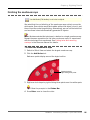
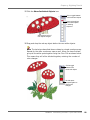
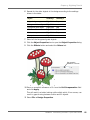
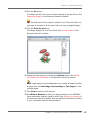
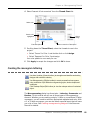
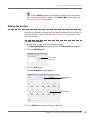
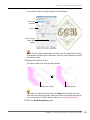
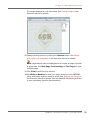
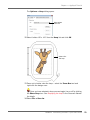
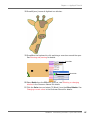
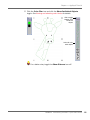
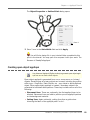
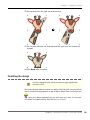
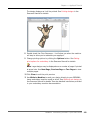
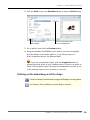
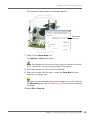
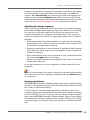
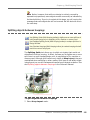
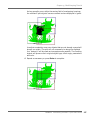
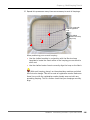
5 Nudge selected hoops into final position using the arrow keys.
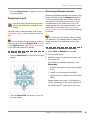
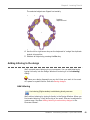
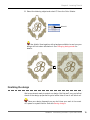
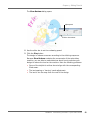
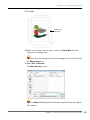
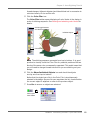
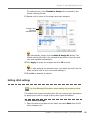
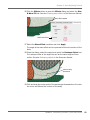
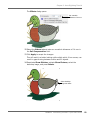
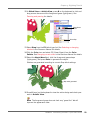
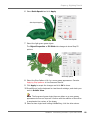
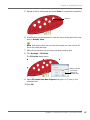
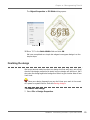
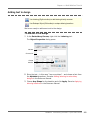
In this case, we should be able to accommodate the whole design within
three hoop positions.
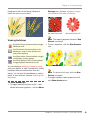
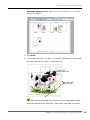
All objects lie
within hoopings
BERNINA® Embroidery Software : Quick Start Guide
234