1
Chapter 13 : Multi-Hooping Tutorial
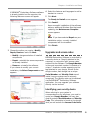
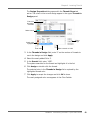
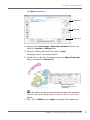
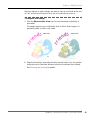
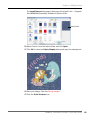
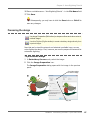
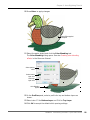
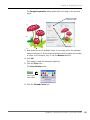
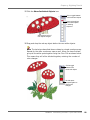
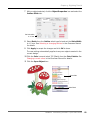
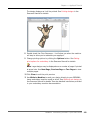
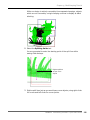
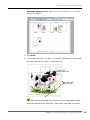
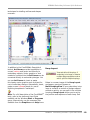
The embroidery design opens in the Design Window.
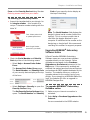
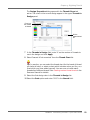
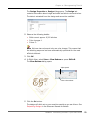
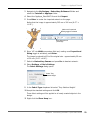
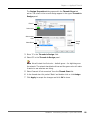
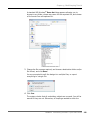
Select artista
130 x 100
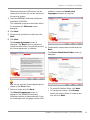
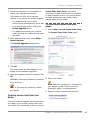
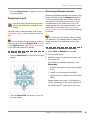
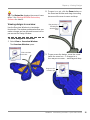
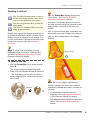
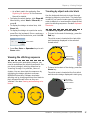
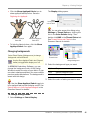
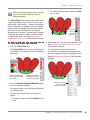
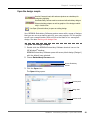
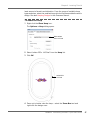
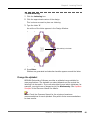
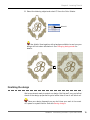
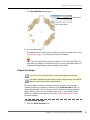
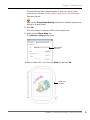
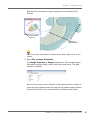
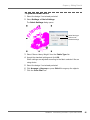
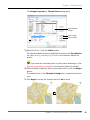
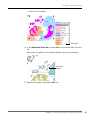
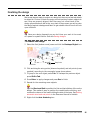
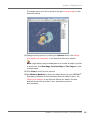
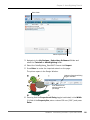
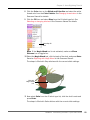
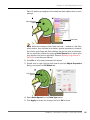
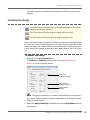
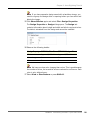
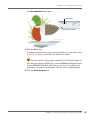
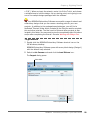
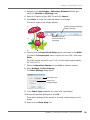
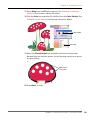
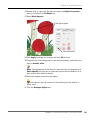
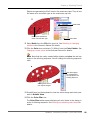
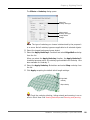
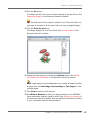
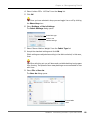
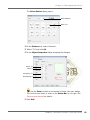
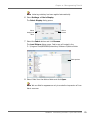
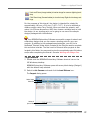
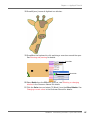
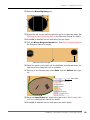
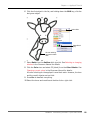
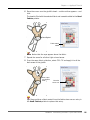
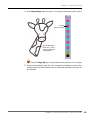
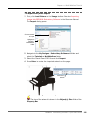
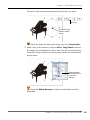
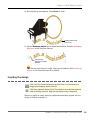
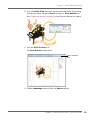
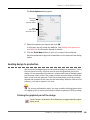
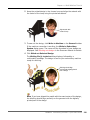
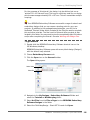
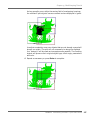
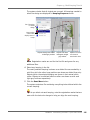
7 Right-click the Show Hoop icon.
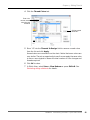
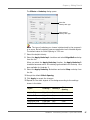
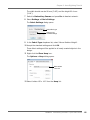
The Options > Hoop dialog opens.
Note Each design can only use one size of hoop, so normally you would
try to choose one to cover the largest object in the design.
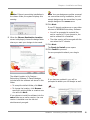
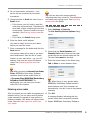
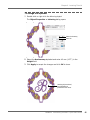
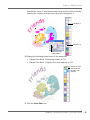
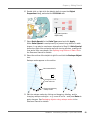
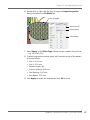
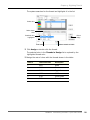
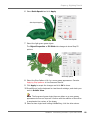
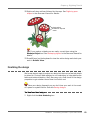
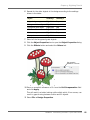
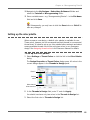
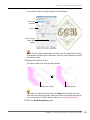
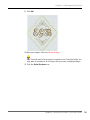
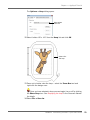
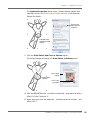
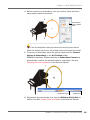
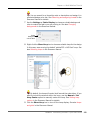
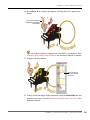
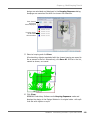
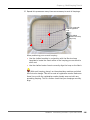
8 Check that ‘artista 130 x 100 Normal’ is selected.
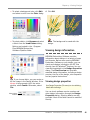
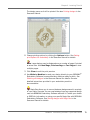
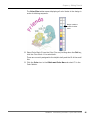
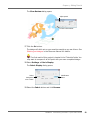
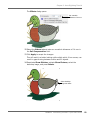
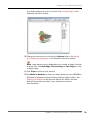
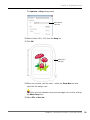
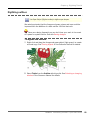
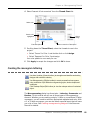
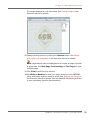
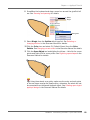
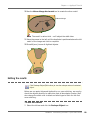
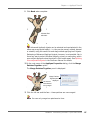
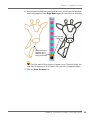
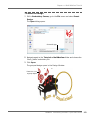
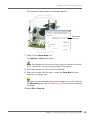
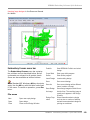
9 Zoom out to better view the hoop – select the Zoom Box tool and
right-click the design once.
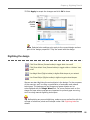
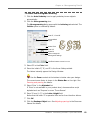
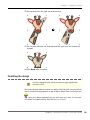
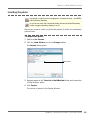
Tip Once you have selected a hoop, you can toggle it on or off by clicking
the Show Hoop icon. See Displaying the hoop in the Onscreen Manual
for details.
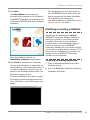
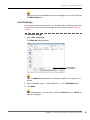
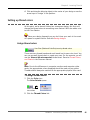
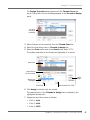
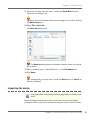
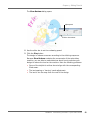
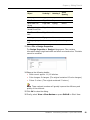
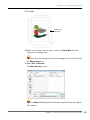
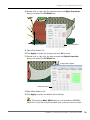
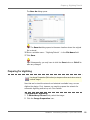
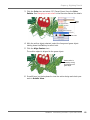
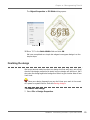
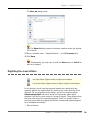
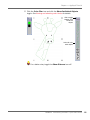
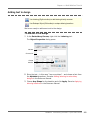
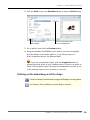
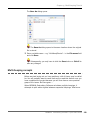
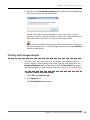
10 Select File > Save As.
BERNINA® Embroidery Software : Quick Start Guide
227