1
Chapter 6
Setting up VIs and SubVIs
the Debugging Features section of Chapter 4, Executing and Debugging
VIs and SubVIs.
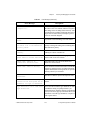
The Reentrant Execution and Priority options are fairly advanced
features that affect the way a VI executes. You need them only in
special applications. These options are discussed in the Reentrant
Execution and VI Setup Priority Setting sections, respectively, of
Chapter 24, Understanding the G Execution System.
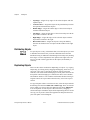
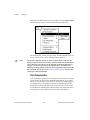
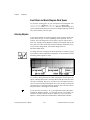
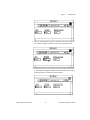
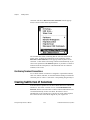
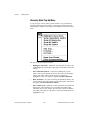
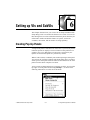
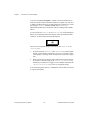
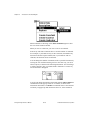
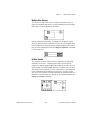
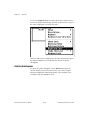
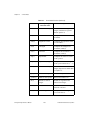
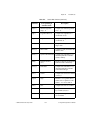
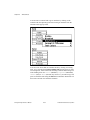
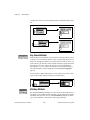
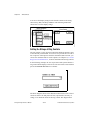
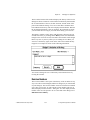
You can use the remaining options to set your VI to print when executed
and customize the way it looks when printed in this way. Programmatic
printing is discussed in detail in the Programmatic Printing section of
Chapter 5, Printing VIs.
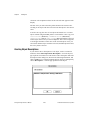
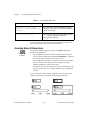
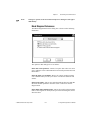
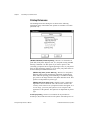
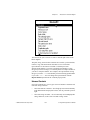
Documentation Options
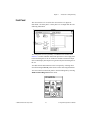
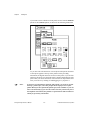
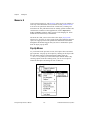
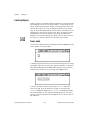
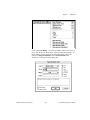
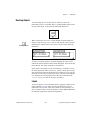
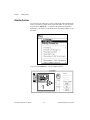
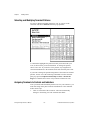
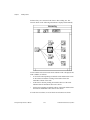
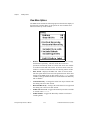
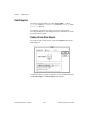
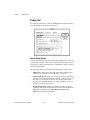
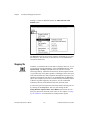
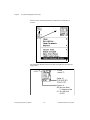
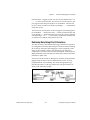
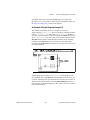
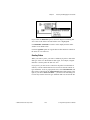
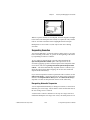
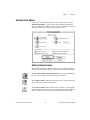
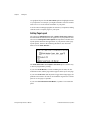
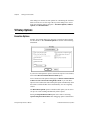
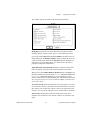
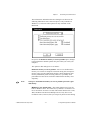
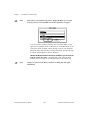
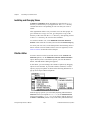
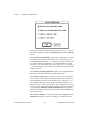
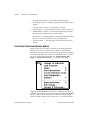
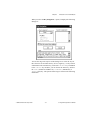
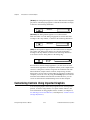
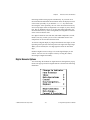
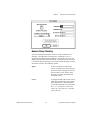
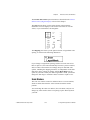
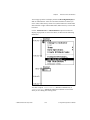
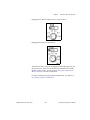
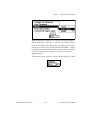
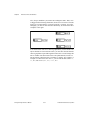
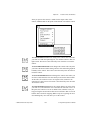
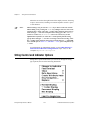
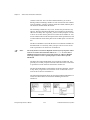
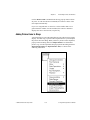
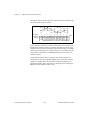
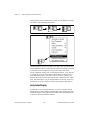
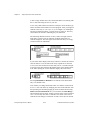
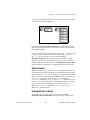
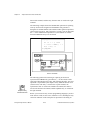
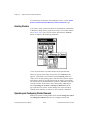
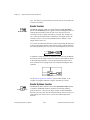
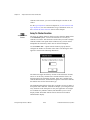
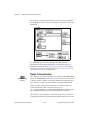
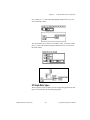
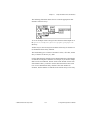
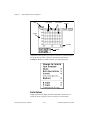
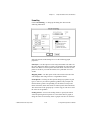
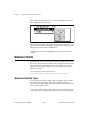
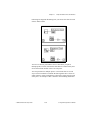
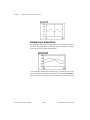
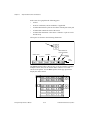
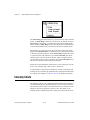
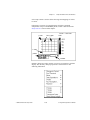
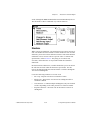
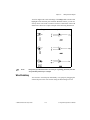
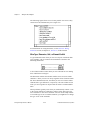
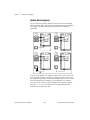
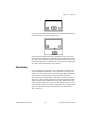
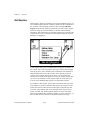
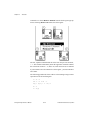
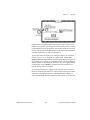
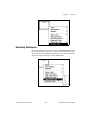
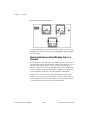
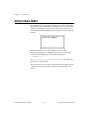
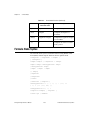
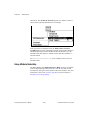
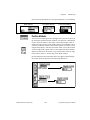
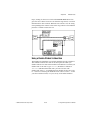
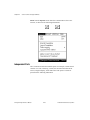
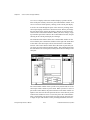
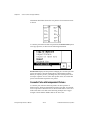
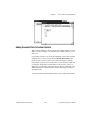
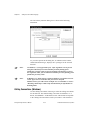
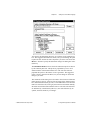
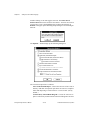
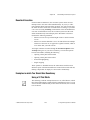
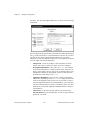
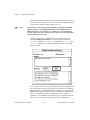
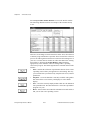
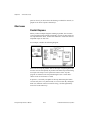
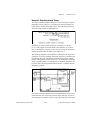
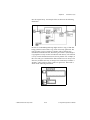
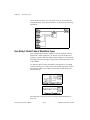
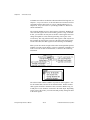
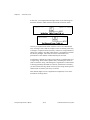
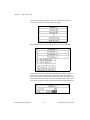
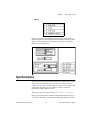
The dialog box in VI Setup»Documentation, shown in the following
illustration, presents you with options concerning entries made to the
History window, which displays the development history of the VI. For
information on the History window, see the VI History Window section
in Chapter 25, Managing Your Applications.
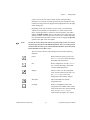
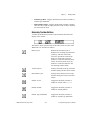
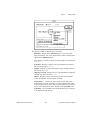
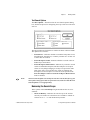
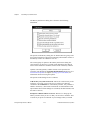
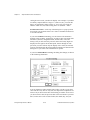
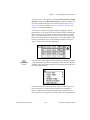
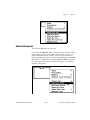
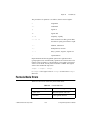
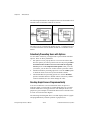
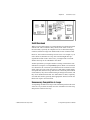
To use any of the first four options in the Documentation menu, the Use
History Defaults (In Preferences Dialog) option must be deselected. If
you select the option, G uses the history preferences instead. The
history preferences are identical, except that they set up the defaults
used when you create any new VI, although the VI Setup documentation
options apply only to the current VI.
© National Instruments Corporation
6-3
G Programming Reference Manual