1
Index
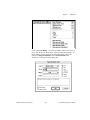
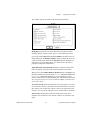
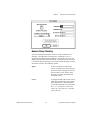
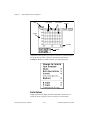
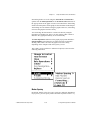
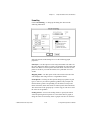
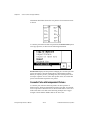
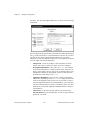
VI Setup dialog box
accessing, 6-1
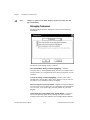
documentation options, 6-3 to 6-4
Add an entry every time this VI is
saved, 6-4
Help Path box, 6-4
Help Tag box, 6-4
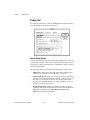
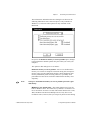
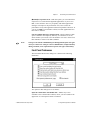
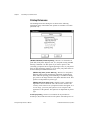
illustration, 6-3
managing applications, 25-9
Prompt for comment when this VI is
closed, 6-4
Prompt for comment when this VI is
saved, 6-4
Use History Defaults (In Preferences
Dialog), 6-3
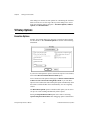
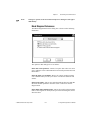
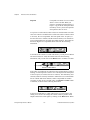
execution options, 6-2 to 6-3
Close Afterwards if Originally
Closed, 6-2
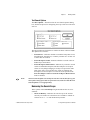
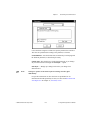
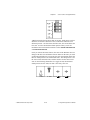
illustration, 6-2
Run When Opened, 6-2
Show Front Panel When Called
option, 6-2
Show Front Panel When Loaded
option, 6-2
Suspend When Called, 6-2
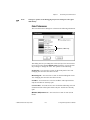
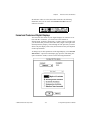
window options, 6-4 to 6-6
Allow Run-Time Pop-Up Menu, 6-5
Allow User to Close Window, 6-5
Auto-Center, 6-5
Dialog Box option, 6-5
Enable Log/Print at Completion, 6-6
Hilite <Return> Boolean, 6-5
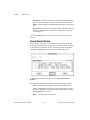
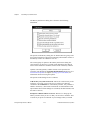
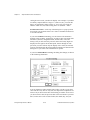
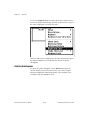
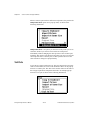
illustration, 6-5
Show Toolbar, 6-6
Size to Screen, 6-5
VI Setup option, 3-21
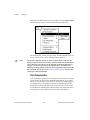
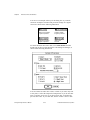
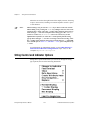
View menu, Hierarchy window, 3-18 to 3-19
Full VI Path in Label option, 3-19
Horizontal Hierarchy option, 3-18
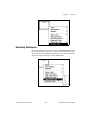
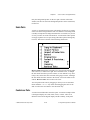
illustration, 3-18
Include Globals option, 3-18
Include Type Defs option, 3-19
Include VIs in vi.lib option, 3-18
G Programming Reference Manual
Redraw option, 3-18
Show All VIs option, 3-18
Vertical Hierarchy option, 3-18
views
installing and changing, 7-26
working with views, 7-29
VIs. See also applications, managing; subVIs.
building. See building VIs.
components, 1-1 to 1-6
debugging. See debugging VIs.
definition, 1-1
editing. See editing VIs.
executing. See executing VIs.
finding, 3-24 to 3-25
launching automatically, B-14 to B-15
loading, questions about, B-10 to B-12
performance issues. See performance
issues.
portability issues, 27-1 to 27-5
ease of porting between platforms,
27-2
nonportable VIs, 27-1
overview, 27-1
picture differences, 27-4 to 27-5
questions about, B-6
resolutions and font differences,
27-2 to 27-4
separator character differences, 27-2
printing, 5-1 to 5-9
active window, 5-2
alternative printing methods, 5-9
configuring printouts, 5-1 to 5-2
history information, 5-6
options, 5-3 to 5-6
programmatic, 5-7 to 5-8
running, 4-1 to 4-4
running repeatedly, 4-5
saving, 2-27 to 2-30
individual VI files, 2-28 to 2-29
VI libraries (.LLBs), 2-29 to 2-30
stopping, 4-4
structure, 1-2
VIs by Name option, 3-25
I-56
© National Instruments Corporation