1
Chapter 4
Executing and Debugging VIs and SubVIs
system. Type definitions are treated just like standard custom controls
when used to probe data.
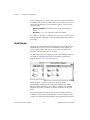
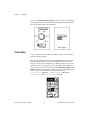
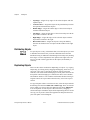
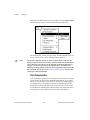
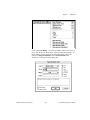
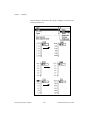
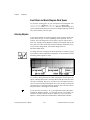
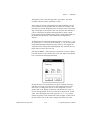
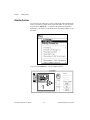
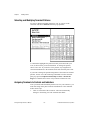
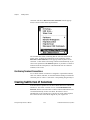
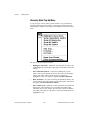
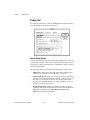
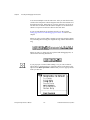
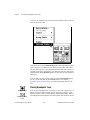
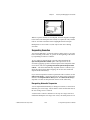
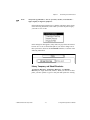
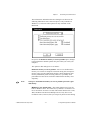
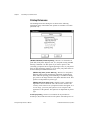
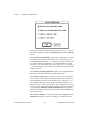
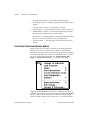
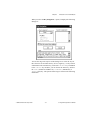
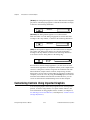
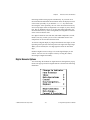
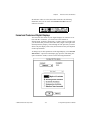
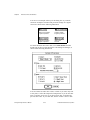
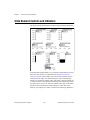
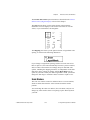
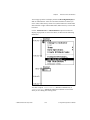
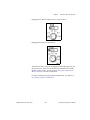
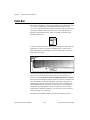
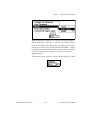
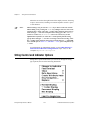
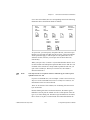
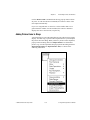
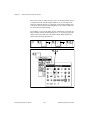
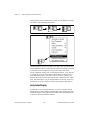
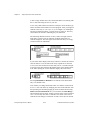
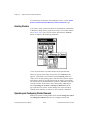
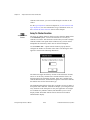
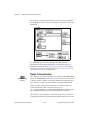
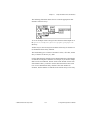
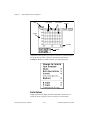
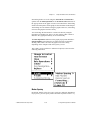
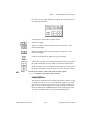
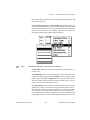
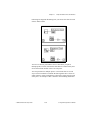
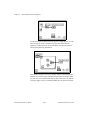
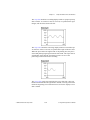
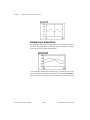
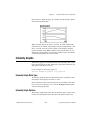
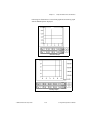
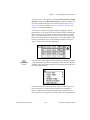
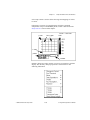
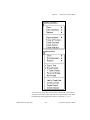
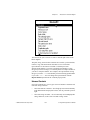
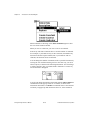
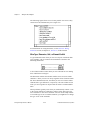
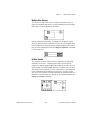
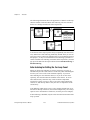
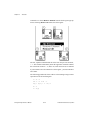
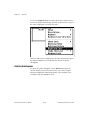
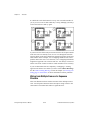
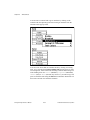
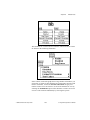
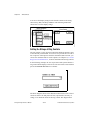
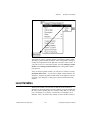
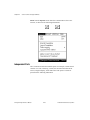
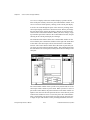
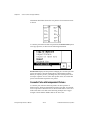
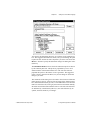
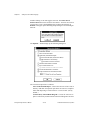
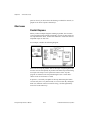
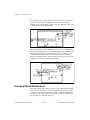
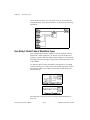
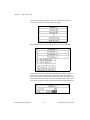
Only those parts of the Custom Probe palette that might match the data
type of the wire are enabled. If you choose a control that cannot have
the same data type as the wire, G signals this mismatch with a beep. For
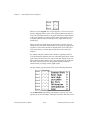
example, with arrays and clusters, you cannot use the array and cluster
shells from the Array & Cluster palette, because they are not completed
data types.
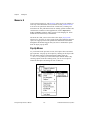
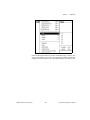
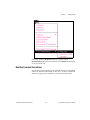
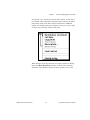
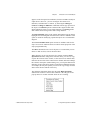
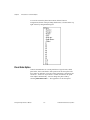
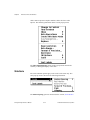
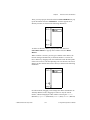
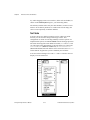
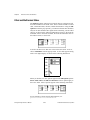
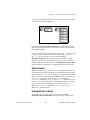
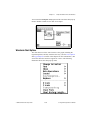
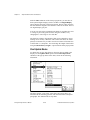
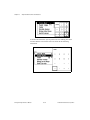
You can add your own palettes to the end of the Custom Probe palette,
just as you can add them to the Controls palette. See Chapter 7,
Customizing Your G Environment, for more information on how to do
this.
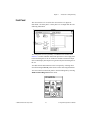
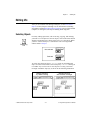
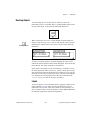
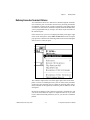
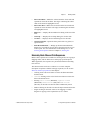
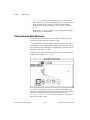
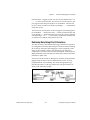
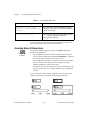
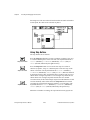
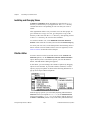
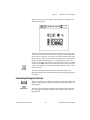
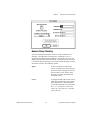
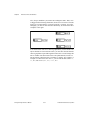
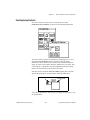
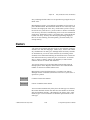
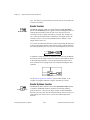
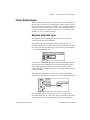
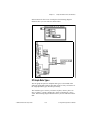
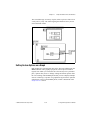
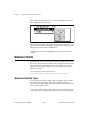
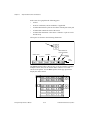
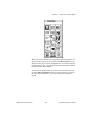
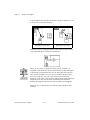
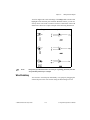
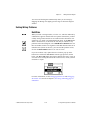
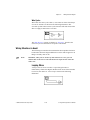
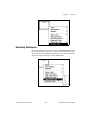
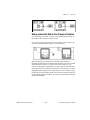
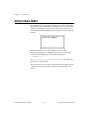
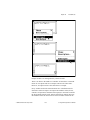
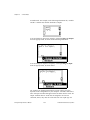
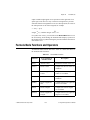
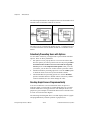
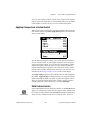
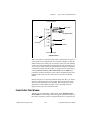
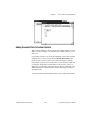
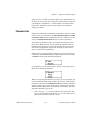
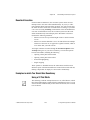
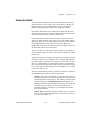
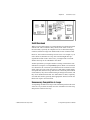
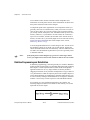
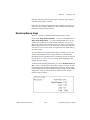
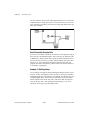
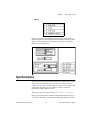
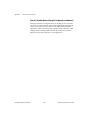
Placing Breakpoint Tools
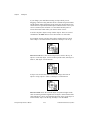
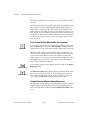
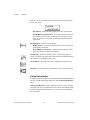
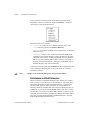
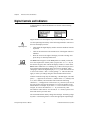
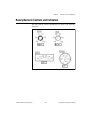
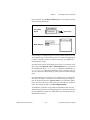
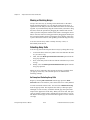
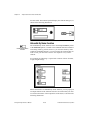
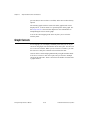
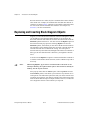
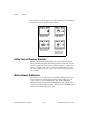
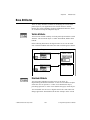
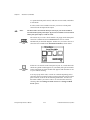
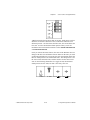
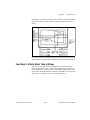
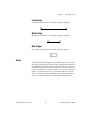
Breakpoint tool
Clear Breakpoint
cursor
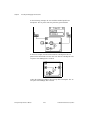
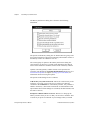
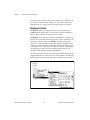
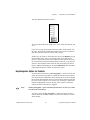
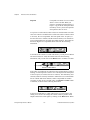
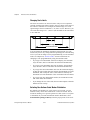
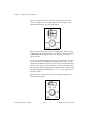
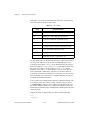
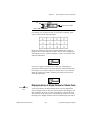
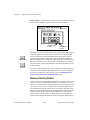
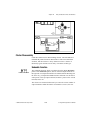
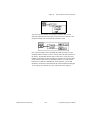
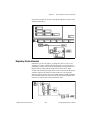
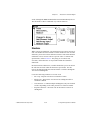
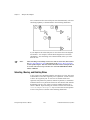
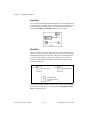
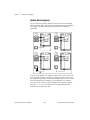
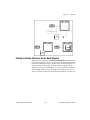
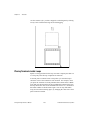
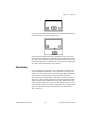
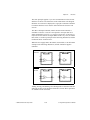
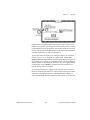
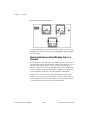
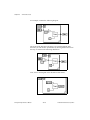
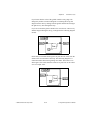
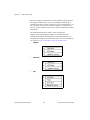
You can place a breakpoint on a VI, node, or wire to set a pause to occur
during execution. Nodes include subVIs, functions, structures, Code
Interface Nodes (CINs), Formula Nodes, and Attribute Nodes. When a
block diagram has a breakpoint, execution pauses after all nodes on the
G Programming Reference Manual
4-26
© National Instruments Corporation