1
Running SQL*Plus Commands
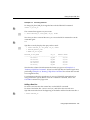
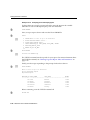
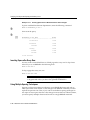
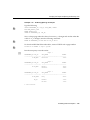
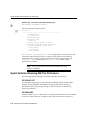
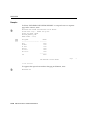
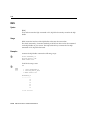
Example 5–2 Entering a SQL*Plus Command
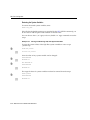
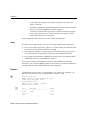
This example shows how you might enter a SQL*Plus command to change the
format used to display the column SALARY of the sample view, EMP_DETAILS_
VIEW.
1.
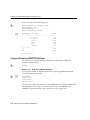
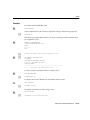
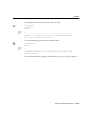
On the command-line, enter this SQL*Plus command:
COLUMN SALARY FORMAT $99,999 HEADING ’MONTHLY SALARY’
If you make a mistake, use Backspace to erase it and re-enter. When you have
entered the line, press Return. SQL*Plus notes the new format and displays the
SQL*Plus command prompt again, ready for a new command.
2.
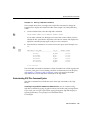
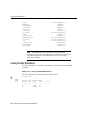
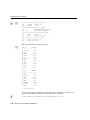
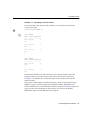
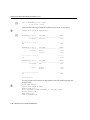
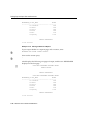
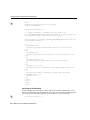
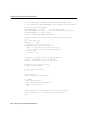
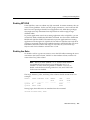
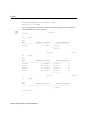
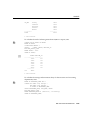
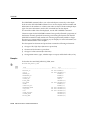
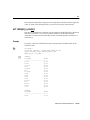
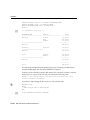
Enter the RUN command to re-run the most recent query (from Example 2-3):
RUN
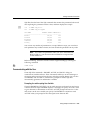
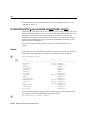
EMPLOYEE_ID
----------100
101
102
145
146
201
LAST_NAME
------------------------King
Kochhar
De Haan
Russell
Partners
Hartstein
JOB_ID
MONTHLY SALARY
---------- -------------AD_PRES
$24,000
AD_VP
$17,000
AD_VP
$17,000
SA_MAN
$14,000
SA_MAN
$13,500
MK_MAN
$13,000
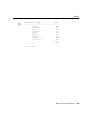
6 rows selected.
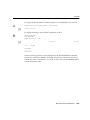
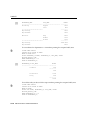
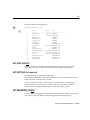
The COLUMN command formatted the column SALARY with a dollar sign ($) and
a comma (,) and gave it a new heading. The RUN command then re-ran the query
of Example 5–1, "Entering a SQL Command", which was stored in the buffer.
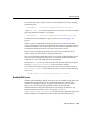
SQL*Plus does not store SQL*Plus commands in the SQL buffer.
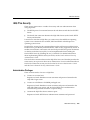
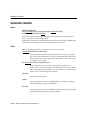
Understanding SQL*Plus Command Syntax
SQL*Plus commands have a different syntax from SQL commands or PL/SQL
blocks.
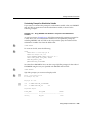
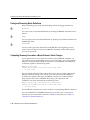
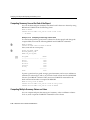
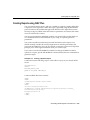
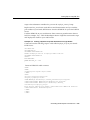
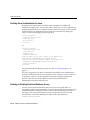
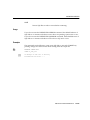
Continuing a Long SQL*Plus Command on Additional Lines You can continue a long
SQL*Plus command by typing a hyphen at the end of the line and pressing Return.
If you wish, you can type a space before typing the hyphen. SQL*Plus displays a
right angle-bracket (>) as a prompt for each additional line.
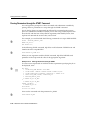
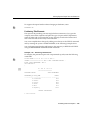
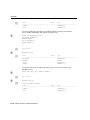
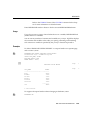
For example:
SQL*Plus Basics
5-9