1
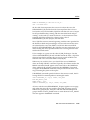
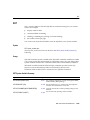
SPOOL
SPOOL
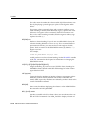
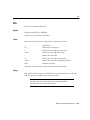
SPOOL is not available in iSQL*Plus. Use preference settings to output to a file.
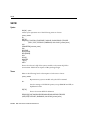
Syntax
SPO[OL] [file_name[.ext]|OFF|OUT]
Stores query results in a file, or optionally sends the file to a printer.
Terms
Refer to the following list for a description of each term or clause:
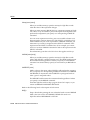
file_name[.ext]
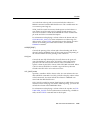
Represents the name of the file to which you wish to spool. SPOOL followed by file_name begins spooling displayed output to the named file.
If you do not specify an extension, SPOOL uses a default extension
(LST or LIS on most systems).
OFF
Stops spooling.
OUT
Stops spooling and sends the file to your host computer’s standard
(default) printer. This option is not available on some operating systems.
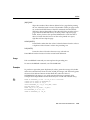
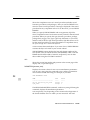
Enter SPOOL with no clauses to list the current spooling status.
Usage
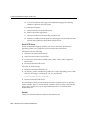
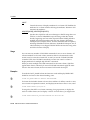
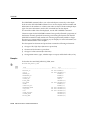
To spool output generated by commands in a script without displaying the output
on the screen, use SET TERMOUT OFF. SET TERMOUT OFF does not affect output
from commands run interactively.
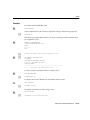
Examples
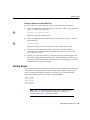
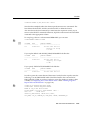
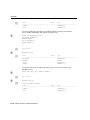
To record your output in the file DIARY using the default file extension, enter
SPOOL DIARY
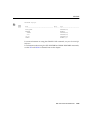
To stop spooling and print the file on your default printer, enter
SPOOL OUT
SQL*Plus Command Reference 13-131