1
APPEND
APPEND
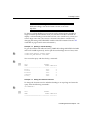
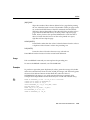
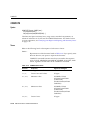
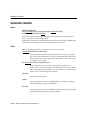
APPEND is not available in iSQL*Plus.
Syntax
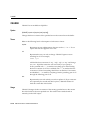
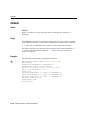
A[PPEND] text
Adds specified text to the end of the current line in the SQL buffer.
Terms
Refer to the following for a description of the term or clause:
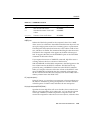
text
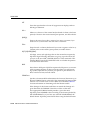
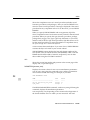
Represents the text to append. To separate text from the preceding characters with a space, enter two spaces between APPEND and text.
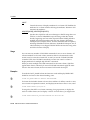
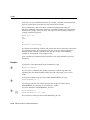
To APPEND text that ends with a semicolon, end the command with
two semicolons (SQL*Plus interprets a single semicolon as an optional
command terminator).
Examples
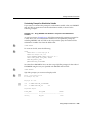
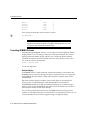
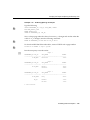
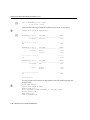
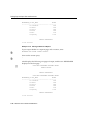
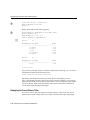
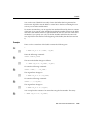
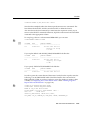
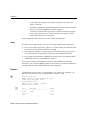
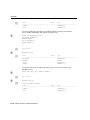
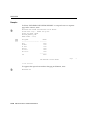
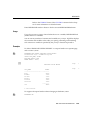
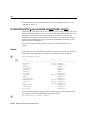
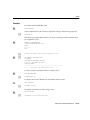
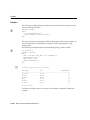
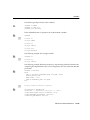
To append a comma delimiter, a space and the column name CITY to the first line of
the buffer, make that line the current line by listing the line as follows:
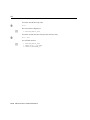
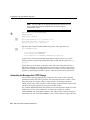
1
1* SELECT DEPARTMENT_ID
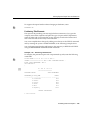
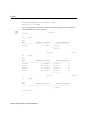
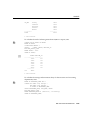
Now enter APPEND:
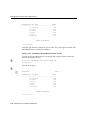
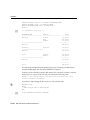
APPEND , CITY
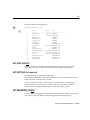
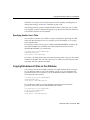
1
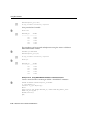
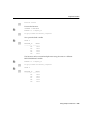
1* SELECT DEPARTMENT_ID, CITY
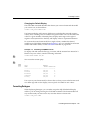
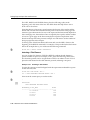
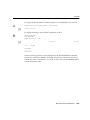
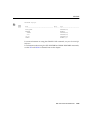
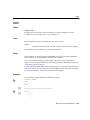
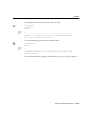
To append a semicolon to the line, enter
APPEND ;;
SQL*Plus appends the first semicolon to the line and interprets the second as the
terminator for the APPEND command.
13-12 SQL*Plus User’s Guide and Reference