1
SET
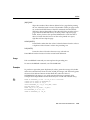
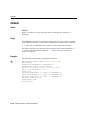
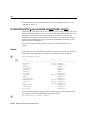
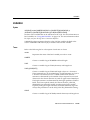
When FIPS flagging is enabled, SQL*Plus displays a warning for the CONNECT,
DISCONNECT, and ALTER SESSION SET FLAGGER commands, even if they are
successful.
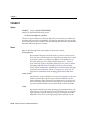
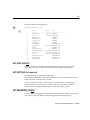
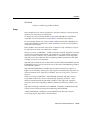
SET FLU[SH] {ON|OFF}
SET FLUSH is not supported in iSQL*Plus
Controls when output is sent to the user’s display device. OFF allows the host
operating system to buffer output. ON disables buffering.
Use OFF only when you run a script non-interactively (that is, when you do not
need to see output and/or prompts until the script finishes running). The use of
FLUSH OFF may improve performance by reducing the amount of program I/O.
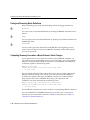
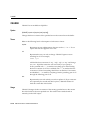
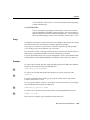
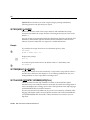
SET HEA[DING] {ON|OFF}
Controls printing of column headings in reports. ON prints column headings in
reports; OFF suppresses column headings.
The SET HEADING OFF command will not affect the column width displayed, and
only suppresses the printing of the column header itself.
Example
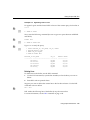
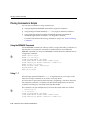
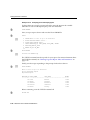
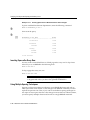
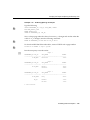
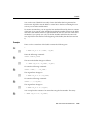
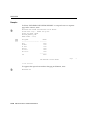
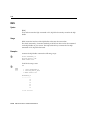
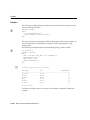
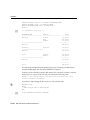
To suppress the display of column headings in a report, enter
SET HEADING OFF
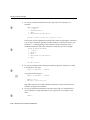
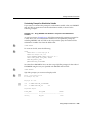
If you then run a SQL SELECT command
SELECT LAST_NAME, SALARY
FROM EMP_DETAILS_VIEW
WHERE JOB_ID = ’AC_MGR’;
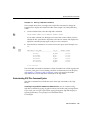
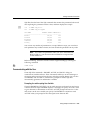
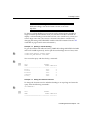
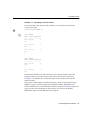
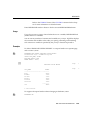
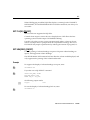
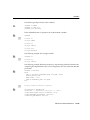
the following output results:
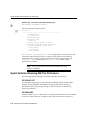
Higgins
12000
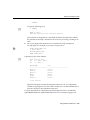
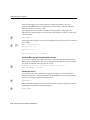
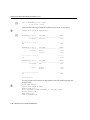
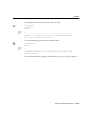
To turn the display of column headings back on, enter
SET HEADING ON
SQL*Plus Command Reference 13-109