1
SET
;
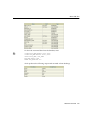
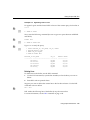
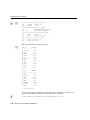
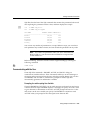
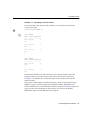
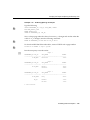
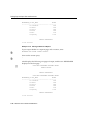
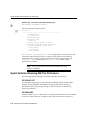
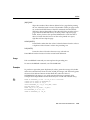
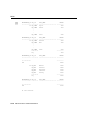
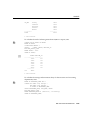
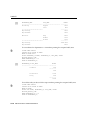
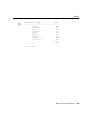
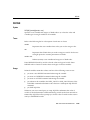
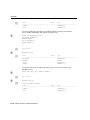
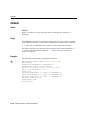
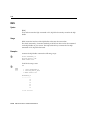
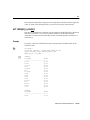
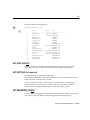
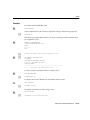
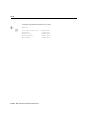
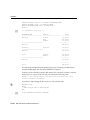
The following output results:
D
X
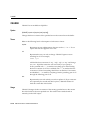
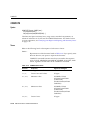
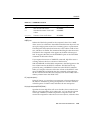
SET SQLC[ASE] {MIX[ED]|LO[WER]|UP[PER]}
Converts the case of SQL commands and PL/SQL blocks just prior to execution.
SQL*Plus converts all text within the command, including quoted literals and
identifiers, to uppercase if SQLCASE equals UPPER, to lowercase if SQLCASE
equals LOWER, and makes no changes if SQLCASE equals MIXED.
SQLCASE does not change the SQL buffer itself.
SET SQLCO[NTINUE] {> |text}
SET SQLCONTINUE is not supported in iSQL*Plus
Sets the character sequence SQL*Plus displays as a prompt after you continue a
SQL*Plus command on an additional line using a hyphen (–).
Example
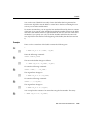
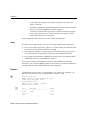
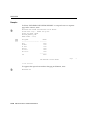
To set the SQL*Plus command continuation prompt to an exclamation point
followed by a space, enter
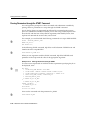
SET SQLCONTINUE ’! ’
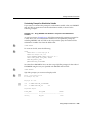
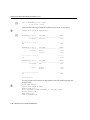
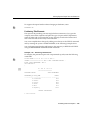
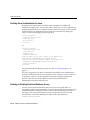
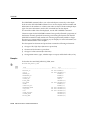
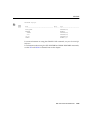
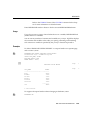
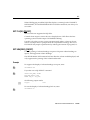
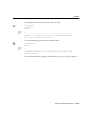
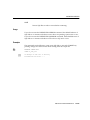
SQL*Plus will prompt for continuation as follows:
TTITLE ’MONTHLY INCOME’ ! RIGHT SQL.PNO SKIP 2 ! CENTER ’PC DIVISION’
The default continuation prompt is "> ".
SQL*Plus Command Reference 13-119