1
SOS Setup Wizard
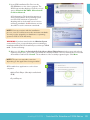
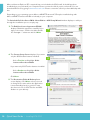
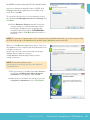
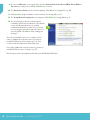
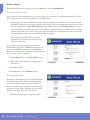
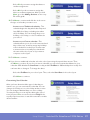
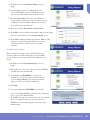
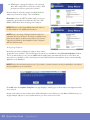
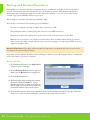
The first time you login to SOS Teacher, the Setup Wizard appears. It walks you through the initial
setup steps for your school. There are three basic steps to be completed before your student(s) can begin
working:
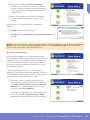
1.Selecting a school term and creating a calendar
2.Adding students
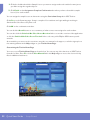
3.Installing curriculum and assigning subjects
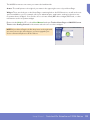
When you click the Finish button at the end of the Setup Wizard, the basic setup for SOS is complete.
You and your students can immediately begin working. As you use SOS, you may find that you want to
customize assignment or grade options for your school, a specific student, or a subject. Please see the
electronic Help file (press F1) for step-by-step instructions on how to do these functions. You can also
access the Help file by clicking User Manual in the Help widget on your Home Page.
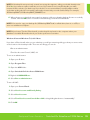
NOTE: Switched-On Schoolhouse includes a tutorial, “How to Use the Setup Wizard” that walks you
through a basic school setup.
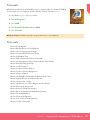
To access the tutorials, click Start on your computer’s taskbar and select All Programs > AOP >
Switched-On Schoolhouse > Tutorials. If you have the Tutorials shortcut icon on your desktop, just
double-click it.
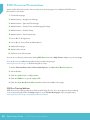
The Setup Wizard may also be viewed online at www.sostutorials.com. Click the tutorials tab on that page
to access the tutorials.
Setup Wizard • Switched-On Schoolhouse® 2014 Edition 25