1
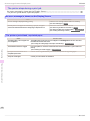
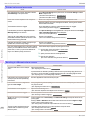
Cannot print over AppleTalk or Bonjour networks
iPF6400
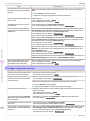
Cause
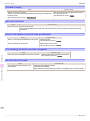
The NetWare server and services are not configured correctly.
The printer was turned off and
on when not disconnected from
the server.
Corrective Action
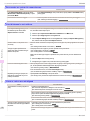
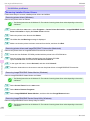
3.
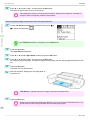
Start NWADMIN or PCONSOLE and confirm that the print service is configured correctly and the
print queue is available.
4.
If data transmission to a printer on another subnet fails, deactivate NCP burst mode in that printer's
network protocol settings.
5.
If the printer is used in queue server mode, specify Other/Unknown as the printer type.
Leave the printer off for at least 30 seconds, and then restore power.
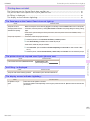
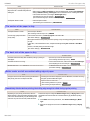
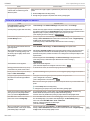
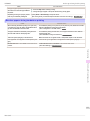
Cannot print over AppleTalk or Bonjour networks
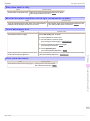
Cause
Corrective Action
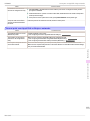
The AppleTalk protocol is not enabled on the printer.
Activate AppleTalk on the printer.
(See "Configuring the Printer's AppleTalk Network Settings.") →User's Guide
The computer you are trying to
print from is not configured correctly.
Make sure the computer's AppleTalk settings are configured correctly.
(See "Configuring the Destination for AppleTalk Networks (Macintosh).") →User's Guide
(See "Configuring the Destination for Bonjour Network (Macintosh).") →User's Guide
The computer and printer are not
on the same network.
Due to the nature of Bonjour, you cannot print if the printer is on another network behind a router.
Make sure the computer and printer are on the same network. For information about network settings,
ask your network administrator.
Troubleshooting
Cannot print over a network
113
Basic Guide