1
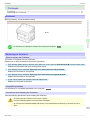
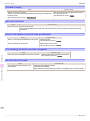
The paper is too small.
iPF6400
Cause
Corrective Action
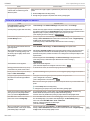
When Detect Mismatch in the Control Panel
menu is set to Pause, the type of paper loaded
does not match the type specified in the printer
driver.
2.
Replace the loaded paper with paper of the type and size you have specified in
the printer driver.
(See "Loading and Printing on Rolls.") →User's Guide
(See "Loading and Printing on Sheets.") →User's Guide
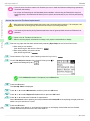
Press ▲ or ▼ to select Print, and then press the OK button to resume printing.
However, note that this error may cause paper jams and affect the printing quality.
When Detect Mismatch in the Control Panel
menu is set to Warning, the type of paper loaded
does not match the type specified in the printer
driver.
You can continue to print, but note that this error may cause problems in the printing
results.
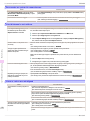
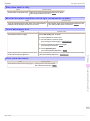
The paper is too small.
Cause
Corrective Action
When Detect Mismatch in the Control Panel
menu is set to Pause, paper smaller than the
size specified in the printer driver is loaded.
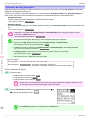
Press ▲ or ▼ to select Print, and then press the OK button to resume printing.
However, note that this error may cause paper jams and affect the printing quality.
Adjust the paper size setting in the printer driver to match the size loaded in the printer
as follows.
1.
Press ▲ or ▼ to select Stop Printing, and then press the OK button.
2.
Change the paper size setting in the printer driver to the size loaded in the printer
and try printing again.
Replace the loaded paper with paper of a size that matches the size setting in the printer driver as follows.
Press ▲ or ▼ to select Change Paper, and then press the OK button to stop printing.
2.
Replace the loaded paper to match the settings in the printer driver and try printing
again.
(See "Loading and Printing on Rolls.") →User's Guide
(See "Loading and Printing on Sheets.") →User's Guide
You can continue to print, but note that this error may cause problems in the printing
results.
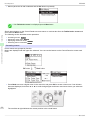
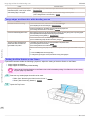
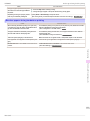
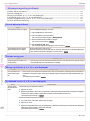
The paper is too small.
Cause
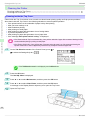
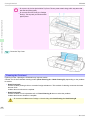
A sheet has come out of the printer during printing.
The loaded paper is too small.
(When you have attempted to print a test print sheet or other
printer status information.)
Corrective Action
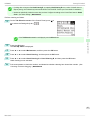
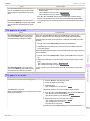
1.
2.
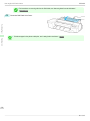
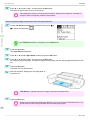
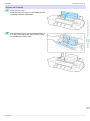
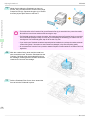
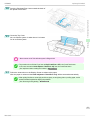
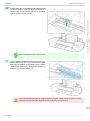
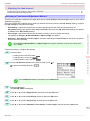
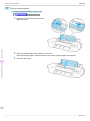
Press the OK button and remove the sheet.
3.
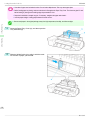
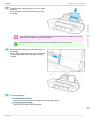
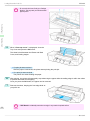
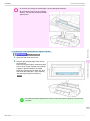
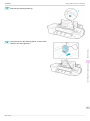
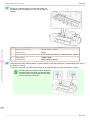
Reload the paper.
(See "Loading Sheets in the Feed Slot.") →P.17
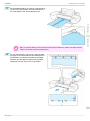
Confirm the paper size and setting.
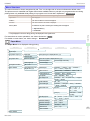
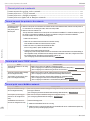
Messages regarding paper
When Detect Mismatch in the Control Panel
menu is set to Warning, paper smaller than the
size specified in the printer driver is loaded.
Error Message
1.
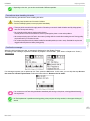
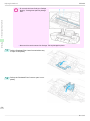
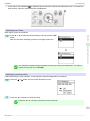
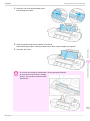
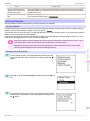
Replace the roll with a roll 10 inches in width or larger as follows.
1.
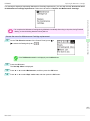
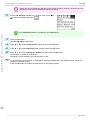
Press ▲ or ▼ to select Change Paper, and then press the OK button.
(See "Removing the Roll from the Printer.") →P.14
(See "Removing Rolls From the Roll Holder.") →User's Guide
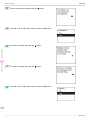
2.
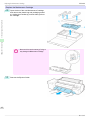
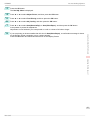
Replace the roll with a roll 10 inches wide or larger.
(See "Loading Rolls on the Roll Holder.") →P.9
(See "Loading Rolls in the Printer.") →P.11
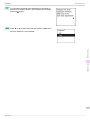
The printer will resume printing.
Press ▲ or ▼ to select Stop Printing, and then press the OK button.
121
Basic Guide