1
iPF6400
1
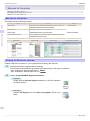
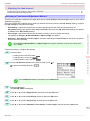
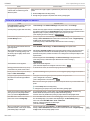
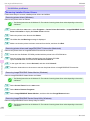
Removing Installed Printer Drivers
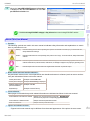
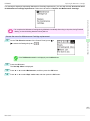
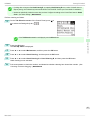
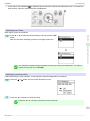
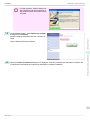
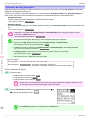
From the Windows start menu, select Programs > imagePROGRAF Device Setup Utility > Uninstaller
(imagePROGRAF Device Setup Utility) to start the wizard.
2
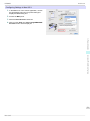
In the wizard window, click Delete, and then click Next.
3
Follow the instructions on the screen to remove imagePROGRAF Device Setup Utility.
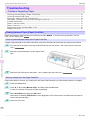
Troubleshooting
Installation problems
115
Basic Guide