1
Clearing Jammed Roll Paper
3
iPF6400
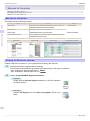
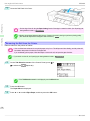
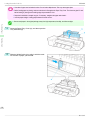
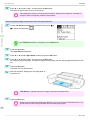
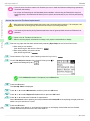
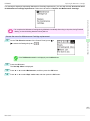
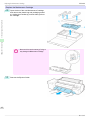
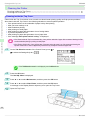
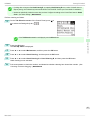
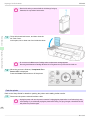
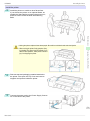
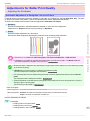
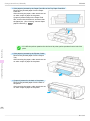
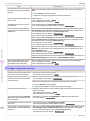
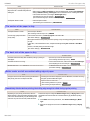
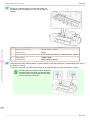
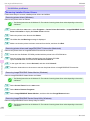
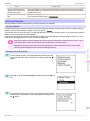
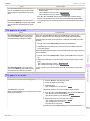
Remove the jammed paper.
• If paper is jammed inside the Top Cover
→User's Guide (HTML)
1.
Troubleshooting
2.
3.
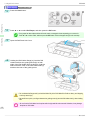
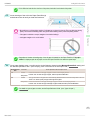
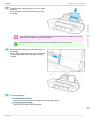
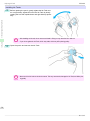
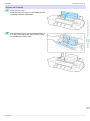
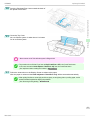
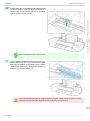
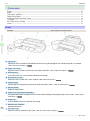
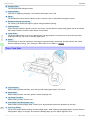
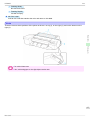
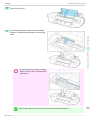
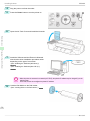
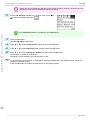
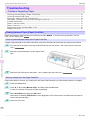
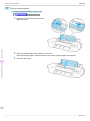
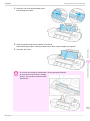
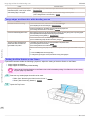
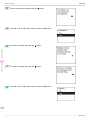
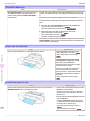
Open the Top Cover and move the Carriage to the side.
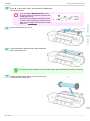
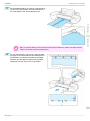
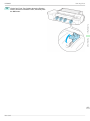
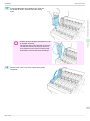
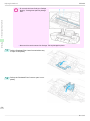
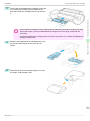
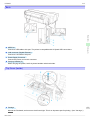
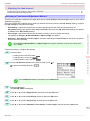
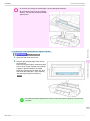
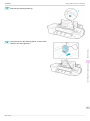
Clear any jammed paper from inside the Top Cover.
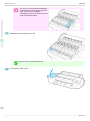
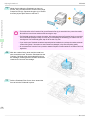
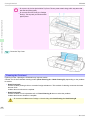
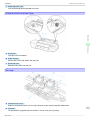
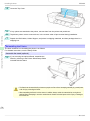
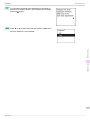
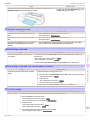
After removing the paper, make sure there are no other scraps of paper in the printer.
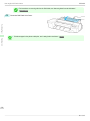
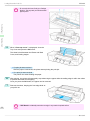
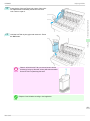
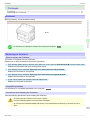
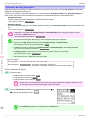
Close the Top Cover.
Problems Regarding Paper
92
Basic Guide