1
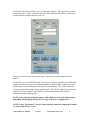
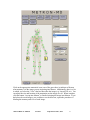
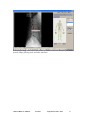
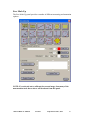
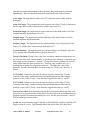
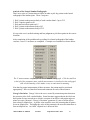
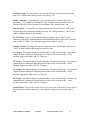
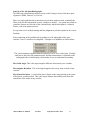
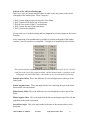
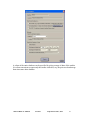
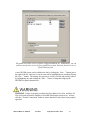
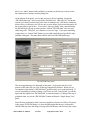
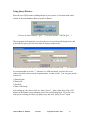
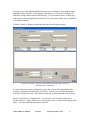
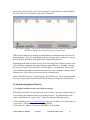
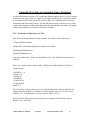
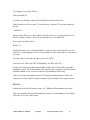
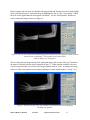
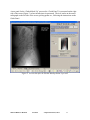
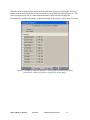
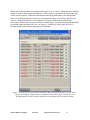
Figure 20. The “Edit” button next to each parameter can be used to edit the
“desirable range” used in the set of zones. The user may also assign an “importance”
as Low, Medium, or High, to each measure. These importance values are not used in
any computation, but merely as notes to the practitioner.
Metron-MD User Manual
Version 6
© EponaTech LLC, 2011
87