1
Waveform Compare
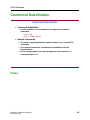
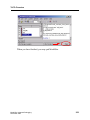
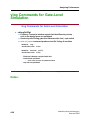
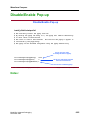
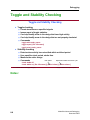
Disable/Enable Pop-up
Disable/Enable Pop-up
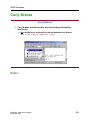
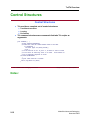
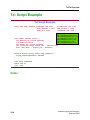
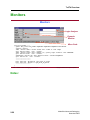
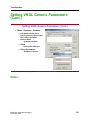
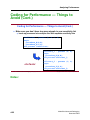
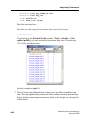
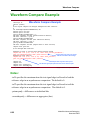
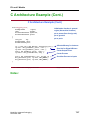
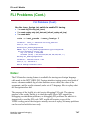
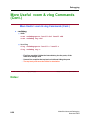
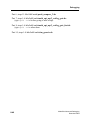
install_dir/tcl/vsim/pref.tcl
#
#
#
#
#
#
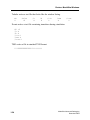
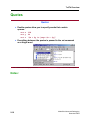
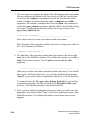
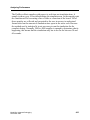
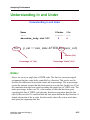
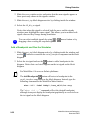
The following control the popup info box.
By setting the popup off delay to 0, the popup will remain indefinitely
or until there is mouse motion.
The value is time in milliseconds. The time for the popup to appear is
controlled by the popup delay.
The popup can be disabled altogether using the popup enabled flag.
Set to non zero value
to modify duration of popup
set PrefCompare(PopupDelay)
1000
set PrefCompare(PopupOff)
0
set PrefCompare(PopupEnabled) 1
Set to zero and popup remains
until mouse movement
Set to zero to disable popup
6-25 • ModelSim® Advanced Debugging: Waveform Compare
Copyright © 2002 Mentor Graphics Corporation
Notes:
ModelSim Advanced Debugging
December 2002
6-25