1
Forms
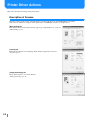
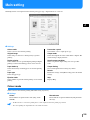
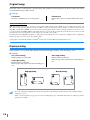
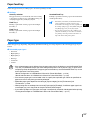
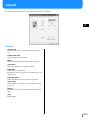
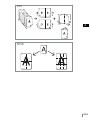
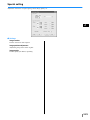
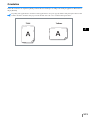
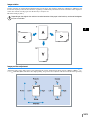
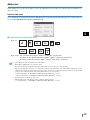
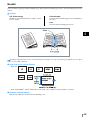
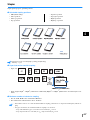
A form registered in the printer can be selected for overlaying it on the output data for printing.
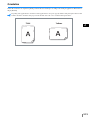
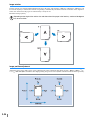
This function is useful for printing two separate originals (separate data) onto both sides of paper respectively.
Registration of form
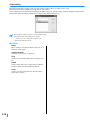
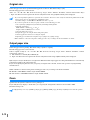
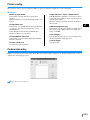
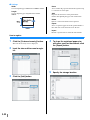
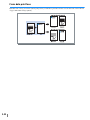
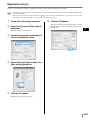
• Create form data in advance and register it in the printer by selecting [Form] at [Output mode] on the [Main setting] tab. Registered form
file names are displayed in [Form list].
"Registration of Form")p.3-33
• Output data overlaid on a form cannot be registered in the storage.
• Multiple forms can be registered.
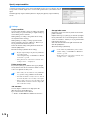
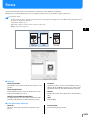
~ Settings
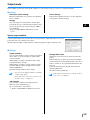
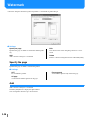
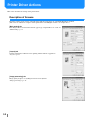
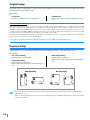
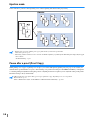
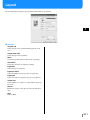
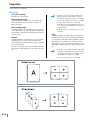
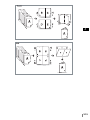
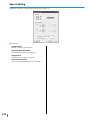
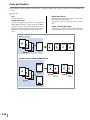
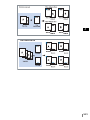
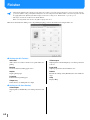
Form print pattern
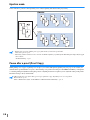
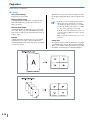
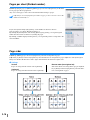
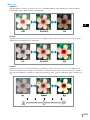
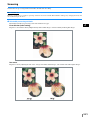
Sets whether or not to print a form onto the same face as output data.
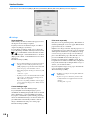
Form data print face
Selects whether to print a form onto the front side or the
back side in Double side overlay.
Specify Front and Back respectively
For duplex printing, two forms can be specified from the
form list for the front side and the back side separately.
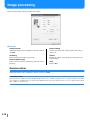
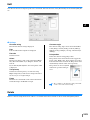
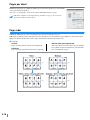
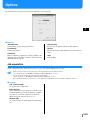
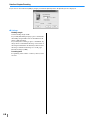
~ Form information displayed
Form list
File name of the forms registered in the printer are displayed.
Form list
Specifies a form for overlay. If a checkmark is placed at
[Specify Front and Back respectively], two forms can be
specified for the front side and the back side separately.
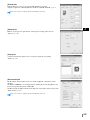
Default
Returns the settings on the [Forms] tab to the default settings.
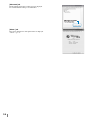
Help
Displays Help.
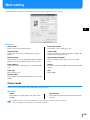
Form preview
The selected form is previewed.
3-29









![1 Click the [OK] button.](http://vs1.manualzilla.com/store/data/005894494_1-d1f52ee6fd3b2146a5f252d3f1858c3b-150x150.png)

![4 Haga clic en el botón [Siguiente].](http://vs1.manualzilla.com/store/data/006302360_1-bfeeab568eca6d90d29143bdf4061d20-150x150.png)
![[4] para - Riso.com](http://vs1.manualzilla.com/store/data/006041379_1-f987c63d0f56da21f929a771461d5686-150x150.png)
![2 Haga clic en el botón [Aceptar].](http://vs1.manualzilla.com/store/data/006292855_1-18424f3b5bf7ebf043fd2e6aa576beb6-150x150.png)